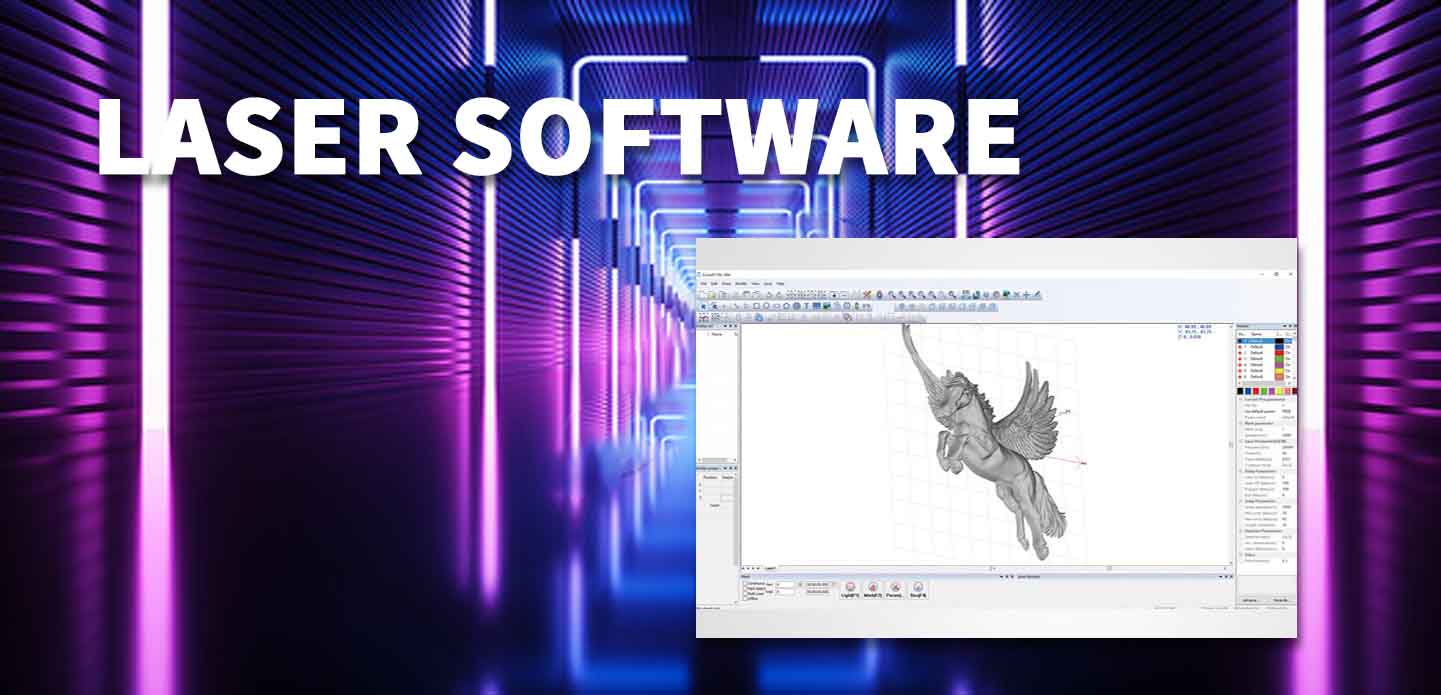
Laser Control Software: Enhancing Precision in Laser Systems
Industrial laser control software is the operating layer that connects a laser-marking job to the hardware that performs it. In an industrial laser system, software must work together with the controller board, laser source, galvo scanner, lens, I/O signals, motion system, safety devices and production-line equipment.
For OEM machine builders, automation integrators and industrial manufacturers, choosing industrial laser control software is not simply about importing a logo or editing text. The real question is whether the complete control system can support the required laser type, marking process, automation workflow, traceability data and future expansion.
JCZ provides laser control systems in which compatible software is supplied with corresponding controller hardware. Software is not sold as a standalone product.
What Does Industrial Laser Control Software Do?
Industrial laser control software allows operators and machine builders to create, import, configure and execute laser-processing tasks.
Depending on the control-system architecture, typical functions may include:
- Text, serial number and logo marking
- QR code, barcode and Data Matrix generation
- Variable date, batch and lot-code marking
- Vector and image file import
- Laser power, speed, frequency and delay settings
- Galvo scanner control
- Rotary-axis and expansion-axis control
- I/O signal control
- External trigger and sensor integration
- Flying marking or conveyor synchronization
- Vision positioning
- Production data import
- Parameter-library management
- Operator workflow and job-file management
- SDK or API integration for custom automation projects
The software should always be evaluated together with its compatible controller and hardware configuration.
What to Look for in Laser Engraving Software?
Before diving into specific tools, consider these key factors for how to choose laser engraving software:
- Compatibility: Support for CO2, diode, or fiber lasers? CO2 diode fiber laser compatibility is crucial—galvo systems (fiber) need different drivers than gantry machines.
- Features: Vector/raster editing, image tracing, material presets, real-time preview, rotary support, and job management.
- Ease of Use: Beginner-friendly interface vs advanced customization for pros.
- Platform & Pricing: Windows/macOS/Linux support? Free, one-time purchase, or subscription?
- Performance: Speed, precision, and integration with universal laser drivers for seamless hardware control.
Universal Laser Drivers: Compatibility Across Different Systems
Universal laser drivers are crucial for ensuring that laser engraving systems can work with various types of lasers and hardware. These drivers serve as the intermediary between the laser control software and the laser hardware, allowing for seamless integration and communication. Whether you’re working with CO2 lasers, fiber lasers, or diode lasers, universal laser drivers provide the flexibility to control a wide range of machines with a single set of software tools. This compatibility is essential for users who need a versatile solution that works across different laser platforms.

What Does Industrial Laser Control Software Do?
Laser Engraver Software: Tailored for Efficiency and Design
Laser engraver software is designed specifically for users who want to engrave and cut designs with precision. These programs are optimized for creating, editing, and processing vector and raster files to be used in laser engraving machines. Whether you’re engraving artwork, text, or logos, laser engraver software makes it easy to convert your design into a format that can be understood by the laser machine. By integrating advanced features like material compatibility, job management, and real-time monitoring, this software allows operators to work more efficiently and achieve better results.
Laser Etching Software: Unlocking Creative Potential
Laser etching software is a specialized tool used for engraving and etching designs on materials like metal, glass, and wood. The primary difference between etching and engraving is the depth of the material removal, and laser etching software enables precise control over this process. With powerful design capabilities, users can produce high-quality, permanent markings and intricate details. These programs are essential for industries like jewelry, trophies, and industrial parts, where detailed etching is required for branding or identification purposes.
Laser Engraving Programs: Maximizing Performance and Design
Laser engraving programs are the suite of tools and features that provide users with everything they need to engrave designs on a variety of materials. These programs typically offer customizable settings for power, speed, and engraving depth, which can be tailored to suit different materials. Advanced laser engraving programs also allow users to import vector graphics, set engraving patterns, and control multiple lasers simultaneously for larger production runs. With the right software, users can achieve precision, consistency, and creative results, whether they’re engraving small items or large batches.
Software for Laser Engraver: A Seamless Experience for Operators
Software for laser engravers is designed to streamline the engraving process from design creation to the final product. These programs often include a user-friendly interface that simplifies tasks like uploading designs, adjusting engraving parameters, and managing files for different jobs. By offering pre-set parameters for common materials, as well as the ability to create custom settings, laser engraver software makes the process more efficient and user-friendly. It’s an essential tool for both beginners and experienced laser operators looking to optimize their workflow.
Laser Engraving Machine Software: Precision in Every Detail
Laser engraving machine software controls the operation of the engraving system, translating the design file into machine-readable instructions. This software allows users to specify the exact parameters for cutting, engraving, and marking, ensuring that each job is completed with precision. Many laser engraving machine software solutions are compatible with various laser types, including CO2, fiber, and diode lasers, and offer powerful features like vector and raster editing, real-time job monitoring, and material-specific settings. By providing all the tools necessary for successful engraving, this software is an indispensable part of any laser operation.
Best Laser Engraver Software: Choosing the Right Solution
When selecting the best laser engraver software, it’s important to consider factors such as compatibility, ease of use, and the specific needs of your laser system. Some of the top options on the market offer a wide range of features, from file conversion and vector editing to advanced laser control and job management. The best laser engraver software is intuitive, flexible, and designed to handle various engraving tasks with ease. Whether you’re engraving on wood, glass, or metal, these programs provide the tools necessary to achieve professional-grade results.
Laser Engraving Design Software: Crafting Detailed and Complex Designs
Laser engraving design software is used to create and edit the designs that will be engraved by the laser machine. These programs allow users to import graphics, adjust sizes, and tweak designs to ensure the final product matches their vision. Some laser engraving design software also includes tools for vector tracing, image optimization, and pattern creation, making it a valuable tool for intricate designs or detailed text. By providing precise control over the design process, these programs enable users to create unique, personalized items with ease.
Programs for Laser Engraving: Versatile Solutions for Any Task
Programs for laser engraving are essential for users who require powerful tools to handle everything from simple engravings to complex multi-stage processes. These programs often include features like layer management, material presets, and multi-job handling, making them suitable for both small-scale and large-scale production environments. Whether you’re engraving personalized gifts, industrial parts, or high-end prototypes, these programs provide the flexibility and control needed to meet your specific engraving needs.
When Should You Choose EZCAD3 with DLC Controllers?
EZCAD3 is designed for industrial projects that require more than standard 2D laser marking.
For OEM machine builders, equipment developers, and automation integrators, industrial laser control software must work together with the correct controller hardware, laser source, galvo system, motion system, I/O signals, and production workflow.
EZCAD3 is used with compatible DLC laser controllers to support advanced laser processing applications, including 2D and 3D marking, dynamic focusing, motion control expansion, variable data processing, and complex
Choose an EZCAD3 + DLC control system when your project requires:
- 2D and 3D laser marking
- Dynamic focus control
- Curved-surface marking
- Large-format laser processing
- Multi-axis motion expansion
- High-precision galvo calibrat
- Variable QR codes, serial numbers, and production data
- Vision positioning or advanced automation
- Ethernet-based machine communication
- OEM laser equipment devel
- Complex industrial marking workflows
EZCAD3 software is supplied with compatible original DLC controller hardware as part of a laser-control syst.
EZCAD2 + LMC vs EZCAD3 + DLC
| Requirement | EZCAD2 + LMC | EZCAD3 + DLC |
|---|---|---|
| Main use | Standard 2D laser marking | Advanced 2D, 2.5D and 3D laser processing |
| Typical users | Standard laser-machine OEMs, replacement-board buyers | Equipment develo |
| Control architecture | LMC controller series | DLC controller series |
| 3D marking | Limited / project-dependent | Designed for advanced 3D applications |
| Dynamic focus | Not the main positioning | Supported with compatible configuration |
| Motion expansion | Basic conf | Higher-performance motion-control expansion |
| Variable data | Standard marking data | Advanced variable data and automation workflows |
| Vision integration | Proje | Better suited to advanced integration projects |
| Best fit | Standard serial numbers, l | Curved surfaces, deep engraving, dynamic focus, complex automation |
Choose EZCAD2 + LMC when you need a practical and stable solution for standard industrial laser marking.
Choose EZCAD3 + DLC when your project requires more advanced processing capability, greater system expansion, 3D functions, dynamic focus, or OEM automation integration.
What Is Not Sold Separately
JCZ laser-control software is provided as part of compatible controller hardware and laser-system configurations.
It is not sold as standalone software for unrelated controller boards, third-party hardware or unsupported machines.
For replacement, OEM or integration projects, customers should provide:
- Existing controller-board photo
- Laser-source model
- Galvo model
- Software version
- Cable and connector photos
- Required functions
- Machine layout
- Production requirements
This helps confirm the correct hardware and software path before ordering.
Conclusion: The Right Software for Every Laser Engraving Task
From laser control software to universal laser drivers, choosing the right software is essential for achieving precision and high-quality results in laser engraving and etching. The best laser engraver software offers versatility, ease of use, and powerful design capabilities to suit a wide range of materials and applications. Whether you’re a hobbyist or a professional, having the right engraving programs will enhance your productivity and creativity, ensuring that every laser engraving job is executed flawlessly.
Ready to upgrade your laser system? Contact our team for EZCAD-compatible machines and expert advice on laser engraving software comparison.


2026 Mid-Autumn Festival and National Day Holiday Notice
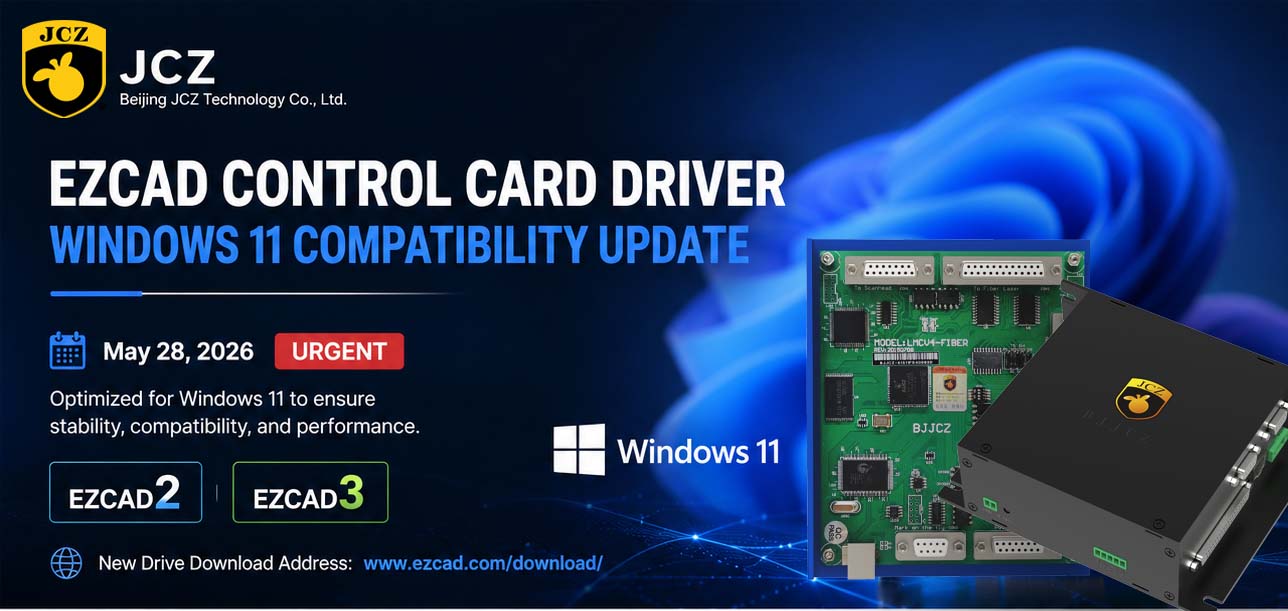
OFFICIAL DRIVER UPDATE NOTICE

Top Factors That Affect Marking Quality in Handheld Fiber Laser Systems
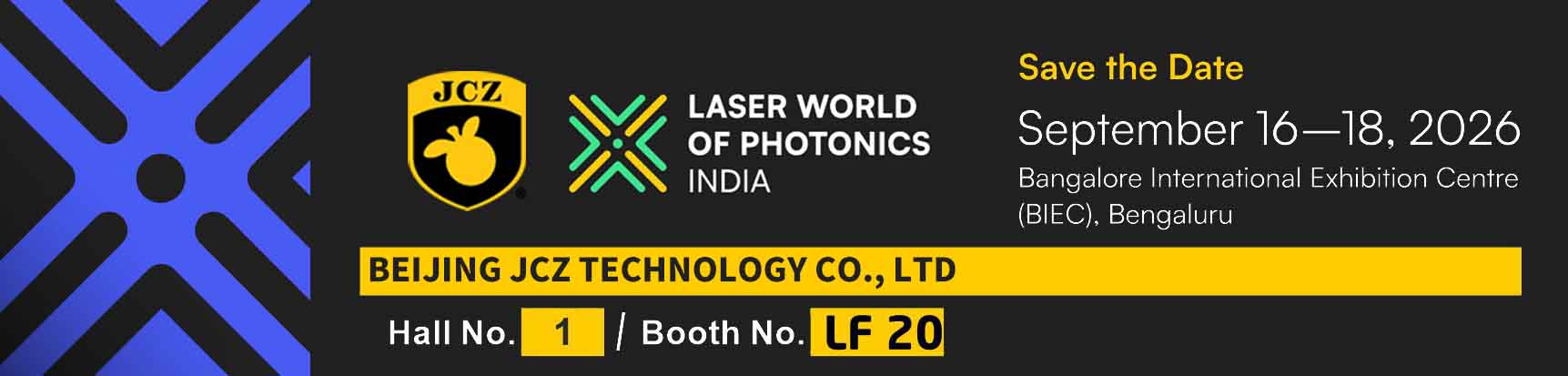
Meet JCZ at Laser World of Photonics India 2026 in Bengaluru
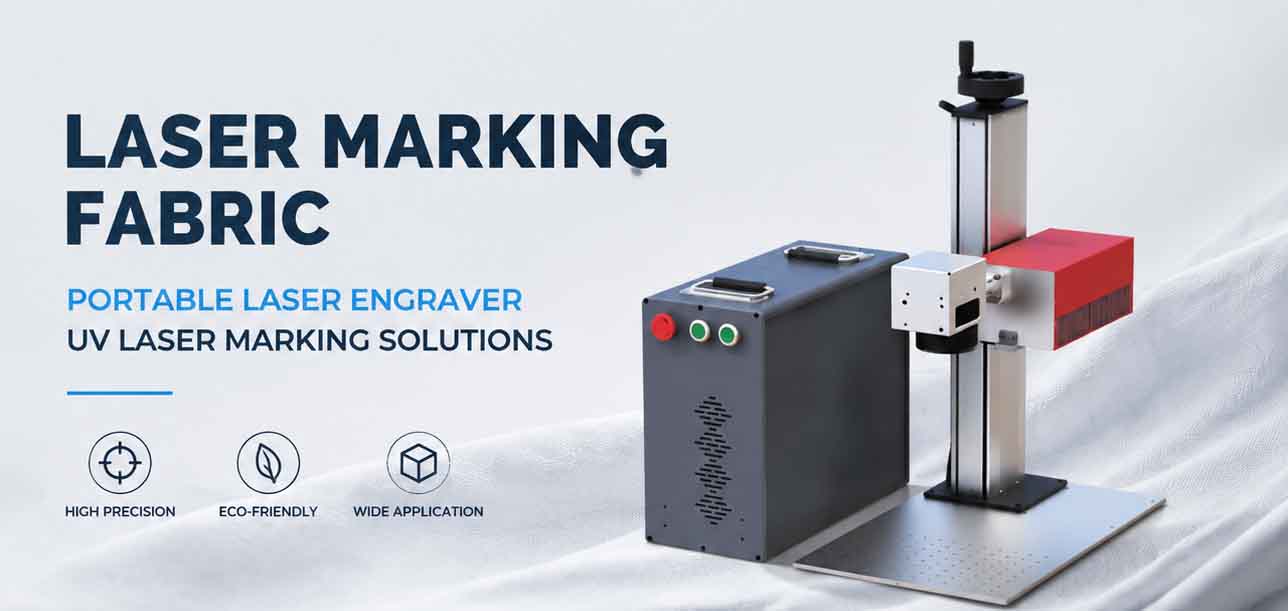
Laser Marking Fabric with Portable Laser Engraver: Advanced UV Laser Marking Solutions for Modern Manufacturing
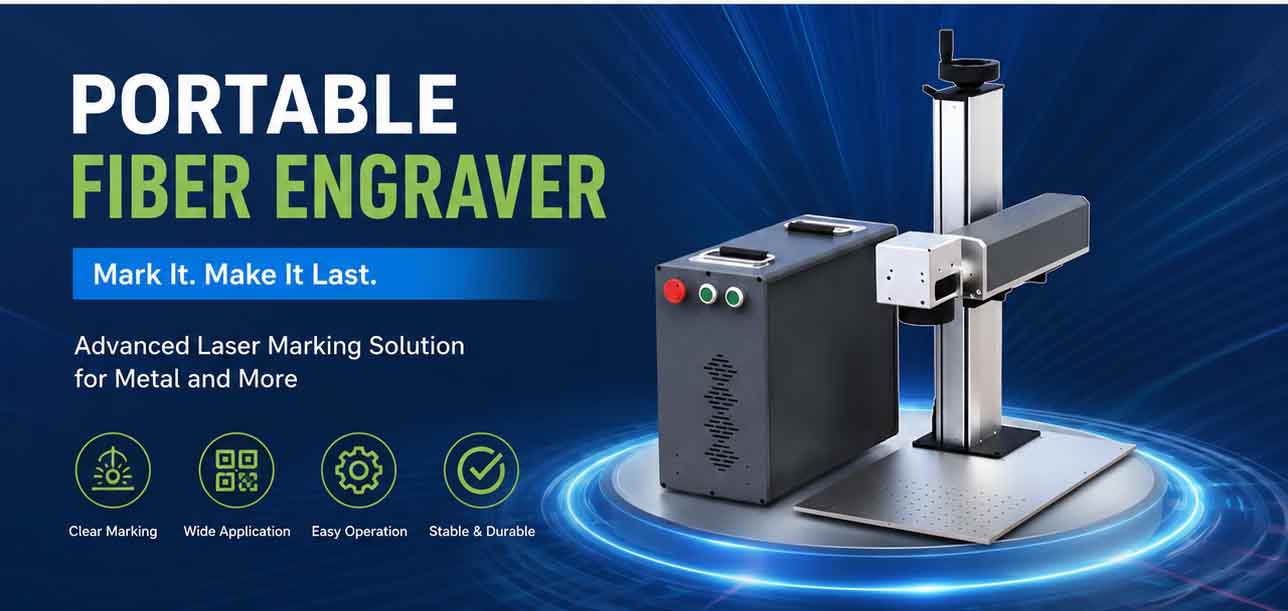
Laser Machine for Marking: The Ultimate Guide to Portable Fiber Engravers & MOPA Color Laser Marking