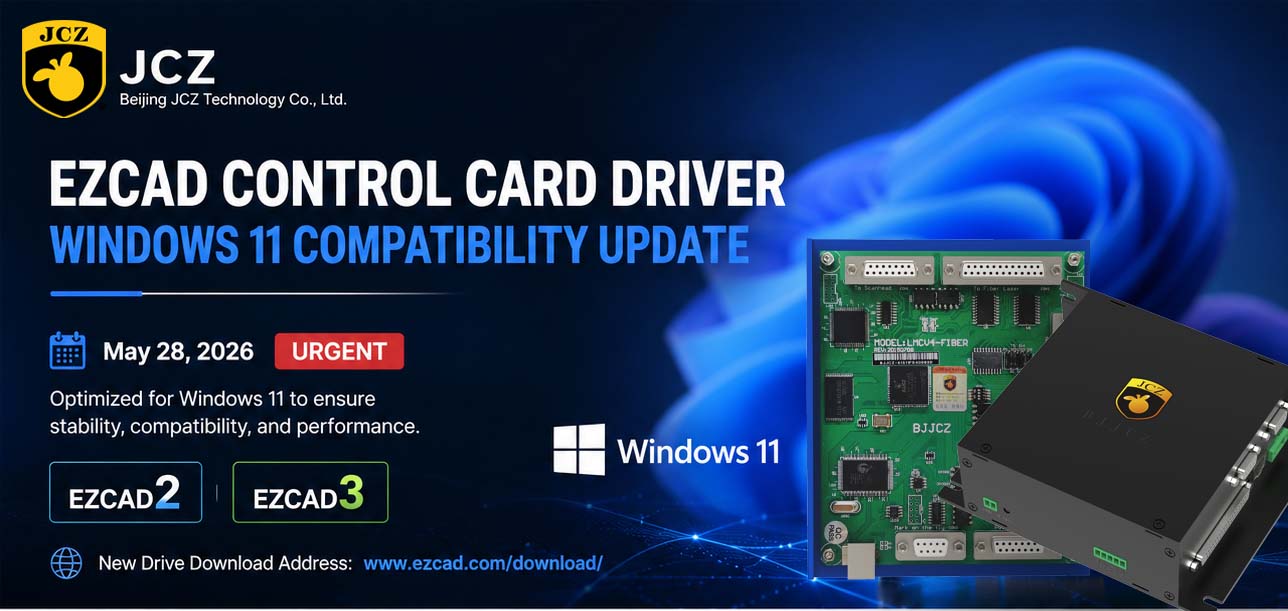
EZCAD Control Card Driver — Windows 11 Compatibility Update
Date: May 28, 2026 Priority: URGENT
1. PURPOSE & BACKGROUND
This notice informs customers of a critical EZCAD control card driver update due to Microsoft’s Windows 11 system updates. After the latest Windows 11 updates, the Technical Support Division received reports of operational anomalies in EZCAD – controlled laser marking systems, such as driver incompatibility errors, intermittent functionality disruptions, and device recognition failures. Beijing JCZ Technology Co., Ltd. completed driver optimization, compatibility validation, and stability testing to ensure interoperability with Windows 11.
2. SCOPE OF UPDATE
EZCAD2
EZCAD3
New Drive download address: www.ezcad.com/download/

3. REQUIRED ACTIONS
To ensure proper implementation of this driver update, please adhere to the following procedural sequence:
| Phase | Procedure | Detailed Instructions |
| Phase I | Preparation | Ensure all active EZCAD applications are closed. Back up any critical configuration files. Verify administrative privileges on the host system. |
| Phase II | Uninstallation | Navigate to Device Manager or Control Panel > Programs and Features. Locate the existing EZCAD control card driver. Execute complete uninstallation and restart the system if prompted. |
| Phase III | Installation | Download the updated driver package from the official Beijing JCZ Technology portal or the secure distribution link provided by your authorized representative. Execute the installer and follow on-screen instructions. |
| Phase IV | Verification | Restart the host device to finalize driver registration. Launch EZCAD software and confirm control card recognition. Verify operational functionality through a test marking sequence. |
IMPORTANT: Ensure the host device remains connected to a stable power source throughout the entire update process. Do not interrupt the installation sequence once initiated.
4. TECHNICAL SUPPORT & CONTACT
Primary Email sales01@bjjcz.com
Online Support Submit a technical support via the official Beijing JCZ Technology website www.ezcad.com.
Response Commitment Our Technical Support Division commits to responding to all inquiries within 24 business hours and providing comprehensive resolution guidance.
5. DISCLAIMER
Beijing JCZ Technology Co., Ltd. is not liable for disruptions, data loss, or equipment damage from not updating the driver in time.
2026 Mid-Autumn Festival and National Day Holiday Notice
OFFICIAL DRIVER UPDATE NOTICE

Top Factors That Affect Marking Quality in Handheld Fiber Laser Systems
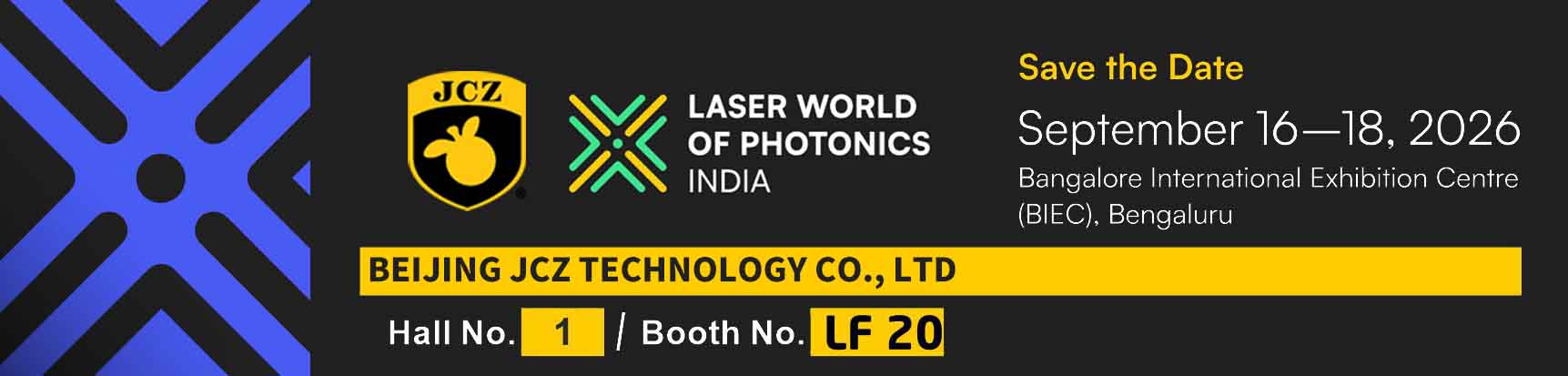
Meet JCZ at Laser World of Photonics India 2026 in Bengaluru
Laser Marking Fabric with Portable Laser Engraver: Advanced UV Laser Marking Solutions for Modern Manufacturing
Laser Machine for Marking: The Ultimate Guide to Portable Fiber Engravers & MOPA Color Laser Marking