A laser control board is the central “brain” of any laser system. Whether you’re operating a laser marking machine, a laser engraving machine, a laser cutting system, or more specialized equipment such as laser cleaning or laser welding setups, the controller board translates design files into precise movements and laser‑firing events. It coordinates the laser source, motors, sensors, and software to ensure that every mark, cut, or weld is completed with the intended speed and accuracy.
For system integrators and OEMs, selecting the right laser controller board directly impacts throughput, quality, and long‑term reliability. This guide explains the main types of laser control boards, their key features, and how to choose a board that matches your laser type, application, and software environment—without duplicating JCZ’s more technology‑specific articles on CO₂ and fiber laser controller boards.
What is a Laser Control Board?
In simple terms, a laser control board is a circuit board responsible for:
- Interpreting toolpaths and commands from software
- Controlling laser power, pulse timing, and modulation
- Driving motors and/or galvo scanners along the programmed path
- Monitoring safety interlocks and system status
In laser engraving and laser cutting machines, the board ensures the laser fires at the correct position, power, and speed while maintaining smooth motion. In laser marking and fly marking lines, timing and synchronization are especially critical, and the board must handle high‑speed data streams and precise triggering.
Depending on the architecture, a controller may focus on motion control only or combine laser and galvo control in a single unit. This distinction is crucial when you’re choosing a board for galvo‑based marking versus gantry‑type cutting.
The Role of the BJJCZ Control Board
The BJJCZ control board is a specialized type of laser control board that has gained recognition for its versatility and reliability in laser applications. It’s often used in engraving and cutting machines and is known for offering precise control over the laser system’s movement and power output. The BJJCZ board is compatible with various laser systems and is particularly popular for its ability to provide stable and responsive control in both low and high-power laser applications.
One of the standout features of the BJJCZ control board is its integration with software tools designed for ease of use. Whether you’re using open-source laser software like LaserGRBL or proprietary applications, the BJJCZ control board provides seamless communication, allowing for accurate engraving or cutting on a wide range of materials.
Main Types of Laser Control Boards
By Laser Type
- CO₂ laser controller board – Optimized for CO₂ (typically 10.6 μm) engraving and cutting on non‑metals such as wood, acrylic, and leather. These boards usually support moderate power levels and emphasize edge quality and speed for flat‑bed or gantry systems.
- Fiber laser control board – Designed for 1064 nm (and sometimes MOPA) sources used in metal marking, deep engraving, and high‑speed cutting. These controllers often include advanced pulse shaping and peak power management to handle metals and plastics.
- UV / green laser controller board – Tailored for 355 nm and 532 nm sources used in high‑precision micro‑processing and color marking. UV controllers typically support fine parameter tuning to avoid thermal damage.
- Multi‑source controllers – Some modern boards support multiple laser types (fiber, CO₂, UV, green) from a single hardware platform, which is valuable for mixed‑process shops.
By Function: Galvo vs Motion‑Only
- Galvo controller board – Controls both the laser and the galvo scanner. It sends position commands to the scanner (often using XY2‑100 or similar protocols), synchronizes laser firing with mirror movement, and handles 2D/3D marking tasks. These boards are the standard choice for laser marking machines, laser engraving stations, and high‑speed fly marking lines.
- Motion‑only laser control board – Focuses on driving stepper or servo motors in gantry systems. It manages X/Y/Z motion but expects another board (or the laser source itself) to handle power modulation. This type is common in large‑format laser cutting machines and some 3D laser printing controllers.
Many modern controllers combine both functions, offering integrated laser and galvo control plus expandable motion axes for rotary attachments, lifting columns, or shuttle tables.
Choose the Correct Software and Controller Family
The BJJCZ control board should be selected together with its compatible software generation. Installing different software does not automatically upgrade the hardware.
LMC Series for Established 2D Marking Systems
The LMC family is a practical direction for standard 2D marking and engraving machines using compatible EZCAD2 software.
The LMCV4 USB Laser and Galvo Controller offers USB 2.0 communication, digital galvo control, 12 input channels, 8 output channels and configurations for different laser-source interfaces.
It is suitable for many standard OEM marking machines, replacement projects, rotary applications and selected flying-marking configurations.
The LMCPCIE Laser and Galvo Controller connects through a PCIe slot and is relevant when the control card must be installed directly in an industrial computer.
This architecture can be considered for compact cabinets, fixed machine computers and projects that prioritize an internal computer connection. The published configuration includes 12 input channels, 8 output channels and a watchdog function.
Review the matching EZCAD2 Software page when defining the software environment.
DLC Series for Advanced 2D, 3D and Automation Projects
The DLC family works with compatible EZCAD3 software and is intended for projects requiring more advanced communication, motion, I/O or three-axis scanning functions.
The DLC2-V2 USB Controller supports USB communication, enhanced three-axis scan-head data, 10 input channels, 8 output channels, two encoder inputs, flying marking and offline marking.
The DLC2-V3 Ethernet Controller supports USB and network communication, two encoder inputs and multi-card connection capability.
It is suitable for distributed equipment, production-line layouts and systems where the control computer is not installed directly beside the marking station.
The DLC2-V4 Control Card uses Gigabit Ethernet and provides expanded I/O, multi-card connection, firmware upgrade capability and project-based motion expansion.
It is more appropriate when a machine requires a higher level of integration than a standard standalone marker.
Review EZCAD3 Software when the application involves 3D calibration, dynamic focus, advanced motion or a more complex automated workflow.
ZEUS for Galvo and Platform Linkage
The ZEUS Continuous Laser Processing Control Card integrates laser, galvo and motion-platform control.
Its published configuration includes Gigabit network communication, four motion channels with encoder feedback, digital and analog I/O, and support for coordinated galvo-platform processing.
This direction is relevant for large-format or unlimited-format processing, continuous-laser applications and machines that require coordinated scanner and mechanical motion.
USB, PCIe or Ethernet: Which Connection Should You Select?
USB
USB is suitable for many standard single-machine installations. It simplifies connection between the computer and controller and is widely used in established marking-machine architectures.
Choose USB when:
- The controller is close to the machine computer
- One machine is controlled locally
- Networked multi-card architecture is not required
- The application fits the available I/O and motion functions
PCIe
PCIe is suitable when the control card must be installed inside an industrial computer.
Choose PCIe when:
- The machine has a dedicated computer
- Cabinet space and cable routing favor an internal card
- The OEM wants a fixed computer-controller assembly
- The selected model supports the required source and I/O
Ethernet
Ethernet is useful for networked industrial equipment, longer communication distances, distributed production layouts and multi-card projects.
Choose Ethernet when:
- The computer and machine are separated
- Several stations may be connected
- A network-based architecture is required
- The project needs expanded I/O, encoder or motion functions
- The machine is being integrated into a larger production system
The communication interface should be selected from the machine layout and integration plan, not simply from the assumption that one interface is always more advanced.
Key Features of the BJJCZ Board
When evaluating a laser engraver control board or laser cutter control board, look for these capabilities:
Interface type
- USB laser controller board – Simple plug‑and‑play, widely used in desktop and low‑to‑medium power marking systems.
- PCIe laser controller board – Provides high‑speed, low‑latency communication for demanding industrial applications.
- Ethernet laser controller board – Suitable for large installations and multi‑machine lines where remote control and long‑distance cabling are required.
Axis support and expandability
- Base 2‑axis (X/Y) or 3‑axis (X/Y/Z) control;
- Extra axes for rotary devices, fly‑marking encoders, or collaborative motion.
- Support for multi‑axis laser controller board configurations is important when you need synchronized rotary and linear motion.
Galvo compatibility
- Support for industry‑standard digital protocols such as XY2‑100 (16‑bit, 18‑bit, 20‑bit) and sometimes SL2‑100.
- Ability to work with major galvo scanner heads and 3D dynamic focusing units for 3D marking and engraving.
Software ecosystem
- Compatibility with popular software:
- Proprietary tools like EZCAD2 and EZCAD3 for JCZ controllers (DLC, LMC series)
- Third‑party software such as LightBurn or LaserGRBL for open or standard controllers.
- Availability of an SDK for custom automation and integration.
- Compatibility with popular software:
Safety and reliability
- Hardware watchdogs and thermal monitoring to prevent damage during faults.
- Laser safety interlock inputs and status outputs to comply with relevant standards.
- Over‑current and over‑temperature protection, especially for high‑power applications.
Application‑specific functions
- Fly marking support for production lines, where parts move continuously under the laser.
- Real‑time power scaling and per‑path parameter control for variable‑marking tasks.
- Support for wobble or spot‑pattern control in laser welding controller boards.
Laser Engraver Control Boards
A laser engraver control board specifically refers to the circuit board used in laser engraving machines. These boards are responsible for translating design files into commands that control the laser’s operation. Laser engraver control boards handle tasks like turning the laser on and off, adjusting power levels, controlling the engraving speed, and even managing the movement of the laser head.
For laser engraving systems, the control board acts as the interface between the hardware (laser, motors, etc.) and the software (such as LightBurn or LaserGRBL). It is important for the board to have real-time responsiveness to make sure the engraving process is smooth, precise, and free of errors.
Features of a Laser Engraver Control Board
- Power and Speed Control: A high-quality laser engraver control board enables the operator to adjust the laser’s power and speed according to the material being engraved, allowing for better results.
- Motion Control: It ensures that the laser head moves accurately along the designated paths, whether it’s engraving text, logos, or intricate designs.
- Error Handling: The board monitors the system’s performance and can detect issues such as overheating or communication errors, helping to prevent damage to the equipment.
- Software Compatibility: Like the BJJCZ control board, most laser engraver control boards are compatible with various laser engraving software platforms, giving the user flexibility in design creation.
Why Choose the BJJCZ Board for Laser Systems?
Choosing the BJJCZ board offers several advantages for users of laser engravers and cutting machines. Its reputation for reliability and performance makes it a go-to option for many in the laser engraving industry. Some reasons to consider the BJJCZ control board include:
- Stability and Precision: Known for its consistent performance in demanding environments, the BJJCZ board ensures stable operation across a range of materials.
- Ease of Use: Whether you’re a hobbyist or a professional, the BJJCZ control board simplifies the engraving or cutting process, making it easier to achieve high-quality results with minimal setup.
- Scalability: The BJJCZ board is versatile enough to be used in both small desktop laser engravers and larger industrial systems, making it a scalable option for various production environments.
How to Choose the Right Laser Control Board
To match a board to your machine and process, consider:
Laser type and power range
- Ensure the board is rated for your laser source (CO₂, fiber, UV, green) and power level. Some controllers are clearly labeled as CO₂ laser controller board or fiber laser control board, while others support multiple sources.
Primary application
- Marking / engraving: Prioritize a laser marking controller board with strong galvo support, good parameter resolution, and compatibility with EZCAD2/EZCAD3 or LightBurn.
- Cutting: Look for a laser cutter control board with robust motion control, acceleration/deceleration tuning, and support for higher‑power lasers.
- Cleaning / welding / 3D printing: Choose application‑specific or versatile controllers with appropriate pulse control and auxiliary axis support.
Number of axes and special functions
- Decide whether you need a simple X/Y setup or additional axes for rotary, tilt, or 3D motion.
- If you’re building a fly marking line, verify that the board supports encoder synchronization and real‑time marking triggers.
Interface and communication preferences
- For desktop or single‑machine use, a USB laser controller board is usually sufficient.
- For industrial environments or networked machines, prioritize PCIe or Ethernet solutions.
Software and development needs
- If you plan to integrate into a larger MES/SCADA system or develop custom UIs, ensure the vendor provides an SDK and documentation.
- For OEMs, it’s often easier to standardize on a single controller family (for example, JCZ’s DLC or LMC series) that supports EZCAD2/EZCAD3 and offers long‑term availability.
Long‑term availability and support
- Check whether the controller is an actively maintained product with firmware updates, spare‑part availability, and technical support.
Frequently Asked Questions
Q:Is a BJJCZ Control Card the Same as a JCZ Laser Control Card?
International buyers use both expressions when referring to controller products from Beijing JCZ. The exact model, controller family and source interface should still be confirmed before ordering.
Q:Can One Board Control Fiber, CO₂ and UV Lasers?
Some controller families offer configurations or interface cards for multiple laser types, but this does not mean one physical configuration can be connected to every source without verification.
Provide the exact source model and cable definition before ordering.
Q:Can I Change from EZCAD2 to EZCAD3 by Installing New Software?
No. The two software generations correspond to different controller families and system architectures.
A migration should be reviewed as a hardware, software, wiring and calibration project.
Q:Which Board Is Suitable for 3D Marking?
A 3D project requires a compatible controller, software, three-axis scan head or dynamic-focus unit, optical configuration and calibration workflow.
The board alone does not create a complete 3D system.
Q:How Do I Identify the Correct BJJCZ control board?
Use the model label, photographs of both sides, source interface card, scanner model, cable pinout and software version.
Do not identify a replacement from the enclosure or software name alone.
Conclusion
In the world of laser systems, the laser control board is an essential component that ensures the laser operates with precision and efficiency. The BJJCZ control board stands out for its advanced features and compatibility, making it a reliable choice for users of laser engravers, cutting machines, and other laser-based equipment. Whether you’re engraving fine details or cutting complex shapes, the BJJCZ board provides the control needed to achieve outstanding results.
由用户投稿整理稿件发布,不代表本站观点及观点,进行交流学习之用,如涉及版权等问题,请随时联系我们(yangmei@bjjcz.com),我们将在第一时间给予处理。
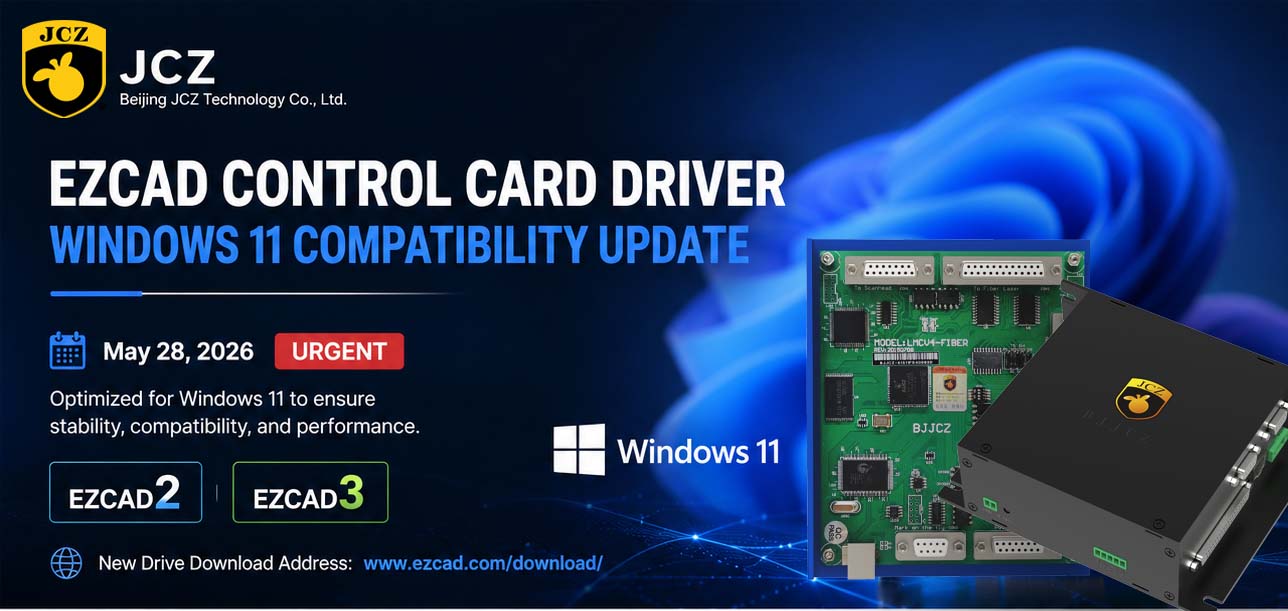
OFFICIAL DRIVER UPDATE NOTICE

2026 Mid-Autumn Festival and National Day Holiday Notice

Top Factors That Affect Marking Quality in Handheld Fiber Laser Systems
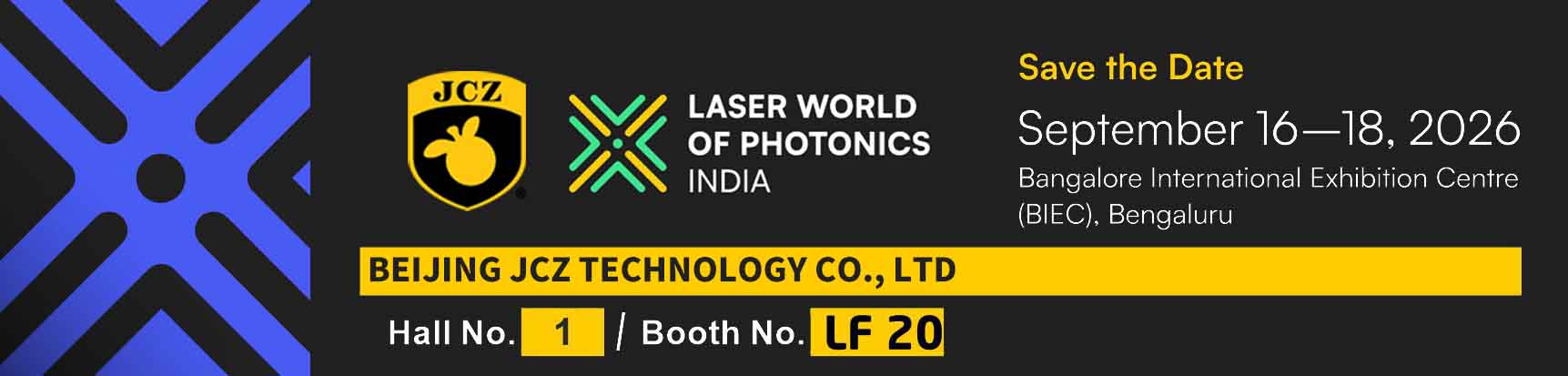
Meet JCZ at Laser World of Photonics India 2026 in Bengaluru
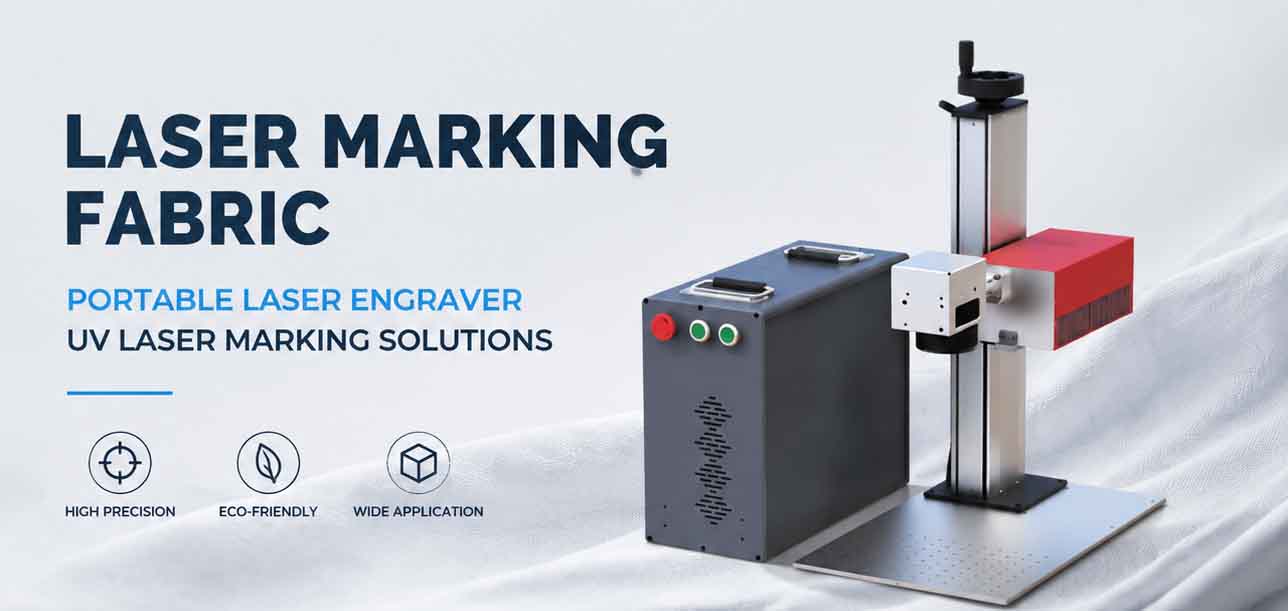
Laser Marking Fabric with Portable Laser Engraver: Advanced UV Laser Marking Solutions for Modern Manufacturing
Laser Machine for Marking: The Ultimate Guide to Portable Fiber Engravers & MOPA Color Laser Marking