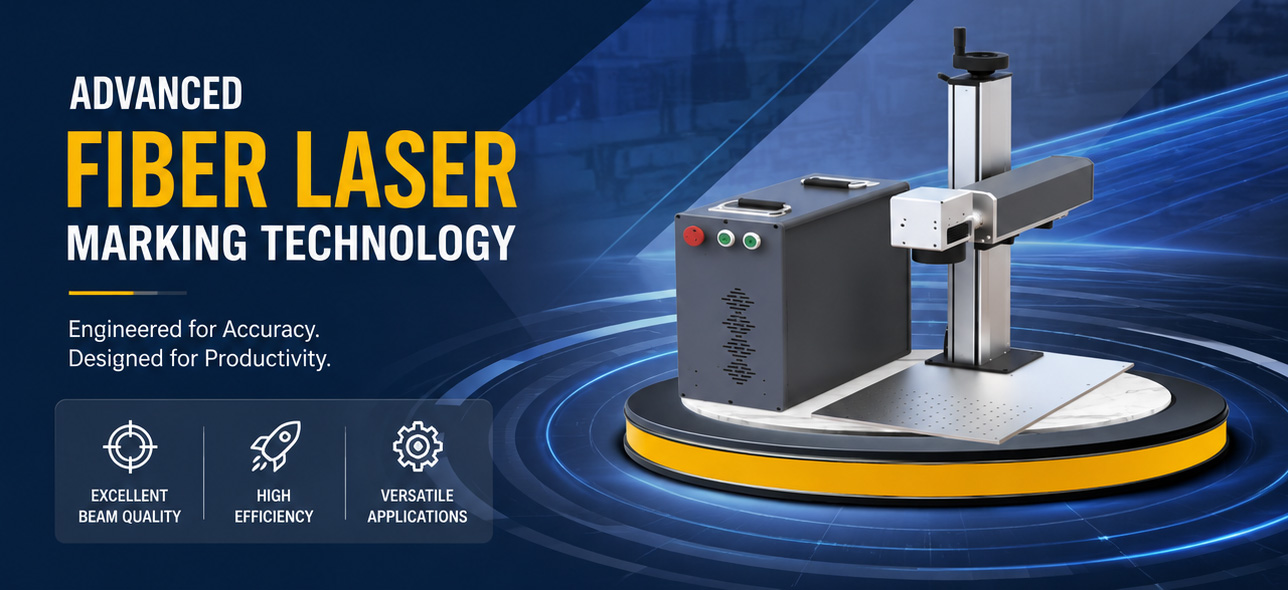
A laser control board is the central “brain” of any laser system. Whether you’re operating a laser marking machine, a laser engraving machine, a laser cutting system, or more specialized equipment such as laser cleaning or laser welding setups, the controller board translates design files into precise movements and laser‑firing events. It coordinates the laser source, motors, sensors, and software to ensure that every mark, cut, or weld is completed with the intended speed and accuracy.
For system integrators and OEMs, selecting the right laser controller board directly impacts throughput, quality, and long‑term reliability. This guide explains the main types of laser control boards, their key features, and how to choose a board that matches your laser type, application, and software environment—without duplicating JCZ’s more technology‑specific articles on CO₂ and fiber laser controller boards.
What Is a Laser Control Board?
In simple terms, a laser control board is a circuit board responsible for:
- Interpreting toolpaths and commands from software
- Controlling laser power, pulse timing, and modulation
- Driving motors and/or galvo scanners along the programmed path
- Monitoring safety interlocks and system status
In laser engraving and laser cutting machines, the board ensures the laser fires at the correct position, power, and speed while maintaining smooth motion. In laser marking and fly marking lines, timing and synchronization are especially critical, and the board must handle high‑speed data streams and precise triggering.
Depending on the architecture, a controller may focus on motion control only or combine laser and galvo control in a single unit. This distinction is crucial when you’re choosing a board for galvo‑based marking versus gantry‑type cutting.
Main Types of Laser Control Boards
By Laser Type
- CO₂ laser controller board – Optimized for CO₂ (typically 10.6 μm) engraving and cutting on non‑metals such as wood, acrylic, and leather. These boards usually support moderate power levels and emphasize edge quality and speed for flat‑bed or gantry systems.
- Fiber laser control board – Designed for 1064 nm (and sometimes MOPA) sources used in metal marking, deep engraving, and high‑speed cutting. These controllers often include advanced pulse shaping and peak power management to handle metals and plastics.
- UV / green laser controller board – Tailored for 355 nm and 532 nm sources used in high‑precision micro‑processing and color marking. UV controllers typically support fine parameter tuning to avoid thermal damage.
- Multi‑source controllers – Some modern boards support multiple laser types (fiber, CO₂, UV, green) from a single hardware platform, which is valuable for mixed‑process shops.
By Function: Galvo vs Motion‑Only
- Galvo controller board – Controls both the laser and the galvo scanner. It sends position commands to the scanner (often using XY2‑100 or similar protocols), synchronizes laser firing with mirror movement, and handles 2D/3D marking tasks. These boards are the standard choice for laser marking machines, laser engraving stations, and high‑speed fly marking lines.
- Motion‑only laser control board – Focuses on driving stepper or servo motors in gantry systems. It manages X/Y/Z motion but expects another board (or the laser source itself) to handle power modulation. This type is common in large‑format laser cutting machines and some 3D laser printing controllers.
Many modern controllers combine both functions, offering integrated laser and galvo control plus expandable motion axes for rotary attachments, lifting columns, or shuttle tables.

Key Features to Look for in a Laser Control Board
When evaluating a laser engraver control board or laser cutter control board, look for these capabilities:
Interface type
- USB laser controller board – Simple plug‑and‑play, widely used in desktop and low‑to‑medium power marking systems.
- PCIe laser controller board – Provides high‑speed, low‑latency communication for demanding industrial applications.
- Ethernet laser controller board – Suitable for large installations and multi‑machine lines where remote control and long‑distance cabling are required.
Axis support and expandability
- Base 2‑axis (X/Y) or 3‑axis (X/Y/Z) control;
- Extra axes for rotary devices, fly‑marking encoders, or collaborative motion.
- Support for multi‑axis laser controller board configurations is important when you need synchronized rotary and linear motion.
Galvo compatibility
- Support for industry‑standard digital protocols such as XY2‑100 (16‑bit, 18‑bit, 20‑bit) and sometimes SL2‑100.
- Ability to work with major galvo scanner heads and 3D dynamic focusing units for 3D marking and engraving.
Software ecosystem
- Compatibility with popular software:
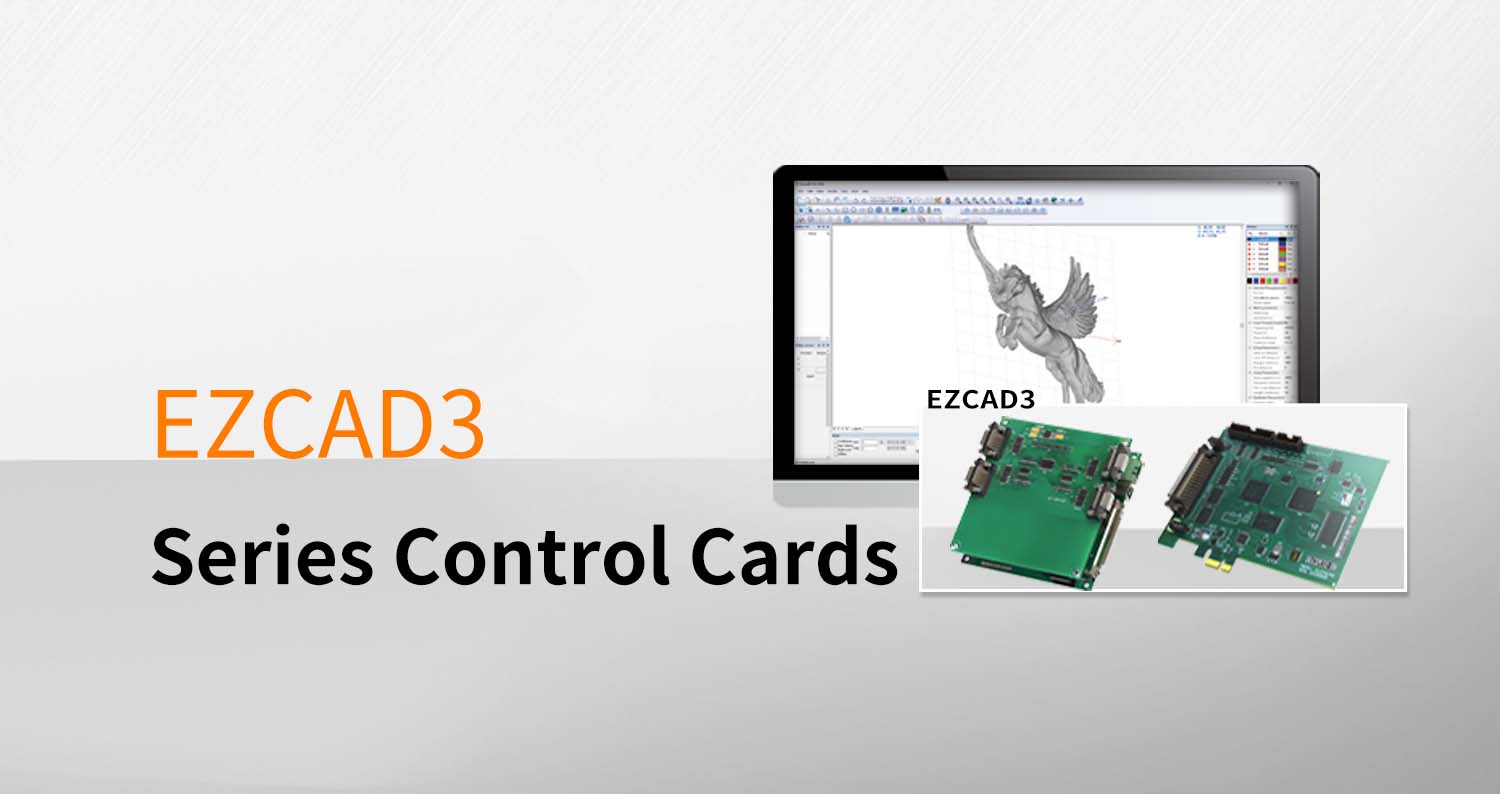
- Proprietary tools like EZCAD2 and EZCAD3 for JCZ controllers (DLC, LMC series)
- Third‑party software such as LightBurn or LaserGRBL for open or standard controllers.
- Availability of an SDK for custom automation and integration.
- Compatibility with popular software:
Safety and reliability
- Hardware watchdogs and thermal monitoring to prevent damage during faults.
- Laser safety interlock inputs and status outputs to comply with relevant standards.
- Over‑current and over‑temperature protection, especially for high‑power applications.
Application‑specific functions
- Fly marking support for production lines, where parts move continuously under the laser.
- Real‑time power scaling and per‑path parameter control for variable‑marking tasks.
- Support for wobble or spot‑pattern control in laser welding controller boards.
How to Choose the Right Laser Control Board
To match a board to your machine and process, consider:
Laser type and power range
- Ensure the board is rated for your laser source (CO₂, fiber, UV, green) and power level. Some controllers are clearly labeled as CO₂ laser controller board or fiber laser control board, while others support multiple sources.
Primary application
- Marking / engraving: Prioritize a laser marking controller board with strong galvo support, good parameter resolution, and compatibility with EZCAD2/EZCAD3 or LightBurn.
- Cutting: Look for a laser cutter control board with robust motion control, acceleration/deceleration tuning, and support for higher‑power lasers.
- Cleaning / welding / 3D printing: Choose application‑specific or versatile controllers with appropriate pulse control and auxiliary axis support.
Number of axes and special functions
- Decide whether you need a simple X/Y setup or additional axes for rotary, tilt, or 3D motion.
- If you’re building a fly marking line, verify that the board supports encoder synchronization and real‑time marking triggers.
Interface and communication preferences
- For desktop or single‑machine use, a USB laser controller board is usually sufficient.
- For industrial environments or networked machines, prioritize PCIe or Ethernet solutions.
Software and development needs
- If you plan to integrate into a larger MES/SCADA system or develop custom UIs, ensure the vendor provides an SDK and documentation.
- For OEMs, it’s often easier to standardize on a single controller family (for example, JCZ’s DLC or LMC series) that supports EZCAD2/EZCAD3 and offers long‑term availability.
Long‑term availability and support
- Check whether the controller is an actively maintained product with firmware updates, spare‑part availability, and technical support.
Connecting Laser Control Boards to Software and Scanners
A well‑chosen laser galvo scanner controller must work seamlessly with both your laser source and your scanner head:
- With EZCAD2 / EZCAD3 – JCZ’s DLC and LMC series boards are designed to work with EZCAD software and support standard galvo protocols such as XY2‑100. These controllers also support extended motion axes and advanced features like on‑the‑fly marking and 3D dynamic focus.
- With LightBurn / LaserGRBL – Many open or standard controllers target LightBurn users and emphasize ease of setup and broad hardware support. Check the vendor’s documentation for specific compatibility notes.
If you’re upgrading an existing machine, make sure the new board can use the same scanners and laser source, or budget for the necessary adapters and re‑tuning.
Common Pitfalls When Selecting a Laser Controller Board
- Choosing a board that is underspecified for your laser power, which can lead to instability or safety risks.
- Ignoring galvo protocol compatibility; not all controllers support the XY2‑100 standard used by your scanner head.
- Overlooking future scalability: for example, selecting a controller without extra axes or Ethernet when you later need rotary or networked operation.
- Selecting a discontinued or niche board with limited documentation and long‑term support.
Conclusion
Understanding what a laser control board does—and how different types serve different processes—makes it much easier to match hardware to your application. Whether you’re building a laser marking machine, a fiber laser cutting system, or a UV laser engraving station, focusing on laser type, galvo compatibility, interfaces (USB/PCIe/Ethernet), axis count, and software support will help you choose a reliable, future‑proof solution.
If you’re evaluating controllers for an OEM project or a multi‑machine line, look for a vendor that provides clear documentation, SDKs, and long‑term support for boards such as laser marking controller board, laser engraver control board, laser cutter control board, and galvo controller board solutions.Contact us.
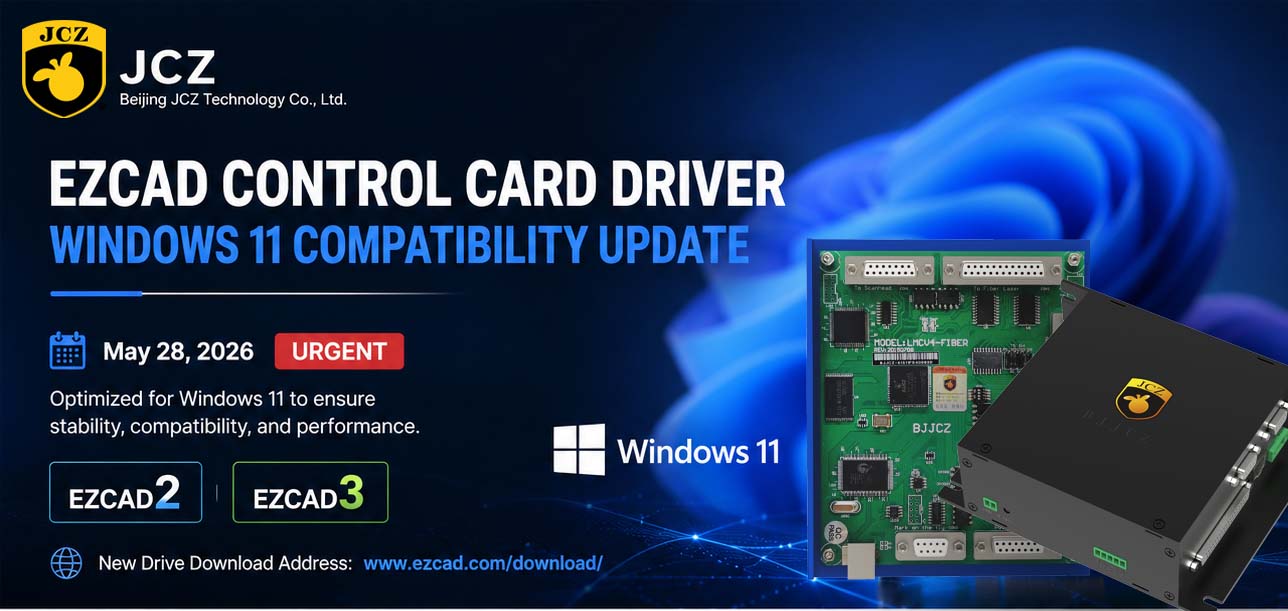
OFFICIAL DRIVER UPDATE NOTICE

Top Factors That Affect Marking Quality in Handheld Fiber Laser Systems
Meet JCZ at Laser World of Photonics India 2026 in Bengaluru
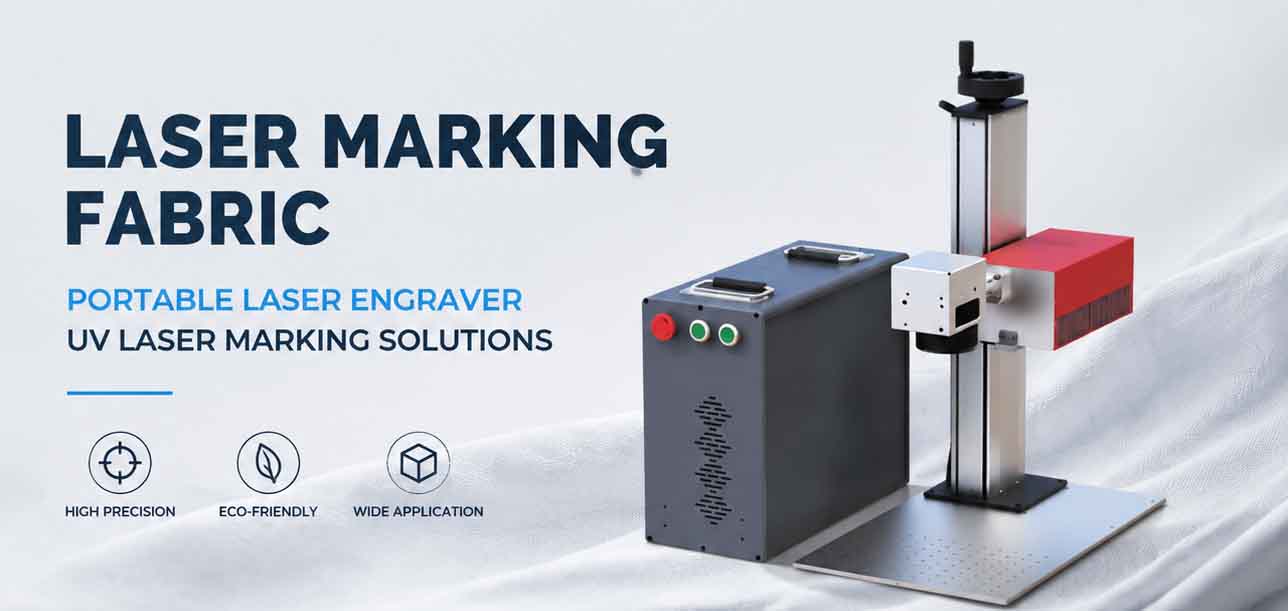
Laser Marking Fabric with Portable Laser Engraver: Advanced UV Laser Marking Solutions for Modern Manufacturing
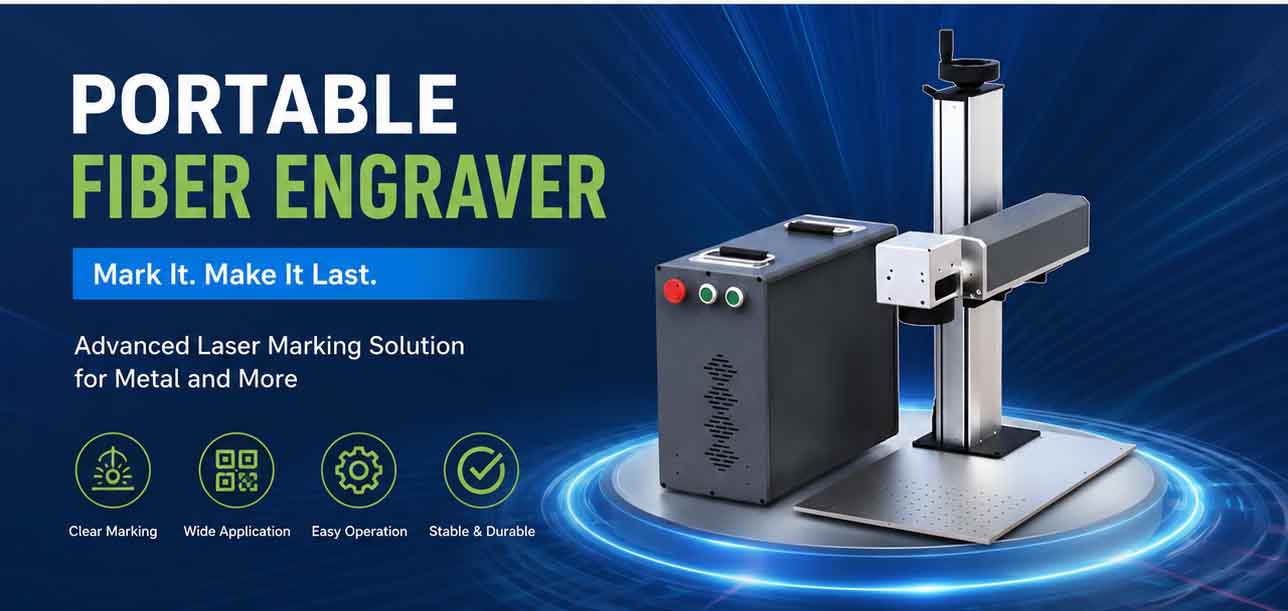
Laser Machine for Marking: The Ultimate Guide to Portable Fiber Engravers & MOPA Color Laser Marking
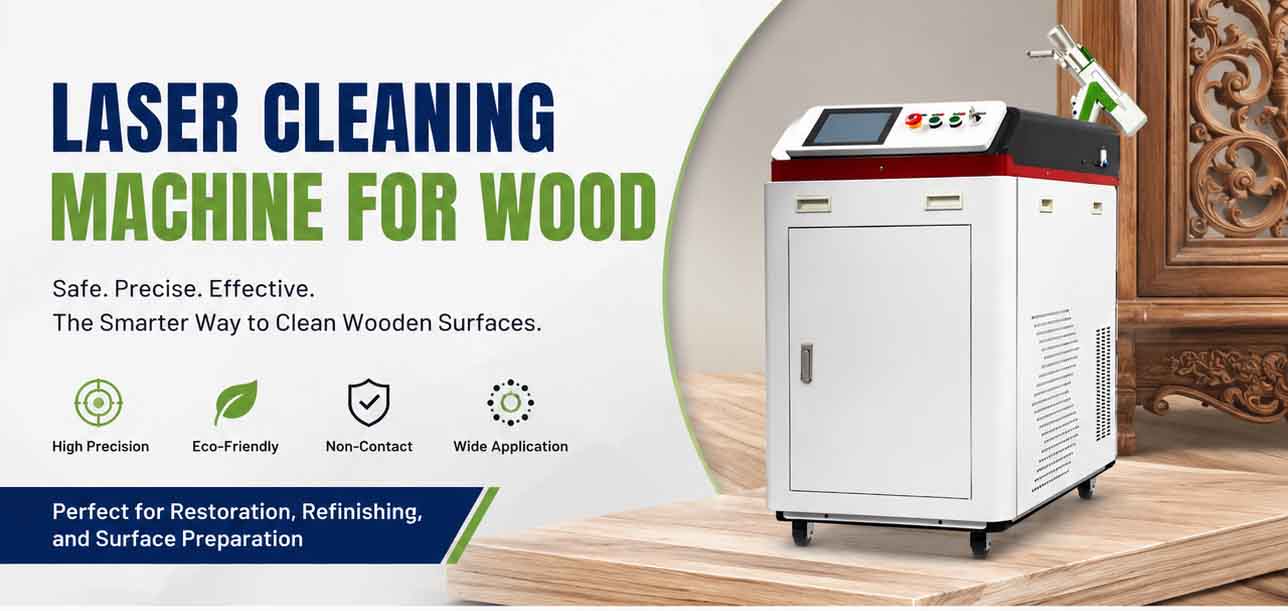
Laser Cleaning Machine for Wood: The Ultimate Guide to Safe, Precise & Eco-Friendly Wood Surface Cleaning