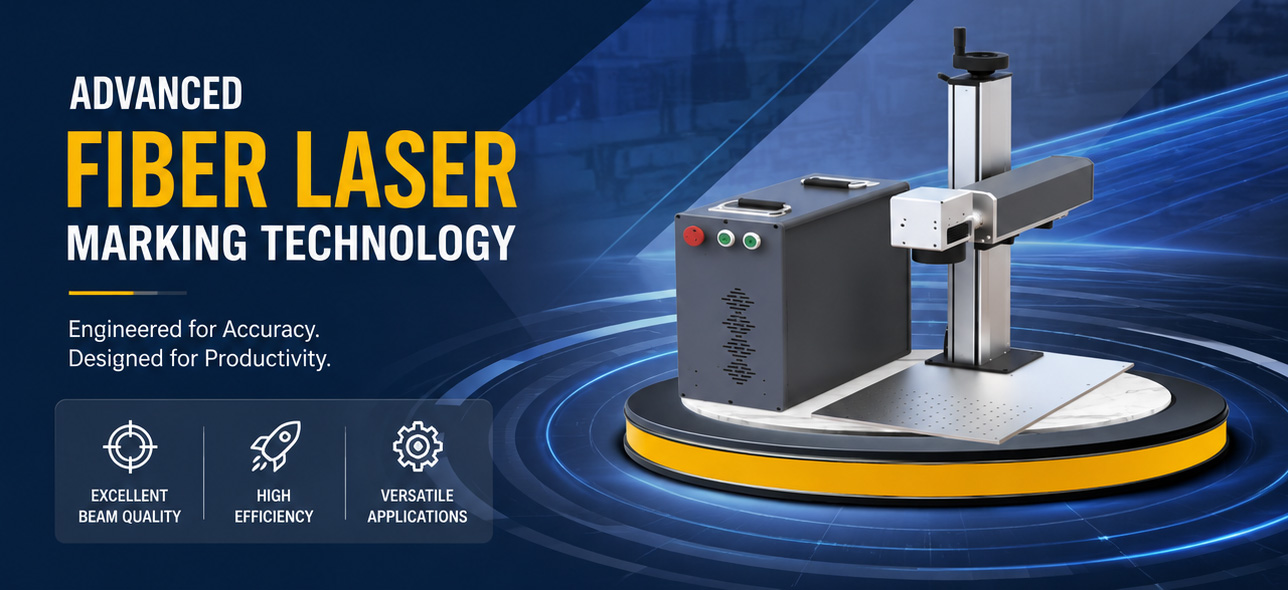
Introduction to EZCAD SDK
The EZCAD SDK is a powerful software development kit designed to provide developers with the necessary tools and resources to integrate EZCAD2’s marking capabilities into their own software, or to develop new laser software for industrial automation and custom equipment . EZCAD SDK supports C++ and C#, providing comprehensive solutions for industrial laser galvanometer processing, including marking, etching, engraving, welding and cutting.
Understand the EZCAD2 32-bit/EZCAD3 64-bit development platform
EZCAD SDK is built on the EZCAD2 32-bit and EZCAD3 64-bit development platforms. These platforms provide a wide range of marking capabilities to meet various marking development needs. Whether it’s a simple marking task or a complex engraving project, the EZCAD development platform provides a user-friendly interface and powerful features to streamline the development process.
When Do You Need the EZCAD SDK?
Not every laser machine requires secondary software development.
If you manufacture a conventional standalone marking machine and your customers can complete their work directly in EZCAD2 or EZCAD3, using the standard interface may be the simpler option.
Consider SDK development when your machine needs to operate differently.
Typical examples include:
- Your own branded machine interface
- A touchscreen HMI with limited operator controls
- Automatic serial number or production-code generation
- PLC-triggered laser marking
- Database-driven marking content
- MES or ERP-connected traceability
- Multi-station laser equipment
- Multiple marking heads
- Automated production lines
- Camera-assisted workflows
- Machine-specific recipes
- Application-specific software for dedicated equipment
JCZ lists proprietary HMIs, variable-data marking, production-line triggering, database workflows and multi-head equipment among typical SDK development scenarios. External PLCs, sensors, encoders, robots, cameras and factory systems can also be coordinated by the host application according to the project architecture.
Main features of EZCAD SDK
The EZCAD SDK has many features that make it an indispensable tool for developers in the industrial laser marking industry. Some key features include:
Markup Features: The SDK provides a wide range of markup features, allowing developers to create custom markup solutions based on their specific requirements.
Ease of use: The SDK is designed to be simple and easy to use, making it suitable for developers of all skill levels. Its intuitive interface and comprehensive documentation ensure a smooth development experience.
Integration capabilities: Through the EZCAD SDK, developers can seamlessly integrate the functionality of EZCAD2 into their own software, allowing them to leverage the power of EZCAD in industrial laser marking applications.
Custom development: The SDK enables developers to create new laser software for industrial automation or customized equipment, opening up the possibility of innovative solutions for the industry.
EZCAD2 SDK or EZCAD3 SDK?
JCZ provides development options for both EZCAD2 and EZCAD3, but the two platforms are not interchangeable.
| Development Requirement | EZCAD2 SDK | EZCAD3 SDK |
|---|---|---|
| Architecture | x86 | x64 |
| Windows | 32/64-bit environment | 64-bit |
| Programming | C++ / C# | C++ / C# |
| Demo Code | Included | Included |
| User Manual | Included | Included |
| Multi-head Library | Optional | Available |
| High-precision Calibration Library | Not available | Optional |
| Typical Controller | LMC V4 Standard | Compatible DLC controller |
| Typical Project | Established 2D machine platform | Newer and more advanced machine architecture |
JCZ currently specifies that EZCAD2 SDK supports the LMC V4 Standard board and does not support the Lite board. EZCAD3 development should be matched with an appropriate DLC controller according to communication, I/O, galvo, motion and machine requirements.
Choose EZCAD2 SDK When
Your machine platform is already based on LMC V4 Standard hardware and a conventional 2D marking architecture.
For an existing equipment family, keeping the existing controller and software architecture may reduce redesign work involving wiring, software, parameter files and after-sales documentation.
Evaluate EZCAD3 SDK When
You are designing a new machine that requires a 64-bit software environment or functions such as:
- Multiple marking heads
- More advanced machine automation
- Higher-level calibration
- 3D processing
- Expanded motion requirements
- Ethernet-based controller architectures
- More complex OEM software
EZCAD3 itself uses a 64-bit architecture and supports 2D/3D processing, I/O control and expanded motion capability with compatible DLC controllers.

EZCAD SDK Application
EZCAD SDK is widely used in industrial laser galvanometer processing, covering a range of applications such as marking, etching, engraving, welding and cutting. Its versatility and adaptability make it the solution of choice for developers looking to realize the potential of laser technology in industrial settings.
Frequently Asked Questions
Is the EZCAD SDK necessary for every laser marking machine?
No. If the standard EZCAD interface already matches the required operating workflow, additional software development may not be necessary.
The SDK is most useful when you need a proprietary interface, automated data exchange or deeper machine integration.
Can EZCAD2 SDK work with an LMC Lite controller?
No. JCZ currently specifies the LMC V4 Standard controller for EZCAD2 SDK development; the Lite board is not supported.
Does the SDK support C#?
Yes. JCZ currently lists both C++ and C# for EZCAD2 and EZCAD3 development packages.
Can I connect the software to a PLC or MES?
Your host application can be designed to coordinate marking with PLCs, databases, MES/ERP and other production systems. The communication method and development scope need to be defined for the specific project.
Can I create my own machine interface?
Yes. Proprietary OEM interfaces and simplified HMIs are among the primary development scenarios for the EZCAD SDK.
Should a new machine use EZCAD2 SDK or EZCAD3 SDK?
For an existing LMC V4 Standard machine, EZCAD2 may provide the more direct development route.
For a new 64-bit platform involving multi-head control, advanced calibration or a more complex equipment architecture, EZCAD3 should be evaluated together with a compatible DLC controller.
In conclusion
All in all, the EZCAD SDK is a game changer for developers in the industrial laser marking industry. With its comprehensive marking capabilities, ease of use, and support for C++ and C#, it provides a solid foundation for creating cutting-edge laser software solutions. By leveraging the capabilities of the EZCAD SDK, developers can drive innovation and efficiency in industrial laser galvo processing, paving the way for advancements in marking, etching, engraving, welding and cutting applications.
由用户整理投稿发布,不代表本站观点及立场,仅供交流学习之用,如涉及版权等问题,请随时联系我们(yangmei@bjjcz.com),我们将在第一时间给予处理。
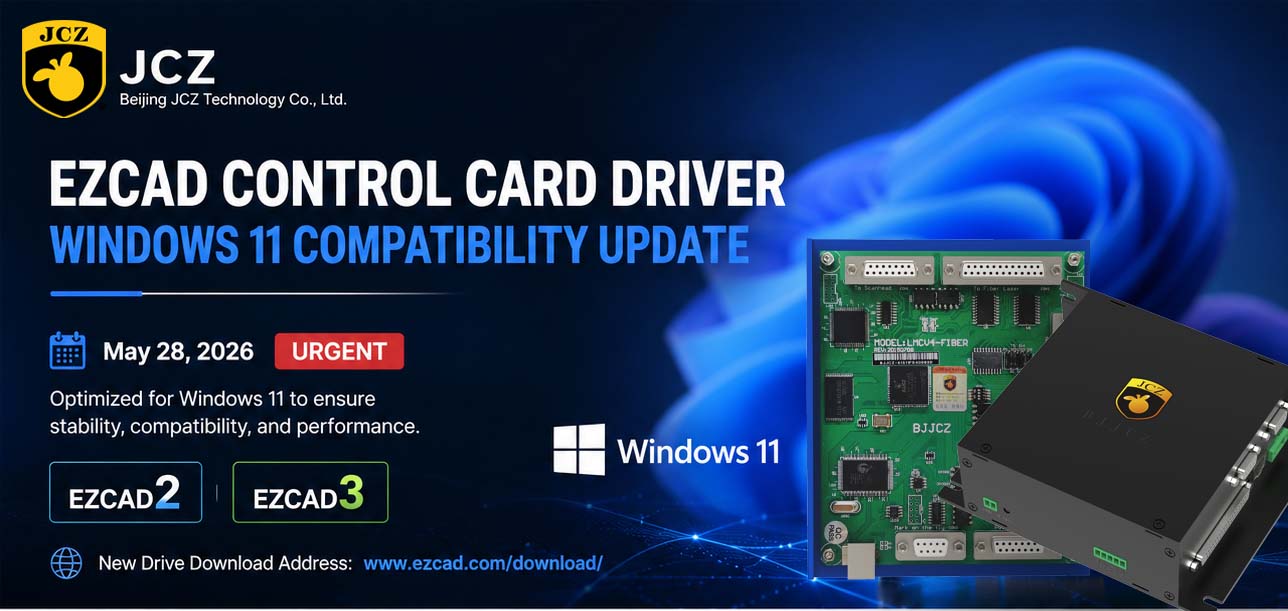
OFFICIAL DRIVER UPDATE NOTICE

Top Factors That Affect Marking Quality in Handheld Fiber Laser Systems
Meet JCZ at Laser World of Photonics India 2026 in Bengaluru
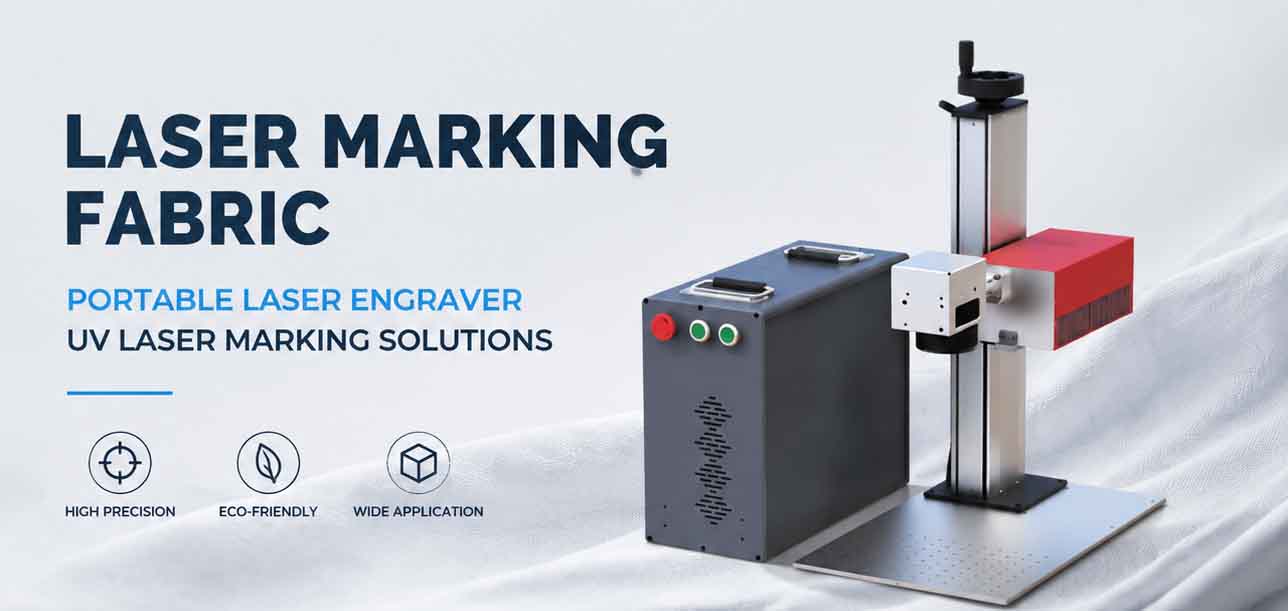
Laser Marking Fabric with Portable Laser Engraver: Advanced UV Laser Marking Solutions for Modern Manufacturing
Laser Machine for Marking: The Ultimate Guide to Portable Fiber Engravers & MOPA Color Laser Marking
Laser Cleaning Machine for Wood: The Ultimate Guide to Safe, Precise & Eco-Friendly Wood Surface Cleaning