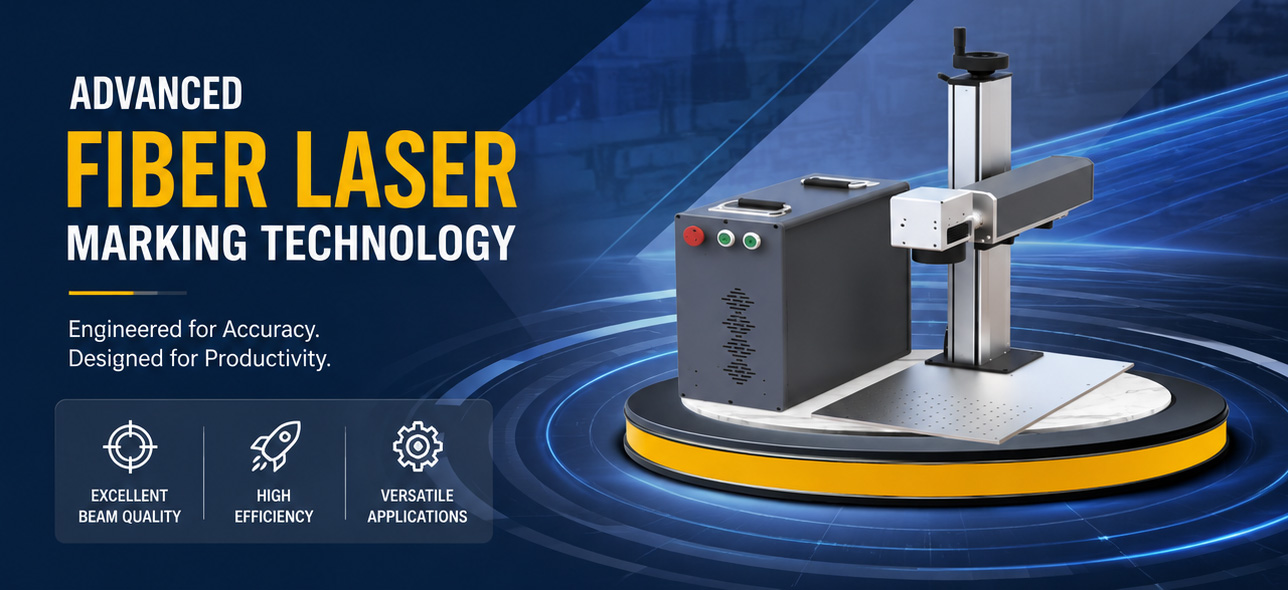
EZCAD Software Price: What Industrial Buyers Are Actually Purchasing
Buyers searching for EZCAD software price often expect a downloadable program with a separate license fee. In practice, the software is part of a matched laser control system. It is supplied with compatible original controller hardware rather than sold as an independent program for unrelated control cards.
This distinction matters because the quotation is determined by the complete control configuration: software generation, controller model, laser interface, galvo protocol, communication method, motion axes, encoder inputs, industrial I/O and any secondary-development requirements.
For an OEM machine builder, distributor, maintenance company or automation integrator, the right purchasing question is therefore not simply, “How much is the software?” It is, “Which controller and software combination will operate my laser system correctly?”
Why There Is No Single Standalone Software Price
The EZCAD software price cannot be separated from controller compatibility. A basic 2D marking machine, a flying-marking line and a 3D dynamic-focus system do not require the same control hardware.
A quotation may change according to:
- The required software generation
- The original controller-board model
- USB, PCIe or Ethernet communication
- Fiber, CO₂, UV, green, YAG, SPI, QCW or CW laser control
- Two-axis or three-axis galvo communication
- Rotary, XY, Z or multi-axis motion
- Encoder inputs and conveyor synchronization
- Offline marking and production-line I/O
- SDK, API, custom interface or multi-head control
- Required cables, laser interface cards and expansion modules
A low quotation that does not confirm these items may result in an unusable board, incompatible wiring, missing functions or additional engineering work after delivery.
EZCAD2 or EZCAD3: Which Control Platform Fits the Project?
The correct software generation should be selected from the actual processing and integration requirements, not from the assumption that a newer version is automatically better.
Select EZCAD2 for Standard 2D Marking Systems
EZCAD2 Software is commonly used with compatible LMC-series controllers for standard two-dimensional galvo marking and engraving.
It is suitable for applications such as:
- Logos, text, serial numbers and date codes
- QR codes, Data Matrix codes and barcodes
- Flat-surface marking on metal, plastic, ceramic and coated materials
- Rotary marking with a compatible expansion axis
- Basic production-line I/O
- Standard flying marking where the selected controller supports it
- Stable OEM machines that do not require complex 3D processing
For a USB-based system, the LMCV4 Controller Board is a common direction. Where a controller installed directly in an industrial computer is preferred, the LMCPCIE Controller Board may be considered.
EZCAD2 supports multiple marking parameters, variable text, commonly used vector and bitmap formats, barcode generation, I/O control and optional flying-marking or secondary-development functions.
Select EZCAD3 for Advanced Motion and 3D Processing
EZCAD3 Software is designed for compatible DLC-series control systems. It combines 2D and 3D functions with expanded motion control, dynamic-focus processing and more advanced industrial integration.
It is more appropriate for:
- Curved-surface and height-varying marking
- 2.5D depth engraving and relief processing
- Three-axis galvo or dynamic-focus systems
- Large-field processing with coordinated motion
- Multi-axis equipment
- Networked control architecture
- Higher I/O requirements
- More complex flying-marking projects
- Custom automation and secondary development
Available hardware directions include the DLC2-V2 USB Controller, DLC2-V3 Ethernet Controller, DLC2-V4 Integrated Controller and DLC2-PCIE Controller.
The platform uses a 64-bit architecture and supports functions such as 3D calibration, layered processing, curved-surface marking, motion expansion, variable data, offline marking and multiple calibration tables when combined with the appropriate hardware configuration.
What Does the Buyer Receive?
When evaluating EZCAD software price, confirm the complete delivery scope rather than comparing a software name on two quotations.
Depending on the project, the supply scope may include:
- Original compatible laser controller board
- Matching software configuration
- Laser interface or adapter card
- Controller-to-laser cable
- Controller-to-galvo cable
- I/O and encoder connection guidance
- Driver and operating documentation
- Calibration-related tools or files
- Motion-expansion recommendations
- SDK or API options
- Technical support based on the agreed project scope
The exact package depends on the controller model and the information provided before ordering.
Controller Compatibility Is the First Procurement Check
The marking program does not directly replace incompatible hardware. Before placing an order, the buyer should verify the controller, laser source and galvo as one control chain.
Laser Source
Provide the exact laser-source model, wavelength, control signal and connector information. The words “fiber laser” or “CO₂ laser” alone are not enough to determine the correct interface.
Galvo Scanner
Confirm whether the scanhead is two-axis or three-axis and provide its communication protocol, resolution and connector details. A controller that supports standard 2D marking may not meet the requirements of a dynamic-focus project.
Existing Controller
For a replacement order, send clear photographs of both sides of the current control board, labels, ports, cables and adapter cards. Similar-looking boards may have different interfaces or functions.
Computer Connection
Specify whether the machine design requires USB, PCIe or Ethernet. The choice affects cabinet layout, transmission architecture, network integration and controller selection.
Automation Signals
List sensors, foot switches, safety signals, PLC communication, encoder channels, input/output points and marking-complete signals. Missing I/O information is a common reason a technically functional board does not fit the production process.
How Price-Intent Buyers Should Compare Quotations
A useful comparison should cover more than the initial board cost.
1. Original Hardware and Software Matching
Confirm that the software is supplied for the quoted original controller model. Avoid quotations that provide only a download file without verified hardware compatibility.
2. Required Functions
Check whether rotary marking, flying marking, offline processing, multi-card connection, three-axis galvo control or motion expansion is included or optional.
3. Cable and Interface Scope
Ask whether the quotation includes the correct laser cable, galvo cable, interface board and power requirements. These details can materially affect installation.
4. Replacement Work
For retrofit projects, determine whether the existing wiring can be reused, whether parameter files must be transferred and whether recalibration is required.
5. Development Support
A standard marking interface may be sufficient for a manual workstation. An automated line may require a custom HMI, database connection, production-data exchange or software library.
The EZCAD SDK and API is available for compatible controller projects requiring secondary development. Supported development options include C# and C++, with available demonstration code and documentation depending on the selected platform and project scope.
6. Technical Support
Clarify what information, documentation and remote assistance are included. A slightly lower component price may not reduce the total project cost if the integrator must solve compatibility problems independently.
Why Existing Users Search for License Information
Some searches about software pricing or licensing are not new purchasing inquiries. They come from users who have changed a computer, reinstalled an operating system, replaced a controller or downloaded an unmatched version.
Before requesting a new license, check:
- Whether the original control board is still installed
- Whether the correct driver is loaded
- Whether the downloaded software version matches the controller generation
- Whether the machine supplier provided a customized parameter folder
- Whether calibration and configuration files have been backed up
- Whether the board is original and recognized by the system
Existing users can find official software versions, drivers and manuals in the Download Center. A download alone does not make an incompatible controller work.
Why Work with the Original Control-System Developer?
JCZ has focused on laser beam delivery and control research, development, manufacturing and integration since 2004. Its product scope includes laser control software, controller boards, galvo scanners, optical components and related industrial solutions.
For international machine builders and system integrators, purchasing from the original control-system developer provides several practical advantages:
- Software and controller compatibility from one source
- Selection support based on the complete machine architecture
- Access to both standard 2D and advanced 3D control platforms
- Support for replacement, OEM and automation projects
- SDK and secondary-development options
- Official downloads, manuals and controller information
- A clearer troubleshooting path across software, hardware and external signals
Frequently Asked Questions
Can I Buy the Software Without a Controller Board?
The software is supplied with compatible original controller hardware. It is not positioned as an independent program for unrelated boards.
Why Do Different Suppliers Show Different Prices?
They may be quoting different controller models, versions, interface cards, cables, functions or support scopes. Some listings may also describe only a download rather than a complete original control package.
Is EZCAD2 Cheaper Than EZCAD3?
A direct comparison is not useful without the project requirements. A standard 2D system and an advanced 3D or automated system require different controller architectures and functions.
Can I Upgrade by Installing the Newer Software?
Not necessarily. Software generations correspond to different controller families. An upgrade may require controller hardware, wiring, interface and calibration changes.
Does the Controller Package Include Technical Support?
The support scope should be confirmed in the quotation. Send complete technical information so the supplier can define what configuration and assistance are required.
Where Can I Obtain an Accurate Quotation?
Send the controller, laser, galvo, communication, motion and automation requirements through the Contact Page. The quotation will be based on the matched control system rather than an unsupported standalone software fee.
Request a Matched Control-System Quotation
The final EZCAD software price depends on what the machine must control. Send your existing board photos, laser-source model, galvo model, communication method, motion axes, I/O list and required application.
JCZ will help determine whether an EZCAD2 and LMC configuration or an EZCAD3 and DLC configuration is the better fit for your marking machine, replacement project or automated laser system.
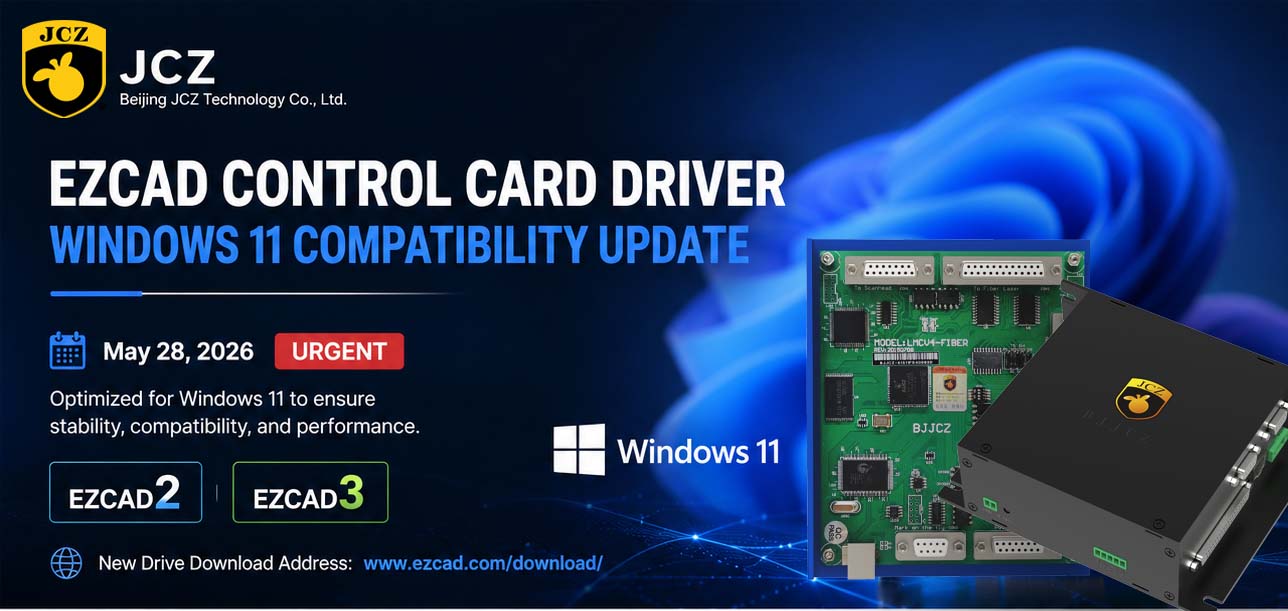
OFFICIAL DRIVER UPDATE NOTICE

Top Factors That Affect Marking Quality in Handheld Fiber Laser Systems
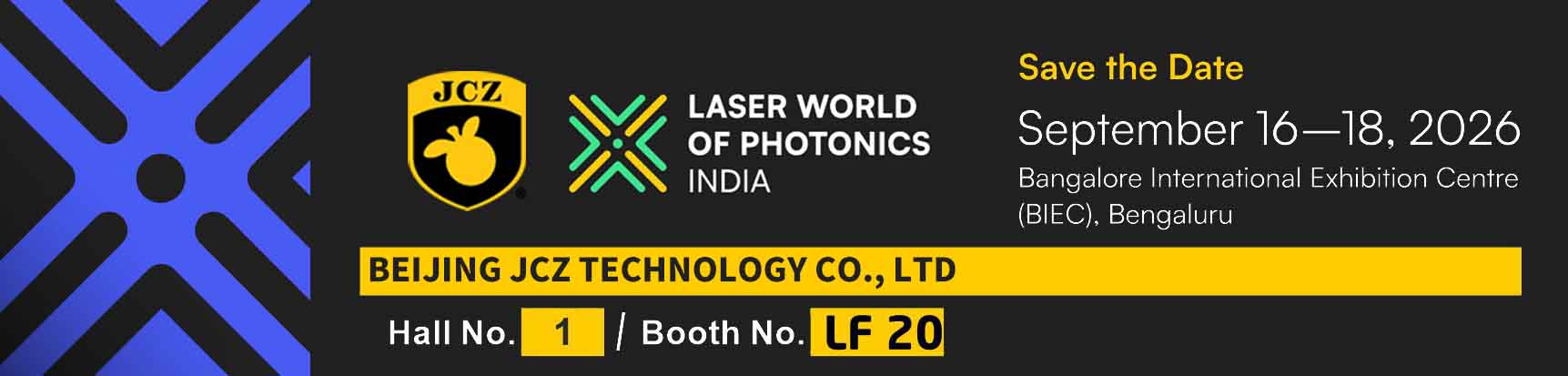
Meet JCZ at Laser World of Photonics India 2026 in Bengaluru
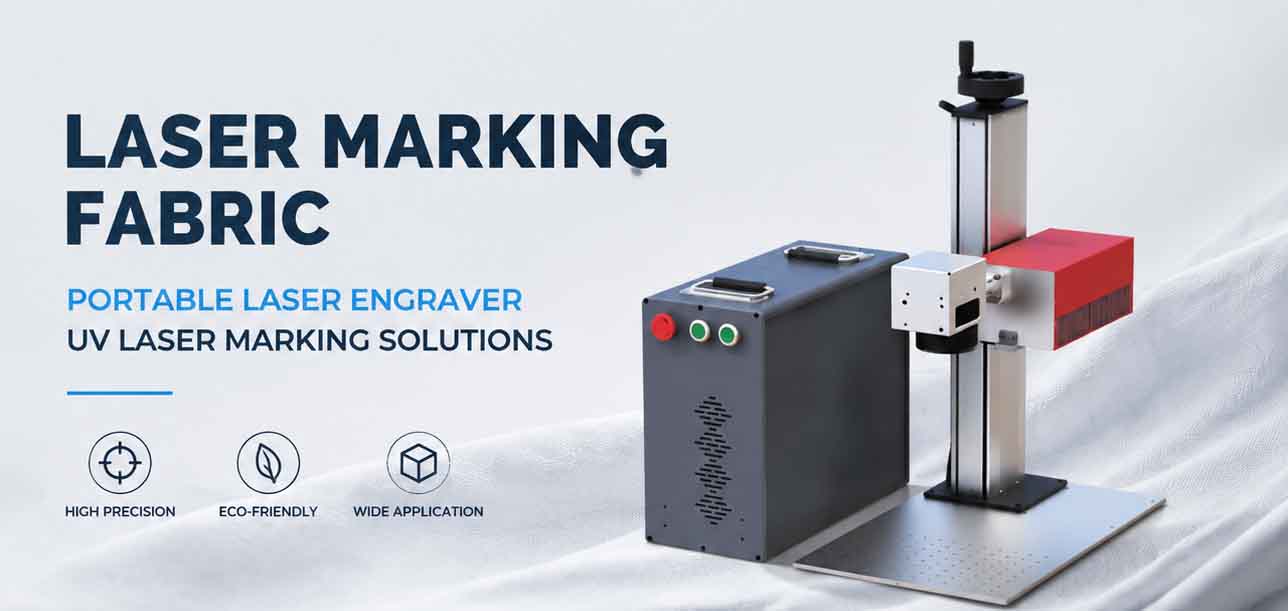
Laser Marking Fabric with Portable Laser Engraver: Advanced UV Laser Marking Solutions for Modern Manufacturing
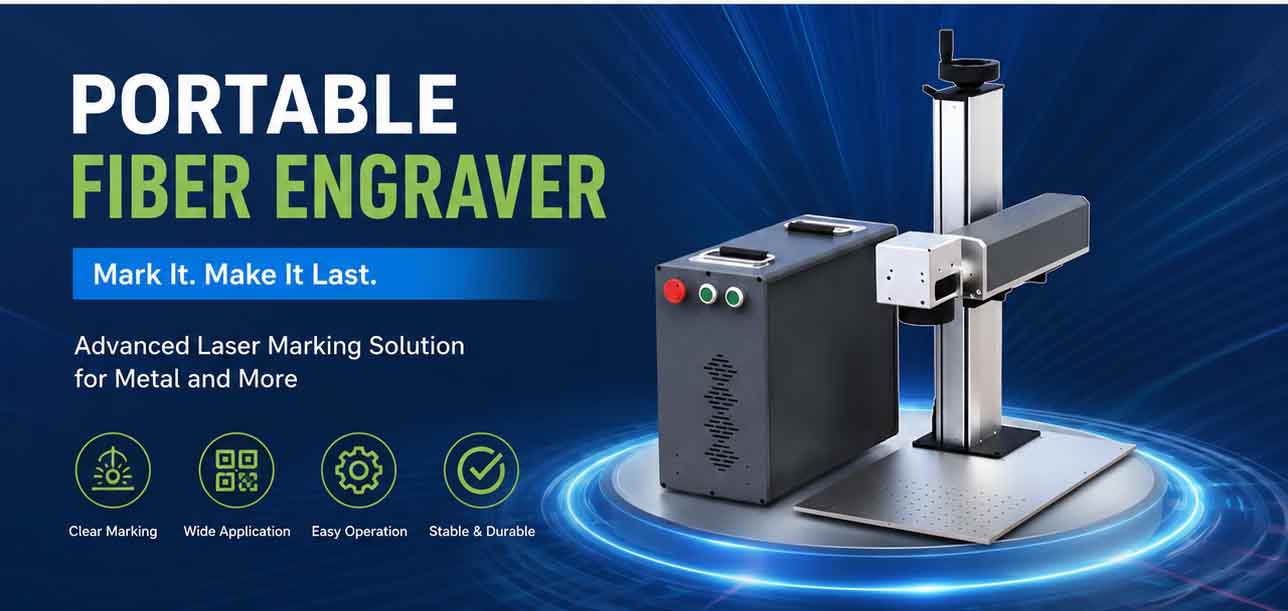
Laser Machine for Marking: The Ultimate Guide to Portable Fiber Engravers & MOPA Color Laser Marking
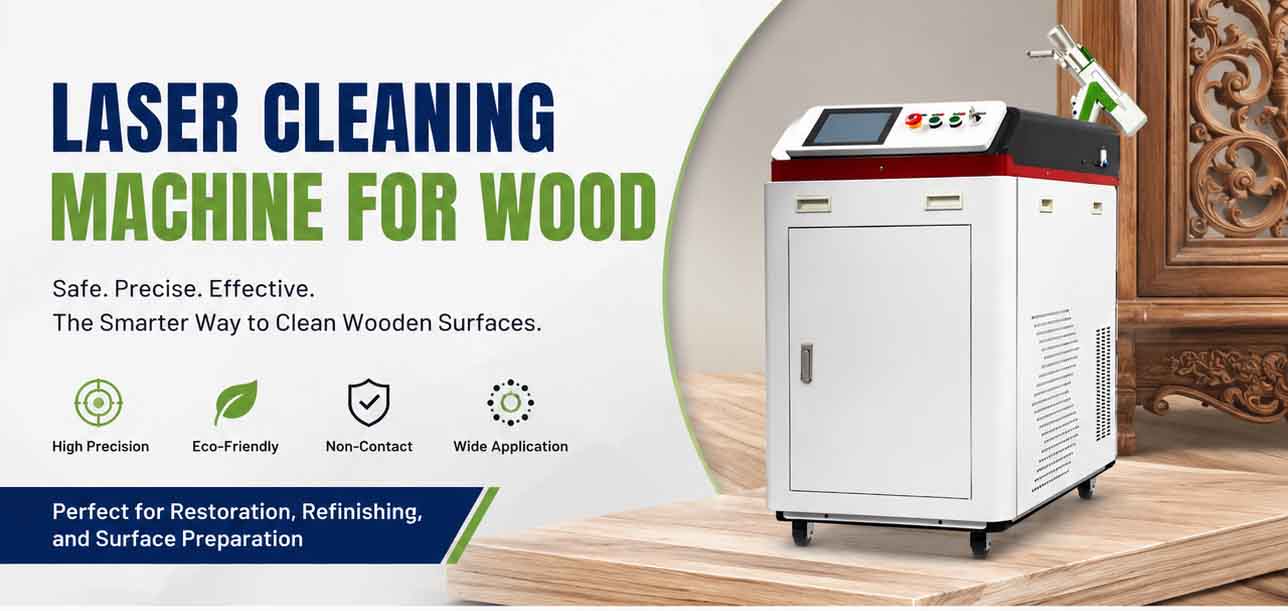
Laser Cleaning Machine for Wood: The Ultimate Guide to Safe, Precise & Eco-Friendly Wood Surface Cleaning