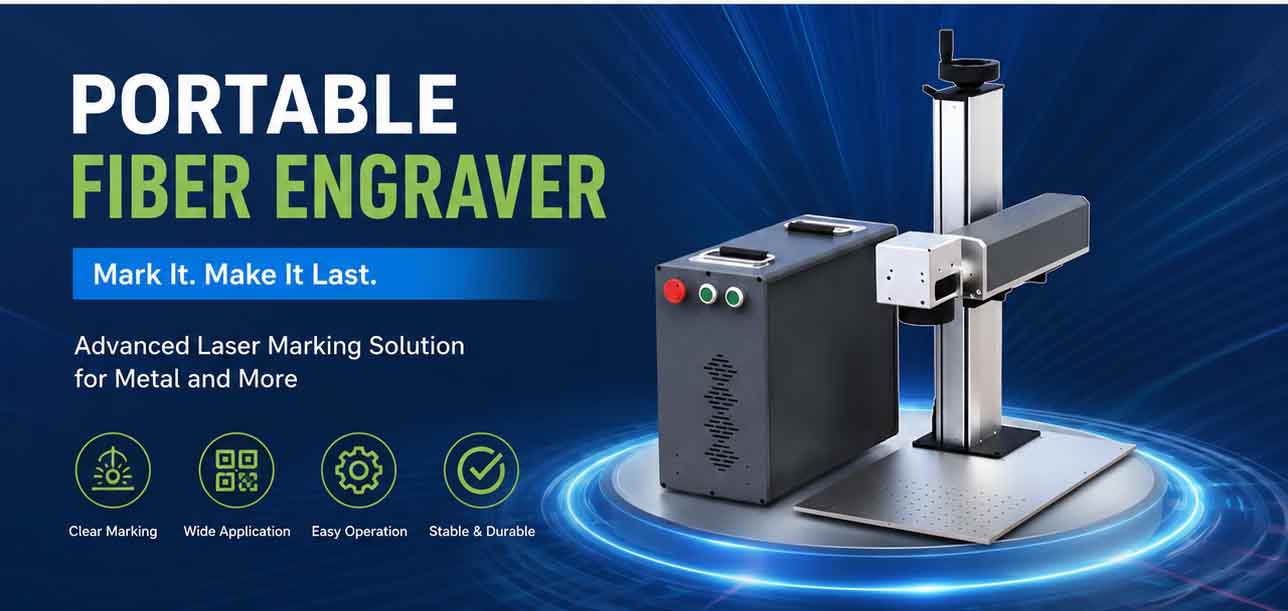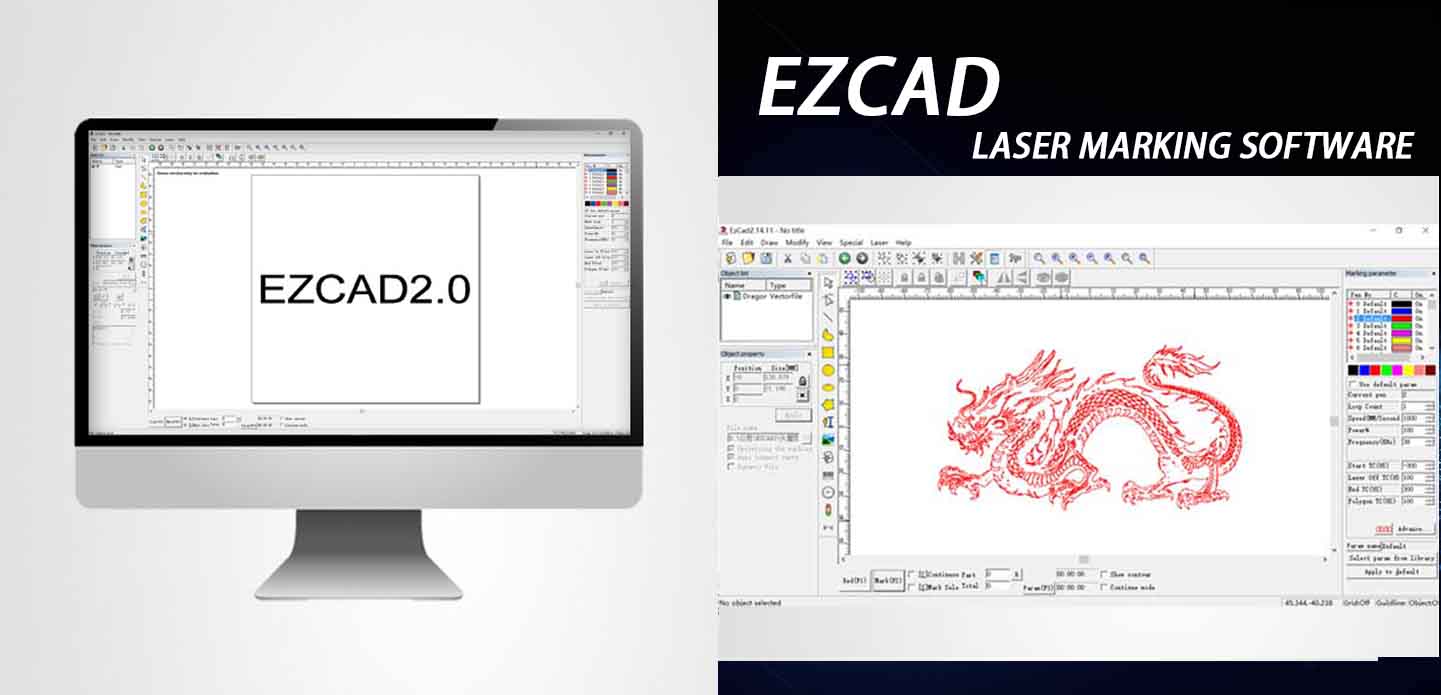
EZCAD2 Software: An Overview
EZCAD2 is one of the most widely used software solutions for laser marking, engraving, and cutting. It is designed to work with a variety of laser machines, including fiber lasers, CO2 lasers, and UV lasers, offering versatile applications in industries such as automotive, electronics, medical, and more. EZCAD2 provides users with a powerful set of tools to create precise, high-quality marks on a range of materials including metal, plastic, glass, and ceramics.
EZCAD2 is a Windows-based laser marking software developed by JCZ Technology. As the industry standard for controlling fiber, CO2, and UV lasers, it is renowned for its stability and powerful processing capabilities.If you are searching for laser software cost or specific features to optimize your production line, this guide provides a complete visual laser marker software overview to help you make an informed decision.Contact us.
Key Features of EZCAD2 Software
Why do thousands of manufacturers choose EZCAD2? Here are the core capabilities that define its performance:
- User-Friendly Interface: EZCAD2 boasts an intuitive interface that allows both beginners and advanced users to operate the software easily. The design tools are well-organized, and the software supports a variety of file formats, such as DXF, PLT, AI, and BMP.
- Advanced Marking Capabilities: The software supports various marking techniques, including engraving, etching, and cutting. It offers flexibility in adjusting speed, power, and frequency to suit different materials and applications.
- Real-Time Preview: EZCAD2 allows users to preview their designs in real time, helping to ensure accuracy before performing the actual marking process.
- Multi-Layer Support: It supports multi-layer designs, enabling complex projects to be executed with ease.
- Integration with CAD Software: EZCAD2 can easily integrate with CAD software for seamless design transfer, ensuring that even the most complex projects can be brought to life.
- Versatility with Laser Systems: Whether you’re using a fiber laser, CO2 laser, or UV laser, EZCAD2 is compatible with a wide range of laser systems, offering broad flexibility.
EZCAD2 Software Price
The pricing of EZCAD2 software varies depending on several factors, such as the type of laser system you are using and the specific features or add-ons you require. Generally, EZCAD2 software is sold with a license that is tied to a particular laser machine. Here are some general price guidelines:
- Basic EZCAD2 Software: The price for basic EZCAD2 software can range from $500 to $1,500 USD. This price typically covers the standard functionality of the software for controlling laser marking machines.
- EZCAD2 with Enhanced Features: For more advanced versions with additional features, such as integration with 3D laser marking systems or higher precision tools, the price can go up to $2,000 or more USD.
- Additional Modules and Updates: Depending on your needs, you may also require additional modules or software updates. Some updates are available at an additional cost, which may range from $100 to $500 USD, depending on the version and features.
It’s important to note that EZCAD2 is typically bundled with laser systems when purchasing a new machine. In such cases, the cost of the software is included in the overall price of the laser system.
Visual Laser Marker Software: Enhancing Your Marking Process
Visual laser marker software is a specialized tool designed to work with laser marking systems, offering users the ability to create complex and highly detailed marks on a variety of materials. It typically comes equipped with features such as image recognition, visual preview, and automatic alignment, which enhance the accuracy and efficiency of the marking process.
Key Features of Visual Laser Marker Software
- Real-Time Visual Feedback: One of the core benefits of visual laser marker software is the ability to see a live preview of the laser marking process. This allows operators to make adjustments on the fly and ensures that marks are applied exactly as intended.
- Image Recognition: Many visual laser marker software packages offer image recognition capabilities, enabling automatic detection and alignment of marks on irregular surfaces or 3D objects. This feature is particularly useful in high-precision applications.
- Customizable Marking Patterns: Users can define custom marking patterns, such as logos, barcodes, or QR codes, and the software will automatically scale and position these marks accurately across different surfaces.
- Integration with Vision Systems: Some visual laser marker software integrates with vision systems for enhanced accuracy. This allows the system to “see” the workpiece and automatically adjust the laser parameters to ensure perfect alignment and focus.
How much does it cost for your setup? Since pricing depends on the specific laser controller model, please contact our sales team for an accurate quote.
Applications of Visual Laser Marker Software
Visual laser marker software is particularly useful in industries where high-precision and high-quality markings are required. Some common applications include:
- Medical Device Marking: Ensuring compliance with stringent regulatory standards requires highly accurate and clear markings, which visual laser marker software excels at providing.
- Automotive Parts Marking: For automotive components, visual software ensures accurate part identification, batch tracking, and serialization.
- Electronics Industry: The electronics industry often requires precise laser marking for small components like capacitors, resistors, and microchips. Visual marker software helps to ensure that each mark is perfectly aligned and legible.
- Jewelry and Luxury Goods: Visual laser marker software is also used in the jewelry industry for engraving intricate designs on precious metals and stones, providing detailed and lasting marks.
Which JCZ Controller Works with EZCAD2?
The controller should be selected according to the laser source and machine architecture.
LMCV4-FIBER
Suitable for compatible fiber laser systems, including selected adjustable pulse-width MOPA configurations.
Common applications include:
- Metal marking
- Serial numbers
- QR codes
- Data Matrix codes
- Hardware identification
- Industrial traceability
LMCV4-DIGIT
Suitable for compatible:
- CO₂ lasers
- UV lasers
- YAG lasers
- Green lasers
Typical applications include plastic marking, glass marking, packaging, non-metal marking and selected precision-processing systems.
LMCV4-SPI
Designed for compatible SPI laser systems and related industrial marking applications.
Do not select a controller only by comparing its appearance with an existing board. Confirm the laser source model, laser interface, galvo model, connector type, I/O requirements and machine wiring before ordering.
View the LMCV4 controller specifications and selection guide.
Is EZCAD2 Software Sold Separately?
No. EZCAD2 is supplied for use with compatible original JCZ controller hardware and is not sold as a standalone software product for unrelated third-party control boards.
The cost of an EZCAD2 control solution depends on the complete hardware and project configuration rather than a general software price.
Factors affecting the quotation can include:
- LMC controller model
- Laser source type
- Galvo scanner interface
- Required I/O
- Rotary-axis connection
- Flying-marking requirements
- Encoder integration
- SDK or secondary development
- Connection cables
- Breakout boards
- Technical setup support
- Order quantity
- Delivery destination
EZCAD2 vs EZCAD3
Choose the software platform according to the machine requirements.
| Requirement | EZCAD2 + LMC | EZCAD3 + DLC |
| Main application | Standard 2D laser marking | Advanced 2D, 3D and automation projects |
| Controller family | LMC Series | DLC Series |
| Standard logos and text | Suitable | Suitable |
| QR codes and serial numbers | Suitable | Suitable |
| Basic traceability marking | Suitable | Suitable |
| Dynamic focusing | Not the main positioning | Supported with compatible hardware |
| Curved-surface marking | Limited and application-specific | Better suited to 3D systems |
| Motion expansion | Basic project requirements | More advanced expansion |
| Large-format processing | Limited configuration | Better suited to advanced projects |
| OEM automation | Standard integration | Complex integration |
| Communication architecture | Commonly USB-based LMC configuration | USB, Ethernet or PCIe depending on controller |
Choose EZCAD2 when the machine requires stable and cost-effective standard 2D marking.
Evaluate EZCAD3 when the project requires:
- True 3D processing
- Dynamic focus
- Curved-surface marking
- Advanced motion control
- Large-format processing
- Multiple calibration tables
- Complex automation integration
- DLC controller architecture
View the EZCAD3 product page.
Conclusion
EZCAD2 software provides users with a comprehensive toolset for controlling laser marking systems, offering a balance of ease of use, flexibility, and precision. It is a popular choice for industries ranging from automotive to electronics. On the other hand, visual laser marker software enhances the marking process with advanced features like real-time previews, image recognition, and automatic alignment.
When choosing between these software options, consider the complexity of your projects, the specific features you need, and the price point that fits your budget. Both options are invaluable in ensuring high-quality, precise, and reliable laser marking.Contact Technical Support.

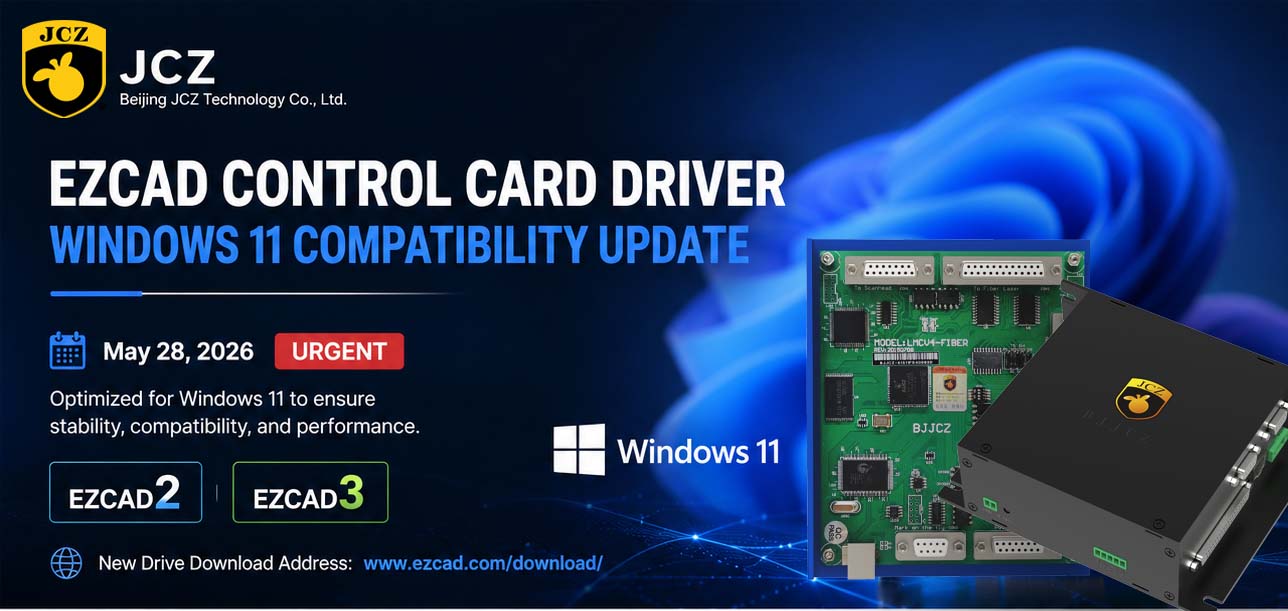
OFFICIAL DRIVER UPDATE NOTICE
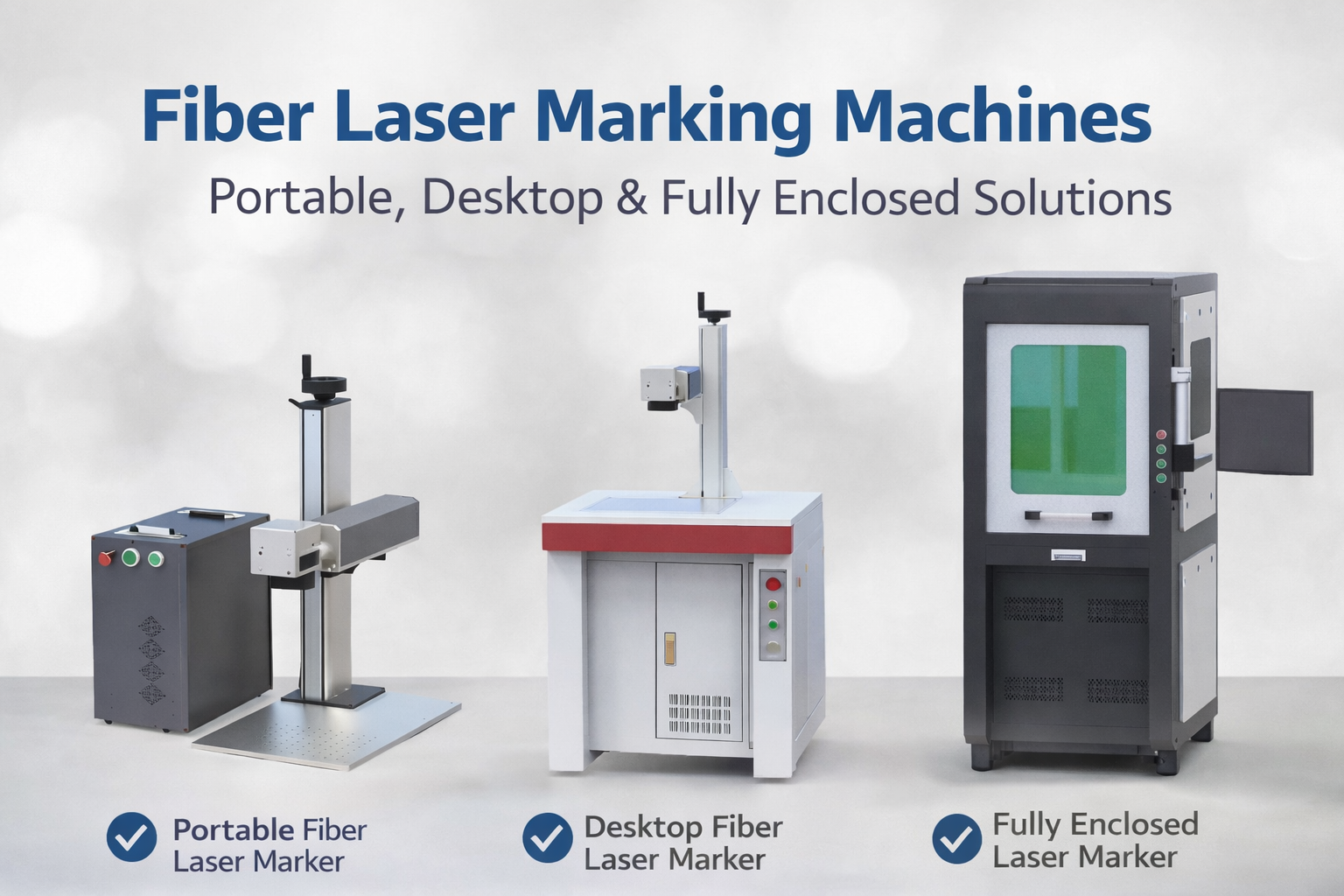
Trends in Enclosed Laser Marking Cell Integration

2026 Mid-Autumn Festival and National Day Holiday Notice

Top Factors That Affect Marking Quality in Handheld Fiber Laser Systems
Meet JCZ at Laser World of Photonics India 2026 in Bengaluru
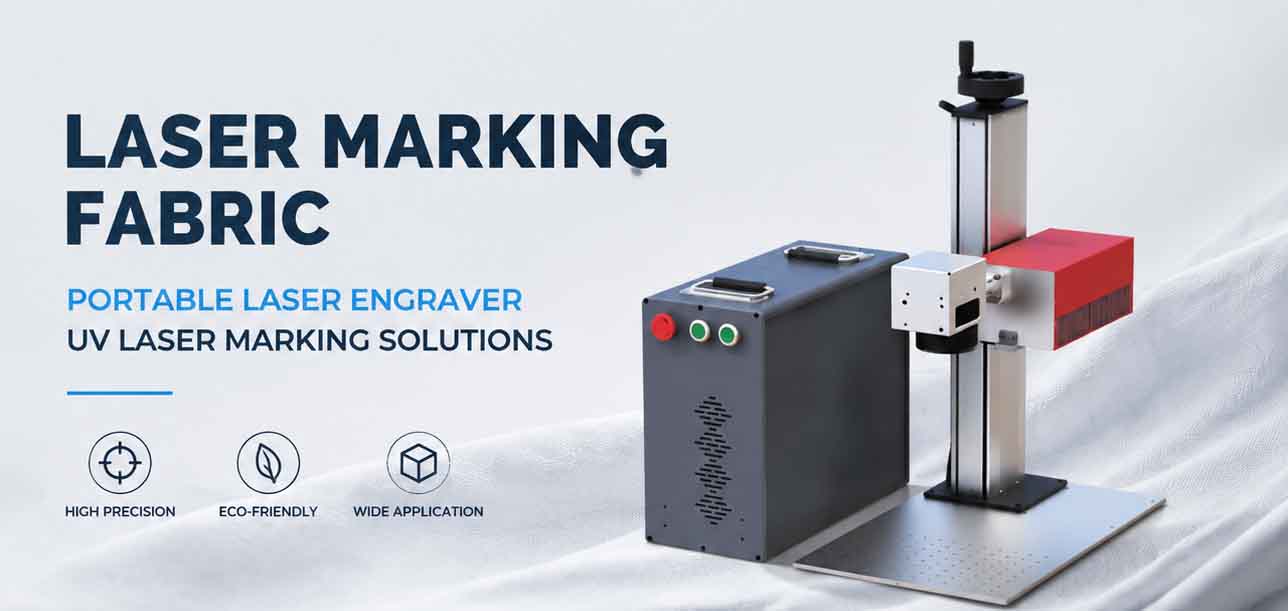
Laser Marking Fabric with Portable Laser Engraver: Advanced UV Laser Marking Solutions for Modern Manufacturing