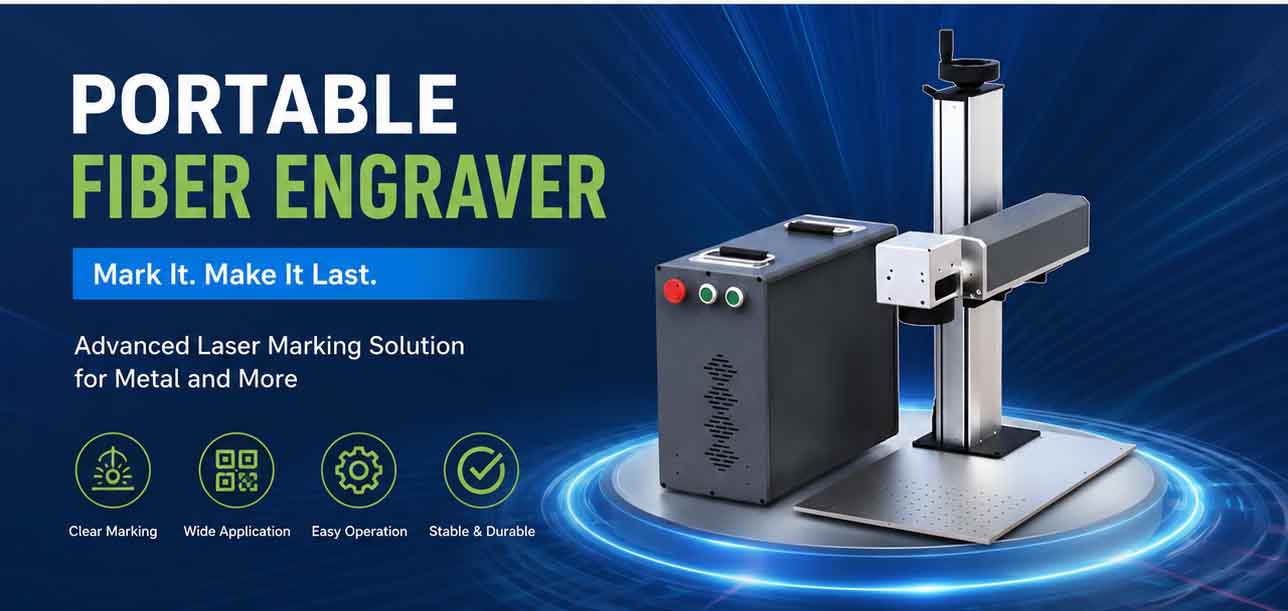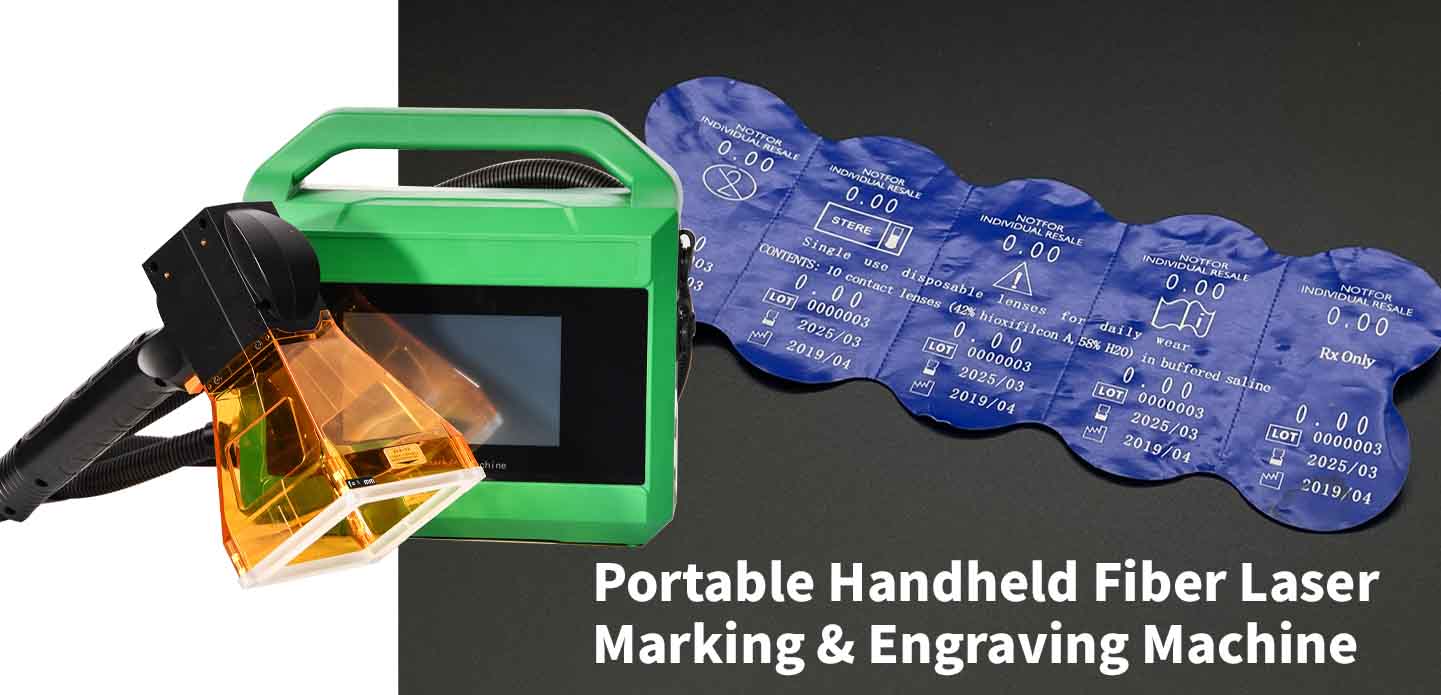
How to Choose Power, Field Size, and Battery Capacity for a Portable Laser Marker
When a production line needs mobility—moving a laser marker between workstations, on-site servicing of large parts, or marking in confined spaces—a portable unit often becomes the only practical answer. Choosing the right power, field size, and battery capacity for that portable laser marker however is not a simple spec‑sheet comparison. The three parameters are interconnected, and a mismatch can lead to faded marks, slow cycle times, or a battery that dies mid‑job. This guide breaks down the selection process from an engineering and procurement perspective, combining industry‑accepted performance ranges with real‑world constraints.
Understanding what your material demands from the laser
Metals, plastics, coated surfaces, and anodized aluminum all absorb laser energy differently. That absorption rate directly determines how much average power you need. For bare metals—steel, aluminum, brass, copper—fiber lasers dominate. A 20‑W fiber source marks tool steel with high contrast at speeds that satisfy most small‑batch and medium‑volume shops. Move to 30‑W and you get deeper engraving, or you can keep the same depth while scanning faster. For stainless steel annealing (a black surface oxide mark), lower power densities around 10‑15 W delivered by a fiber or Yb‑doped system work beautifully because you want heat, not ablation.
Engineering plastics often require UV wavelengths (355 nm) because they absorb well and create a clean, photolytic mark without heat damage. A 3‑W or 5‑W UV laser can mark polycarbonate, ABS, and PET with high resolution, while the same job would fail with a CO₂ marker. JCZ’s Elite Series nanosecond lasers illustrate the kind of flexibility available today: they deliver a beam quality of M² <1.2 and repetition rates from 50 kHz up to 5 MHz, making it possible to tune pulse energy and overlap precisely for different substrates. That wide parameter window—stemming from genuine product specifications—means you can cover metal engraving, thin‑film removal, and some plastics with one versatile source, provided the wavelength is chosen correctly.
| Material family | Recommended laser type | Typical power range | Marking capability | |—————–|————————|———————|———————| | Bare metals (steel, Al, Cu) | Fiber (1064 nm) | 20–50 W | Deep engraving, annealing, high‑contrast marking | | Anodized aluminum | Fiber or green (532 nm) | 10–20 W | Bleaching the dye for a white fade‑resistant mark | | Engineering plastics (ABS, PC) | UV (355 nm) or green | 3–10 W UV | High‑resolution, low‑thermal‑damage mark | | Coated metals / labels | Fiber or CO₂ | 10–30 W | Selective coating removal | | Glass & crystal | CO₂ or green | 10–30 W | Frosted surface mark or inner engraving with 3D software |
These numbers align with IEC TR 60825‑14 guidance for laser material processing and with equipment technical data sheets from multiple established manufacturers. If you cannot access a specific material’s response curve, a simple test grid on sample coupons with varying power and speed remains the fastest way to lock in process parameters.
Field size: the overlooked throughput lever
Field size is determined by the focal length of the scanning lens (f‑theta lens) and the galvo scanner’s mechanical aperture. A short focal length—say 100 mm—produces a small 70×70 mm field but a smaller focused spot size, yielding higher power density and finer detail. A 160‑mm lens expands the marking area to roughly 110×110 mm, while a 254‑mm lens can cover 175×175 mm or more, at the expense of a larger spot and lower irradiance.
The trade‑off hits your process two ways. First, a larger field lets you mark an entire logo, serial number, and Data Matrix code in one go without repositioning the part, which can slash cycle time by 30–50 % for large components. Second, the spot size grows proportionally with focal length, so if you need single‑stroke engraving of 0.1‑mm‑tall characters, a short lens is mandatory. Overlensing—pairing a small‑aperture scanner with a long lens—also wastes laser power because the beam overfills the lens. System integrators commonly check that the beam diameter before the scan head matches the recommended 1/e² clear aperture of the lens. When it does, a fiber laser setup with a high‑quality galvo scanner can reach scanning speeds of 2000–7000 mm/s (per scanner manufacturer specifications), maintaining line‑width consistency across the field.
For portable systems, field size also influences the physical size of the marking head. A compact 100‑mm lens head is easier to maneuver around a large weldment, whereas a 254‑mm head adds bulk. Those who frequently move between small engraving jobs and large‑format marking sometimes keep two interchangeable lenses and swap them in seconds—something to ask suppliers about before purchasing.
Battery capacity: staying productive away from mains
Portability means cordless operation. Battery capacity is measured in watt‑hours (Wh), and the runtime depends on the laser source’s electrical consumption. A 20‑W fiber laser typically draws 150–200 W from the DC bus when accounting for pump diode efficiency, driver losses, and control electronics. With a 48 V, 5 Ah lithium‑ion pack (240 Wh), you can expect anywhere from 70 to 90 minutes of continuous marking before the battery needs a recharge. Real‑world numbers drop if the machine idles with the pump on or runs high‑duty‑cycle engraving patterns.
Manufacturers often integrate smart power management that dims the pump or shuts down the scanner between jobs. These features stretch runtime 15–25 % in intermittent use—a critical factor when you are marking 50 cast engine blocks spread across a shop floor. If your jobs are short and travel time between parts is long, a smaller 150‑Wh pack might suffice. For full‑shift operation, look for hot‑swappable battery designs or external packs that clip on. Voltage stability matters just as much: a sag below the laser driver’s threshold can cause pulse instability, so a quality battery management system (BMS) with low‑ripple output is worth the extra cost.
Test data from portable tool manufacturers and laser integrators shows that ambient temperature also affects lithium‑ion performance. At 5 °C, a pack may deliver only 70–80 % of its nominal capacity. For cold‑environment use, spec a battery with a heating circuit or derate your expected runtime by that margin. The same principle holds for hot environments above 40 °C, where the BMS may throttle discharge rates to protect the cells.
Making the software work for you
Hardware is only half the machine. The control software interprets your vector files, manages the galvo commands, and applies filling algorithms—all of which affect marking time and quality. JCZ’s Laser Software portfolio includes tools that span basic 2D part marking to 3D glass inner engraving, and the software you choose influences how easily you can adjust parameters for varying materials. Ezcad2 Software remains the workhorse for thousands of laser‑marking workstations, supporting dual‑axis stitching, flying marking on conveyors, and a rich set of filling and hatching functions. Its 32‑bit architecture handles standard 2D processing efficiently, with synchronization times that keep the galvo on target even at high pulse repetition frequencies.
For applications that push into complex three‑dimensional profiles or require multi‑axis synchronization, Ezcad3 Software rebuilt the architecture from the ground up. Data processing speed jumped considerably compared to the previous generation, enabling it to meet sub‑micron‑level requirements when paired with a precision scan head. Its 64‑bit platform also handles large‑format maps that might choke older engines. When you are buying a portable marker, ask the supplier which control board and software version come standard. A system sold with a basic controller might limit you to 2D marking and fixed‑frequency output, while a configuration using these advanced control boards lets you program sophisticated pulse‑shaping sequences that improve contrast on anodized aluminum or reduce heat‑affected zones on thin plastics.
Additional parameters that quietly shape results
Beyond power, field size, and battery, a few secondary characteristics often determine whether a portable laser marker succeeds in daily use. Spot‑size repeatability across the field matters when you are marking tiny Data Matrix codes. High‑quality galvo scanners, like those offered by controller manufacturers, achieve a repeatability of better than ±0.01 mm, which meets ISO/IEC 29158 traceability requirements for direct part marks. Another is air‑cooling needs: a passive‑cooled 20‑W laser source weighs less than a water‑chilled 50‑W unit, a crucial distinction when the operator carries the marking head by hand. Dust and water ingress protection (IP rating) should match the shop environment—IP54 for a reasonably clean factory floor, IP65 if the marker will see coolant spray.
The laser’s emission safety class also dictates how you operate the portable unit. Most open‑beam markers fall under Class 4 and require a protective housing, interlocked doors, or laser safety glasses. Some manufacturers offer Class 1 enclosures that snap onto the marking head for benchtop portability, eliminating the need for external guarding while maintaining full speed. Verifying the relevant IEC 60825‑1 classification before deployment avoids compliance headaches.
Common questions from production engineers
Can I mark directly on a rusty surface without cleaning?
A fiber laser can often mark through light flash rust because the oxide layer absorbs well, but the contrast will be inconsistent. For traceable marks, quick wire‑brushing or a portable laser cleaning pass is better. Higher peak power (30 W and above) helps but does not replace surface prep entirely.
How do I know if my marking speed is limited by the laser or the scanner?
Insufficient laser power manifests as faded marks even at low scanning speeds. Scanner limitations appear as distorted characters at high speed. Test by increasing speed gradually: if the mark suddenly blurs or loses corners while still dark, the galvo’s bandwidth is the bottleneck.
Does a larger field lens always mean a bigger spot?
Yes. The spot diameter scales roughly linearly with focal length for a given input beam diameter. If you need a large field and fine detail, use a scanner with a larger input aperture and a telecentric lens—this keeps the spot size smaller across a bigger field.
Can I swap the battery while the laser is running?
Most portable markers do not support hot‑swapping; they must power down safely. A few industrial designs include a backup capacitor or a small auxiliary battery that keeps the controller alive for 30‑60 seconds while you swap the main pack, avoiding a full reboot.
Bringing it all into one decision
Selecting a portable laser marker means juggling a triangle of constraints: the power needed for your materials, the field size that fits your parts, and the battery capacity that matches your work rhythm. Start with the substrate—that dictates the laser wavelength and minimum usable power. Then pick a lens focal length that covers your largest expected marking area while maintaining the required spot size. Finally, calculate your anticipated daily marking time, add a 20‑30 % safety margin for idle periods, and choose a battery pack that can handle the load without adding excessive weight.
When the hardware parameters are pinned down, look at the control software. A capable package like those in the EZCAD family gives you the parameter space to fine‑tune pulse frequency, scan speed, and fill patterns without fighting interface limitations—exactly what a manufacturer needs when product variants change frequently. Start with sample processing on your actual parts, and let the data guide the final configuration. That approach turns a complex selection process into a repeatable engineering decision.
OFFICIAL DRIVER UPDATE NOTICE
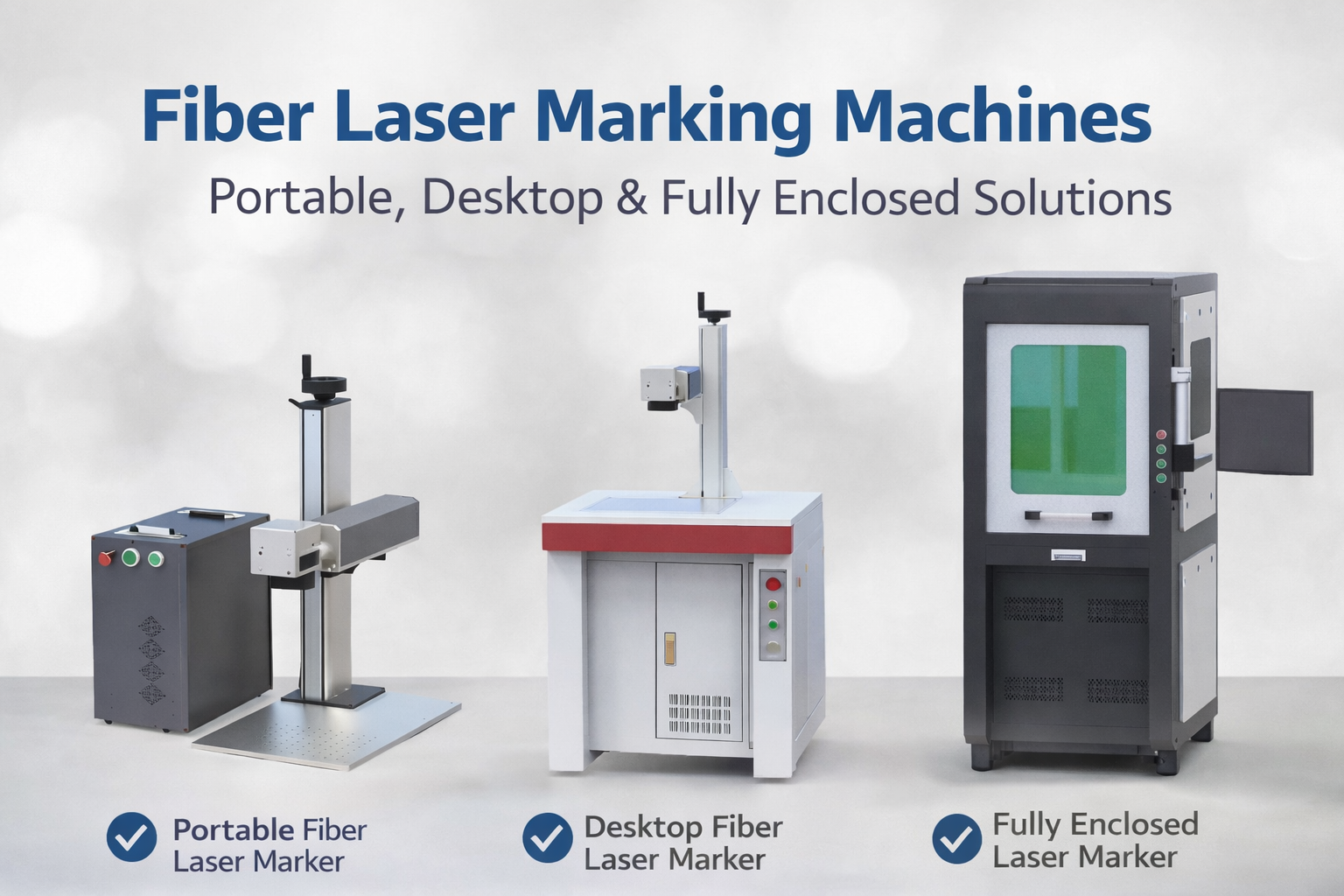
Trends in Enclosed Laser Marking Cell Integration

2026 Mid-Autumn Festival and National Day Holiday Notice

Top Factors That Affect Marking Quality in Handheld Fiber Laser Systems

Meet JCZ at Laser World of Photonics India 2026 in Bengaluru
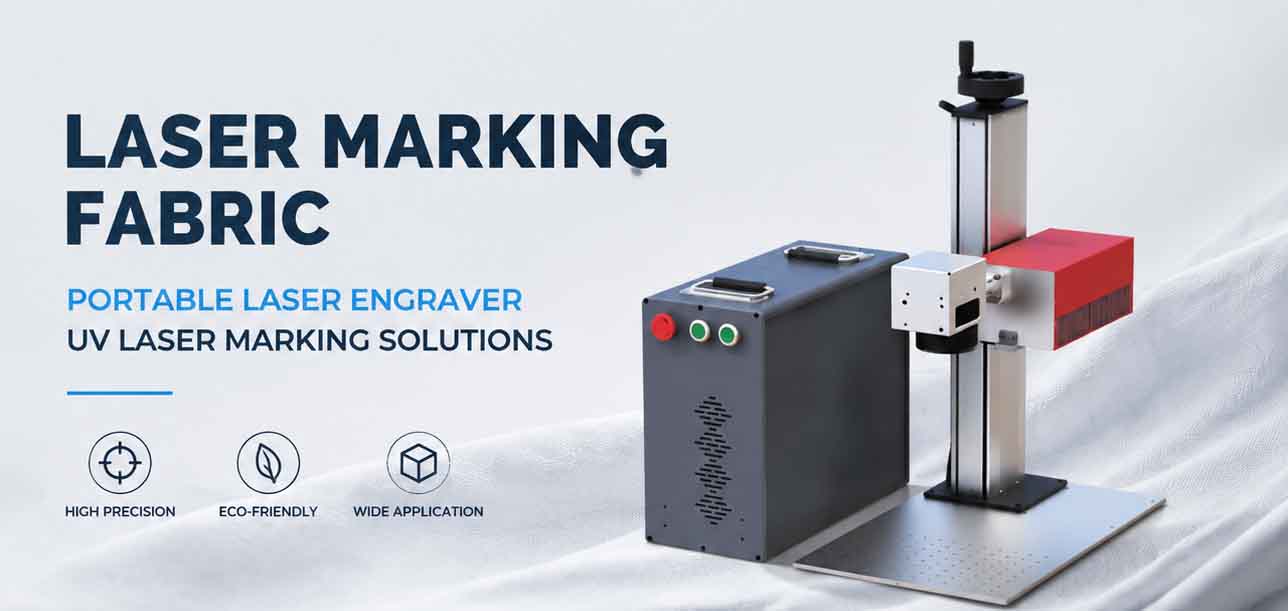
Laser Marking Fabric with Portable Laser Engraver: Advanced UV Laser Marking Solutions for Modern Manufacturing