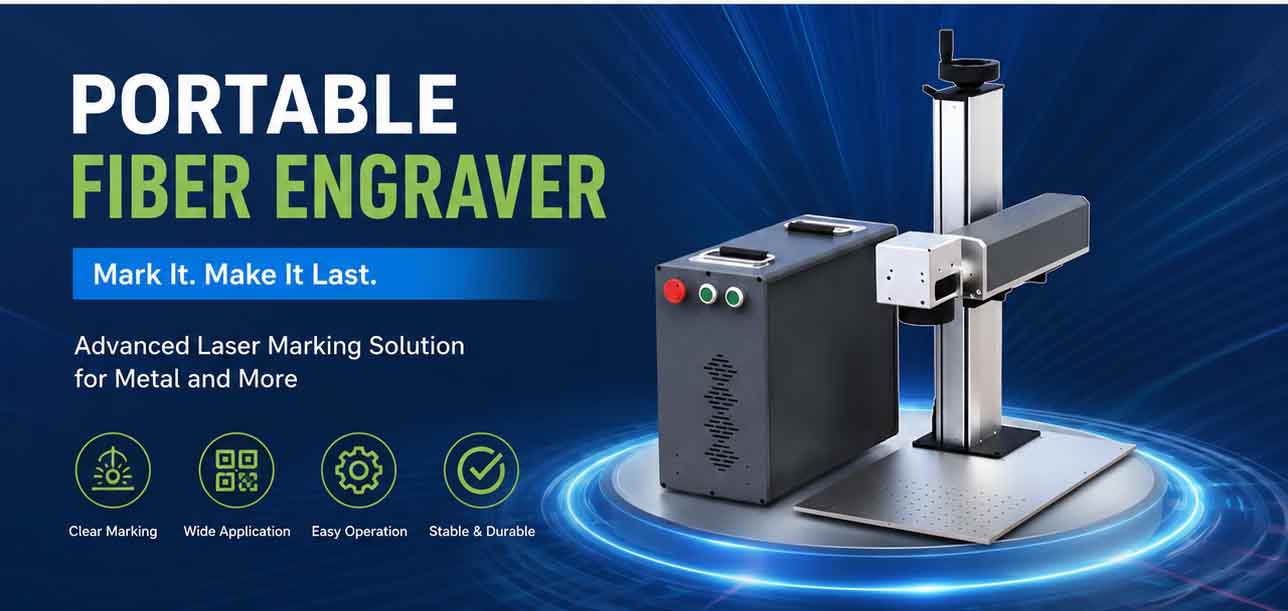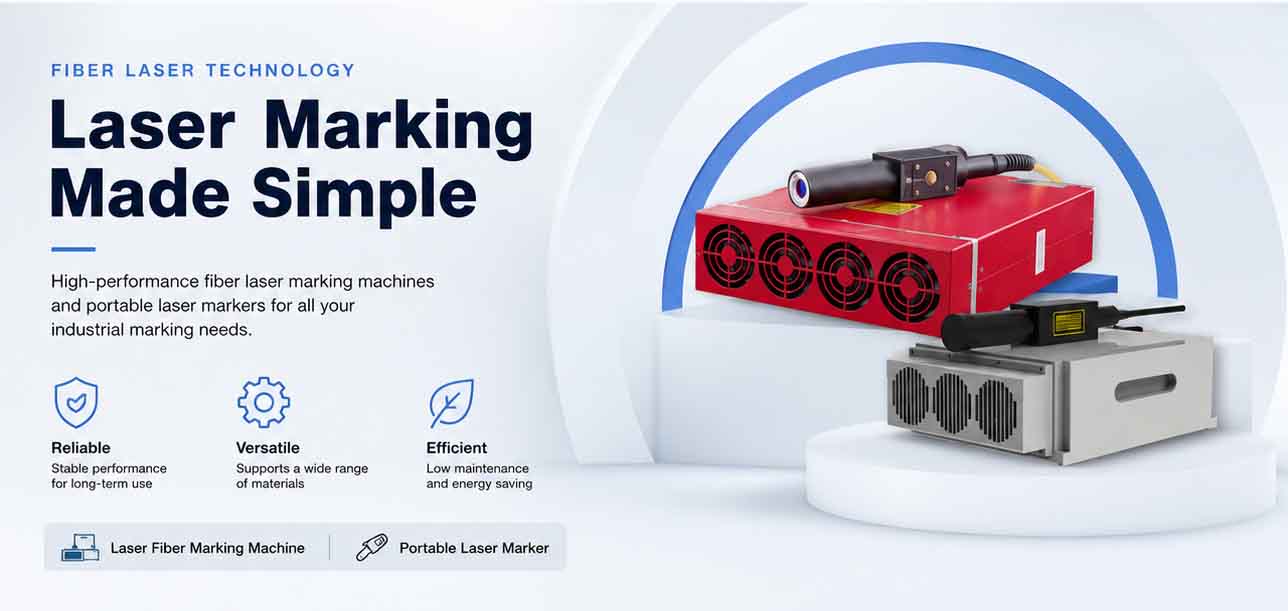
Pros and Cons of Portable Fiber Laser Markers for On-Site Work
Shifting a permanent marking operation from the factory floor to a construction site, a shipyard, or a pipeline repair station used to mean accepting significant compromises in speed and legibility. Hand stamps, electrochemical etching, and dot-peen markers all brought their own logistical headaches. Portable fiber laser markers have changed that equation, putting surprisingly high beam quality into a suitcase-sized enclosure. But understanding the real trade-offs before you invest is essential—because what works beautifully on a bench inside a controlled production cell doesn’t always translate to a muddy trench or a windy rooftop. In the following guide, we’ll break down where these compact systems earn their keep, where they fall short, and how the right control software stack can tilt the balance toward a productive on-site workflow.
Where the portable fiber laser marker fits in today’s workflows
Field crews increasingly need to apply serial numbers, QR codes, and safety labels directly onto large steel structures, installed equipment, and even pipelines that cannot be moved. Traditional ink jet or label-based methods degrade under UV, chemicals, or abrasion. A fiber laser at 1064 nm wavelength creates a permanent, high-contrast mark by micro-engraving or annealing the metal surface, with no consumables other than occasional lens cleaning. Typically, these portable heads weigh between 8 and 15 kg, and the control unit adds another 15–25 kg—still manageable in a ruggedized flight case that can be carried by one technician. Many units operate from a standard 110–220 V single-phase supply, drawing less than 600 W during marking, which makes generator power feasible even in remote locations. The typical pulse repetition rate of a 20–50 W fiber source ranges from 20 kHz to 200 kHz, giving enough flexibility to mark steel, aluminum, brass, titanium, and many coated metals. Beam quality in well-designed fiber lasers stays tight; JCZ’s own Elite Series nanosecond sources, for instance, specify an M² < 1.2, which directly translates to a fine focal spot and crisp line widths even at distances of 160–300 mm.
Yet raw hardware is only half the story. On-site operators rarely have the luxury of a dedicated CAD workstation. That’s where lightweight but powerful Laser Software becomes a deciding factor. A portable system loaded with software that supports quick file imports, on-the-fly text edits, and serial number auto-increment can turn a field technician into a capable marking operator in minutes. Without that, a perfectly good laser head can become little more than an expensive paperweight.
The core advantages that drive field adoption
The primary draw is mobility combined with mark fidelity. Once you have a portable fiber marker, you don’t need to unbolt a 200 kg gearbox housing or a structural beam and ship it back to a marking cell. You mark it in place, reducing handling time and logistics costs. A 2023 survey by the Laser Institute of America noted that field marking with direct-part laser systems reduced assembly chain errors by up to 35% compared to manual stamp-and-log processes, largely because automated data import leaves less room for human transcription mistakes.
A second major plus is permanence without chemical pre-treatment. Fiber laser marks withstand salt spray tests per ASTM B117 for hundreds of hours, often outlasting the base material’s coating. On oil and gas equipment, marks passivity-tested according to NACE MR0175/ISO 15156 for sulfide stress cracking resistance are achievable when the correct annealing parameters are used, making the method suitable for sour service components. There is no need for stencil films, electrolyte fluids, or post-processing neutralizers, so environmental and safety paperwork shrinks dramatically.
Speed is another quantifiable advantage. A 30 W portable fiber laser can engrave a 5 mm high alphanumeric string of 20 characters into 304 stainless steel in approximately 2–4 seconds, depending on depth requirements. For a black-annealed mark on titanium, the same string might take under 1 second. Data from JCZ’s EZCAD-controlled systems on a fixed gantry show that a flying-marking engine can process up to 10,000 parts per hour in conveyorized lines; while portable field speeds are necessarily slower without a fixture, a well-designed job file in Ezcad2 Software can still complete typical UID data matrix codes in 1.5–3 seconds on steel surfaces, offering a net throughput that hand engraving cannot approach.
Lastly, the operating cost per mark is remarkably low once capital equipment is paid for. Since no ink, ribbon, or styli are consumed, the main recurring costs are lens protection windows when operating in dusty environments and occasional desiccant cartridge changes for the laser head if humidity control is built in. The fiber source itself often carries a rated lifetime of over 100,000 hours of actual firing time before noticeable power degradation sets in—virtually the service life of the machine.
The real-world drawbacks that no brochure mentions
Portability creates vulnerability. A unit designed to be moved inevitably gets knocked around more than a fixed workstation mounted on a vibration-damped granite table. Focal alignment can shift after transport on rough roads, and operators should re-check the focus and perform a test mark after every relocation—an extra step that adds 5–10 minutes to each setup. On construction sites, airborne concrete dust and metal grinding fines settle on scan lenses, requiring protective cross-jet air or dedicated fume extraction to maintain mark quality. Many portable systems are rated for IP54 or lower, which is not sufficient for direct rain exposure; working under a pop-up canopy or inside a containment tent becomes necessary, which erodes some of the mobility promise.
Power stability on generators presents another hurdle. While the laser head itself may tolerate voltage ripples within ±10%, the sensitive galvo drivers and the control PC can reset or behave erratically if the generator’s frequency wobbles under load. Technicians often carry an on-line double-conversion UPS specifically for the laser controller, adding another 8–12 kg to the equipment pile. This is a practical tip born from field experience in pipeline projects from the Middle East to the North Sea.
Marking area is inherently limited. Hand-held galvo heads typically deliver a mark field of 100 mm × 100 mm to 200 mm × 200 mm without repositioning. For larger marks, you either stitch multiple fields—introducing potential alignment seams—or you physically reposition the head using a tripod, magnetic stand, or articulated arm. Stitching accuracy relies heavily on the control software’s dual-axis splicing algorithm. Here, the jump to a more advanced architecture can make a measurable difference; Ezcad3 Software rebuilds the data pipeline to significantly increase processing speed and support high-precision requirements, which in field stitching scenarios can cut recalibration time by roughly a third compared to older generation platforms. Still, no software can fully eliminate the minute positional error from manual moving of a tripod, so for truly seamless patterns longer than 200 mm, a fixed linear stage remains preferred.
Safety concerns on active worksites also multiply. A Class 4 laser in an open environment demands a larger controlled area with appropriate laser safety curtains or barriers, and all personnel within the nominal ocular hazard distance must wear certified goggles matched to 1064 nm. On a busy construction site, coordinating that exclusion zone can be a logistical puzzle that cancels the speed advantage. Many contractors underestimate the time spent setting up and tearing down safety perimeters; field reports cite safety-related downtime of 15–30% of total shift time on unshielded sites.
Comparing your options: portable vs. fixed systems
Not every application belongs in the field. The table below gives a side-by-side look at key decision factors.
| Factor | Portable Fiber Laser Marker | Fixed Benchtop Fiber Marker | |——–|—————————-|—————————-| | Typical laser power range | 20–50 W (handheld head) | 20–100 W (galvo enclosure) | | Weight (head alone) | 8–15 kg | 20–60 kg integrated | | Marking field per position | 100×100 mm to 200×200 mm | Up to 300×300 mm without stitching | | Setup time per location | 10–25 min (including safety prep) | <1 min (after initial alignment) | | Mark consistency across large area | Dependent on repositioning skill and software stitching | Excellent, single reference frame | | Optical protection from environment | Lens window + optional air purge | Fully enclosed, often with fume extraction | | Capital cost (approximate range) | $8,000–$18,000 USD | $6,000–$25,000 USD depending on power | | Recommended where | Large installed structures, heavy equipment, pipeline repair | Manufacturing cells, high-volume part marking |
From the table, the cost argument for portability isn’t always dramatic; the true savings come from avoiding part transport and downtime of the asset being marked. For a power station turbine casing that would require a 12-hour disassembly-reassembly cycle just to carry it to a fixed marker, the portable laser pays for itself in a handful of outages.
What changes when the right control software drives the laser
Portable hardware is only as flexible as the software behind it. Field jobs rarely involve a neat batch of identical parts; they demand handling of unpredictable data strings, variable date codes, and last-minute design changes. A platform that supports a robust SDK allows teams to integrate the marker directly into asset management databases and pull in serial numbers from QR scans or tablets, reducing keyboard errors. The EZCAD SDK, for instance, provides a 64-bit development environment that lets system integrators build dedicated on-site apps—turning a generic marker into a purpose-built tool that automatically generates UID labels compliant with MIL-STD-130N or ISO/IEC 16022. That level of automation is what separates a technician struggling with manual data entry from one who simply scans a barcode on a work order and lets the laser do the rest.
Even small software nuances matter in the field. Dual-axis splicing already mentioned helps with large marks. Flying marking algorithms enable marking while the laser head is slowly traversed along a pipe or rail—a feature originally designed for conveyor lines but now adapted to field use with a simple rail system. Operators who master these tools through training can push marking speeds up to 7,000 mm/s in vector mode on thin black-annealed layers, though deeper engraving drops that to 200–500 mm/s for a 0.1 mm depth in tool steel. The cross-over point where software capability outranks raw laser power becomes very clear once you’re working with inconsistent part positions and mixed materials.
Practical measures to improve field performance
Before you load a portable marker into the truck, a few field-tested precautions go a long way. First, verify the cooling system’s tolerance to ambient temperature. Most air-cooled fiber lasers operate from 0 °C to 40 °C, but at the upper end of that range, maximum average power can drop by 5–10%, which is within typical performance limits according to internal qualification reports from laser source manufacturers. If the work site bakes in 45 °C desert heat, consider a shaded enclosure with forced ventilation, and confirm that the laser’s built-in thermal protection will gracefully throttle power rather than abruptly shut down.
Second, invest in a robust positioning fixture. A magnetic articulated arm with a fine-adjustment micrometer stage can hold the scan head at the correct focal distance (often 160–200 mm) and resist wind gusts that would blur the mark. Without such a fixture, hand-holding the head is neither safe nor capable of producing a consistent focal spot size of 30–50 µm typical for a 100 mm lens. A jitter of even 0.5 mm during a 2-second mark will ruin a data matrix code’s readability.
Third, treat the lens protection window as a consumable. In the field, a single unexpected spark of grinding dust can pit the AR-coated glass, increasing back reflections and reducing effective power at the work surface. Carrying six to ten spare windows and a torque wrench for the retaining ring is standard practice among pipeline inspection crews. One major oilfield service company internal report, shared at ILSC 2022, indicated that lens window replacement frequency rose 8× when moving from shop to field operations, so budget accordingly.
Frequently Asked Questions
Can a portable fiber laser marker engrave on curved surfaces?
Yes, within limits. A standard flat-field lens has a depth of focus roughly ±0.3 mm to ±1.0 mm for a 100×100 mm field. For mild curvature such as a 150 mm diameter pipe, the mark remains readable if centered. For tighter radii, a 3D dynamic focus head or a rotary axis becomes necessary, which adds bulk and cost.
Do I need different laser parameters for outdoor vs. indoor ambient light?
Laser marking itself is largely unaffected by ambient light because the fiber source’s 1064 nm wavelength and high power density overpower any sunlight reflections. However, bright sunlight can make the red guide pointer almost invisible, so operators often rely on fixed alignment jigs or a visible green guide beam option.
What regular maintenance does a portable system require?
Beyond lens window inspection and occasional cleaning with optical-grade methanol wipes, the air filter of the cooling fan needs checking, and any desiccant breather plugs should be replaced when the indicator changes color. Software and firmware updates are equally important; they often contain improved stitching algorithms or security patches.
Can I use a portable fiber marker on non-metallic surfaces?
Fiber lasers at 1064 nm typically produce poor marks on pure plastics and organics because the material doesn’t absorb this wavelength efficiently. CO₂ or UV lasers are better suited for those substrates. However, some metal-coated or metal-filled plastics can be marked effectively with a fiber system.
Summing up the field decision
Portable fiber laser markers have carved a permanent niche in on-site industrial work because they eliminate the hidden cost of moving large components to a stationary marking bay. The ability to apply a black-annealed or engraved mark that passes ASTM B117 salt spray testing within 2–4 seconds per code, using a 30 W source with M² below 1.2, is a genuine productivity leap over template-based methods. Nevertheless, the reality of windborne dust, generator power instability, and the constant need to re-check alignment means that the productivity advantage can erode fast without disciplined field protocols and well-chosen software. If your crew is already fluent in manipulating laser control software that supports dual-axis splicing, dynamic data import, and SDK-based custom modules, the portable marker becomes more than a marking tool—it turns into a mobile traceability workstation. For those evaluating their first field system, pairing a ruggedized galvo head with a field-proven software stack and planning for lens protection, secure positioning, and safety envelope logistics will make the difference between a satisfied crew and a dusty, underused asset. Start by mapping your largest installed part that currently requires marking to see whether the 200×200 mm single-field limit is a dealbreaker or a manageable constraint; that single analysis often points straight to the right configuration.
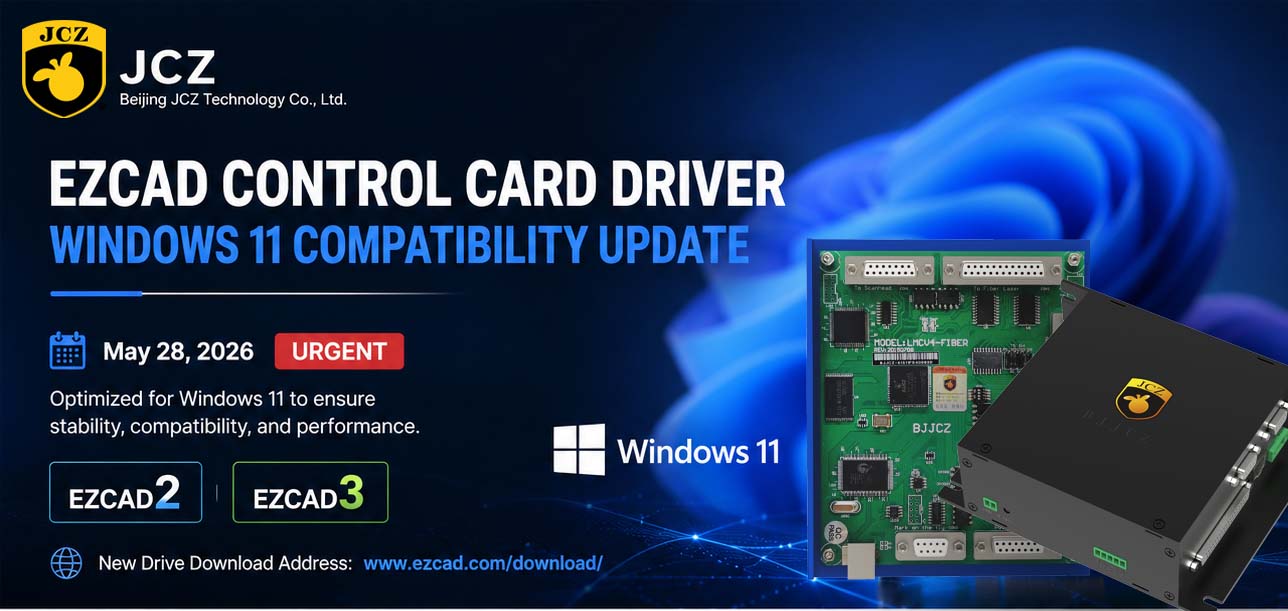
OFFICIAL DRIVER UPDATE NOTICE
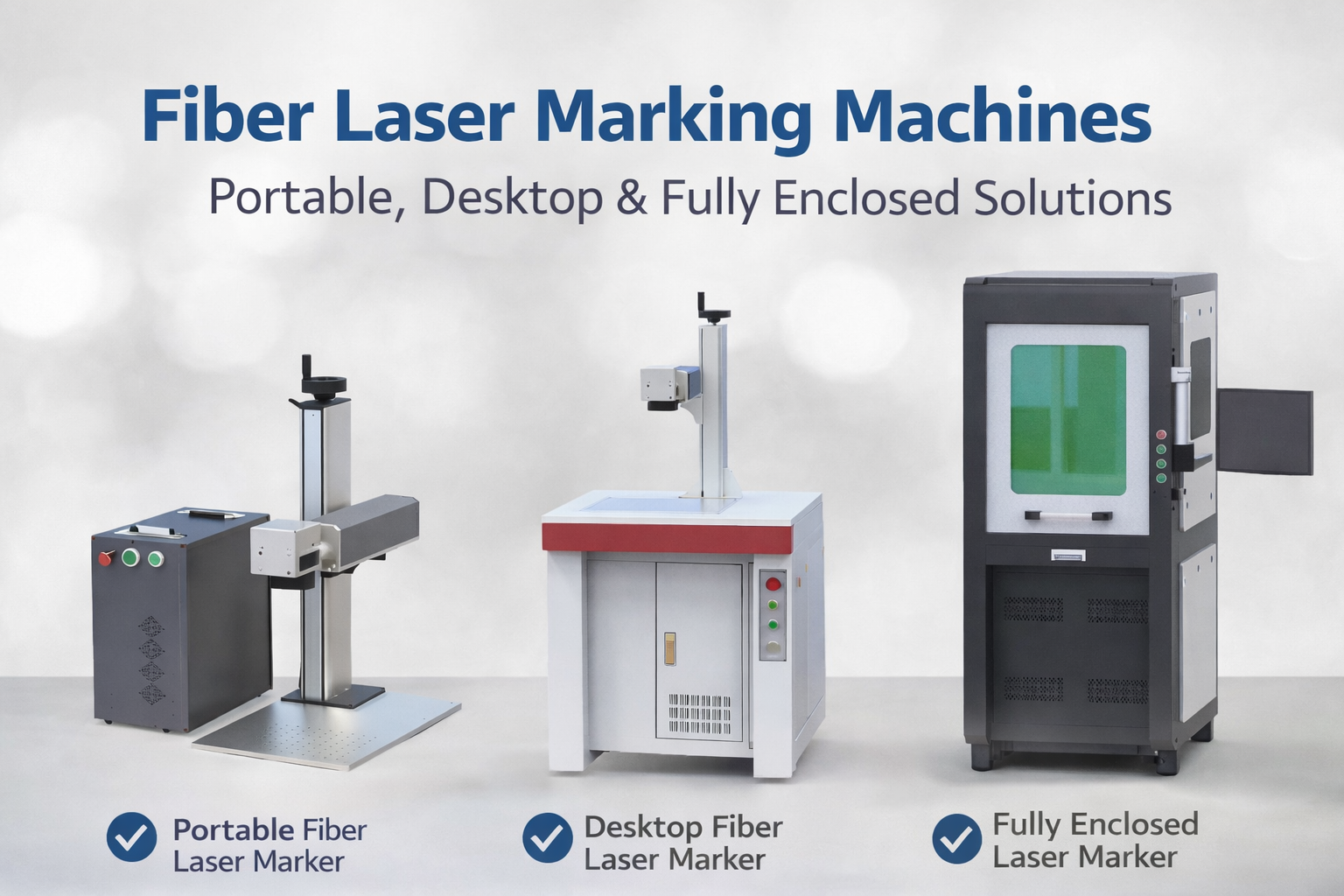
Trends in Enclosed Laser Marking Cell Integration

2026 Mid-Autumn Festival and National Day Holiday Notice

Top Factors That Affect Marking Quality in Handheld Fiber Laser Systems

Meet JCZ at Laser World of Photonics India 2026 in Bengaluru
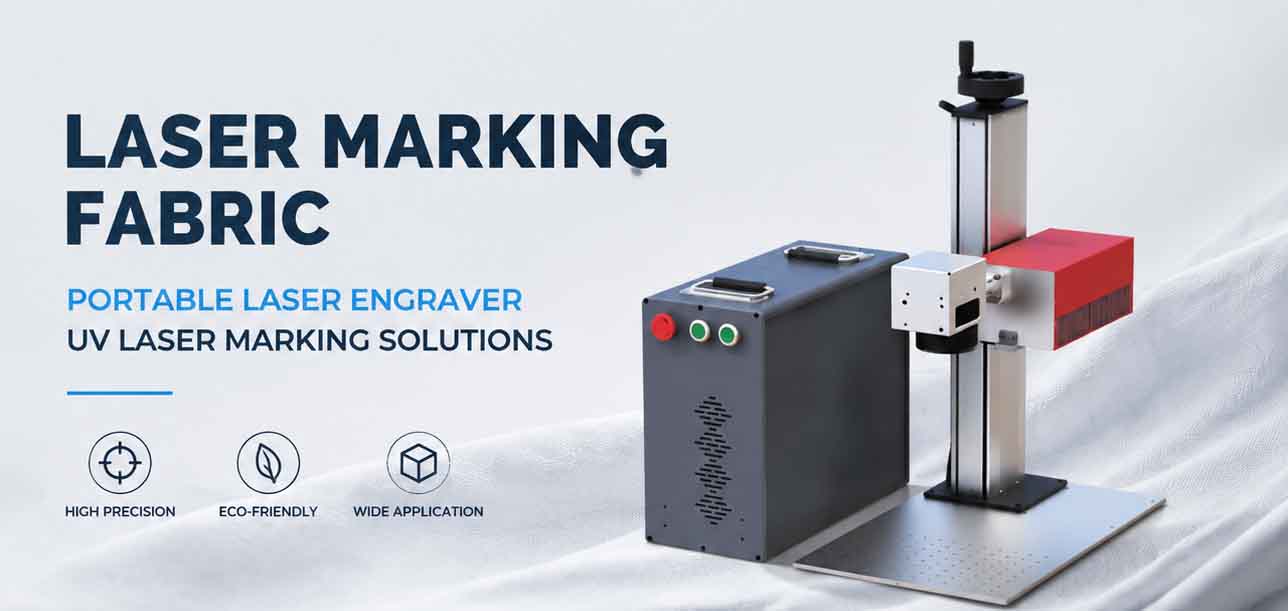
Laser Marking Fabric with Portable Laser Engraver: Advanced UV Laser Marking Solutions for Modern Manufacturing