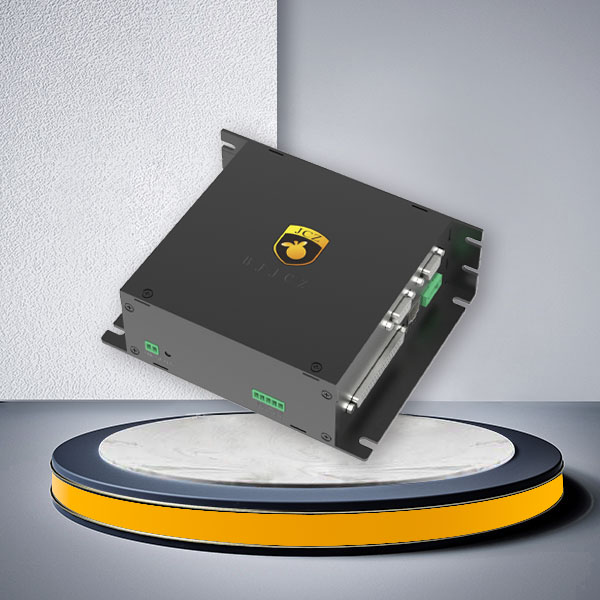
| Configurations | |
| Connection Method | Gigabit Ethernet port |
| Compatible Laser | All Mainstream Laser Types In The Market |
| Galvo Scanner Control Protocol | All Mainstream Galvos Types In The Market |
| Encoder Input | 2 Channels |
| Online Upgrade oBoard Firmware | Supported |
| Number of Input Ports | 14 Channels |
| Number of Output Ports | 8 Channels |
| Operating System | WIN7/WIN10/WIN11, 64-bit Systems |
| Multi-card connection | 32 Channels |
| Independent external 5V output | |
| Equipped with a watchdog function to prevent abnormal prolonged laser emissions | |
| 4-axis control, capable of achieving a maximum pulse frequency of 4MHz (DLC2-V4-MC4) | |
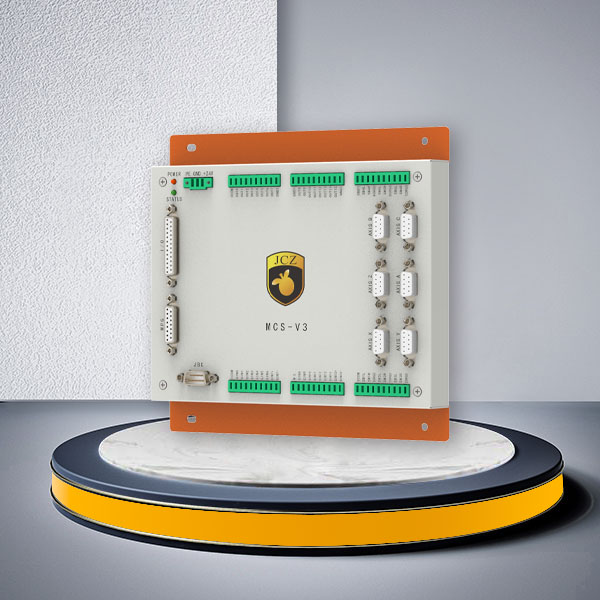
| Expandable with MX4 or various laser interface cards | |
| Supports Scanlab 2D/3D mirror control (DLC2-V4-MC4) | |
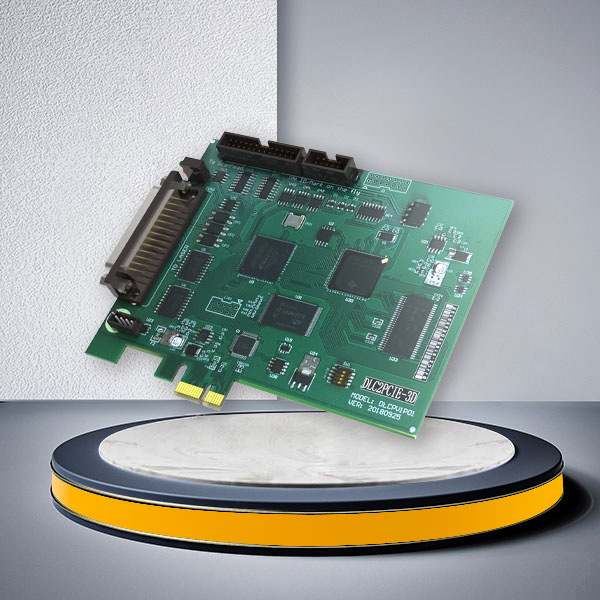
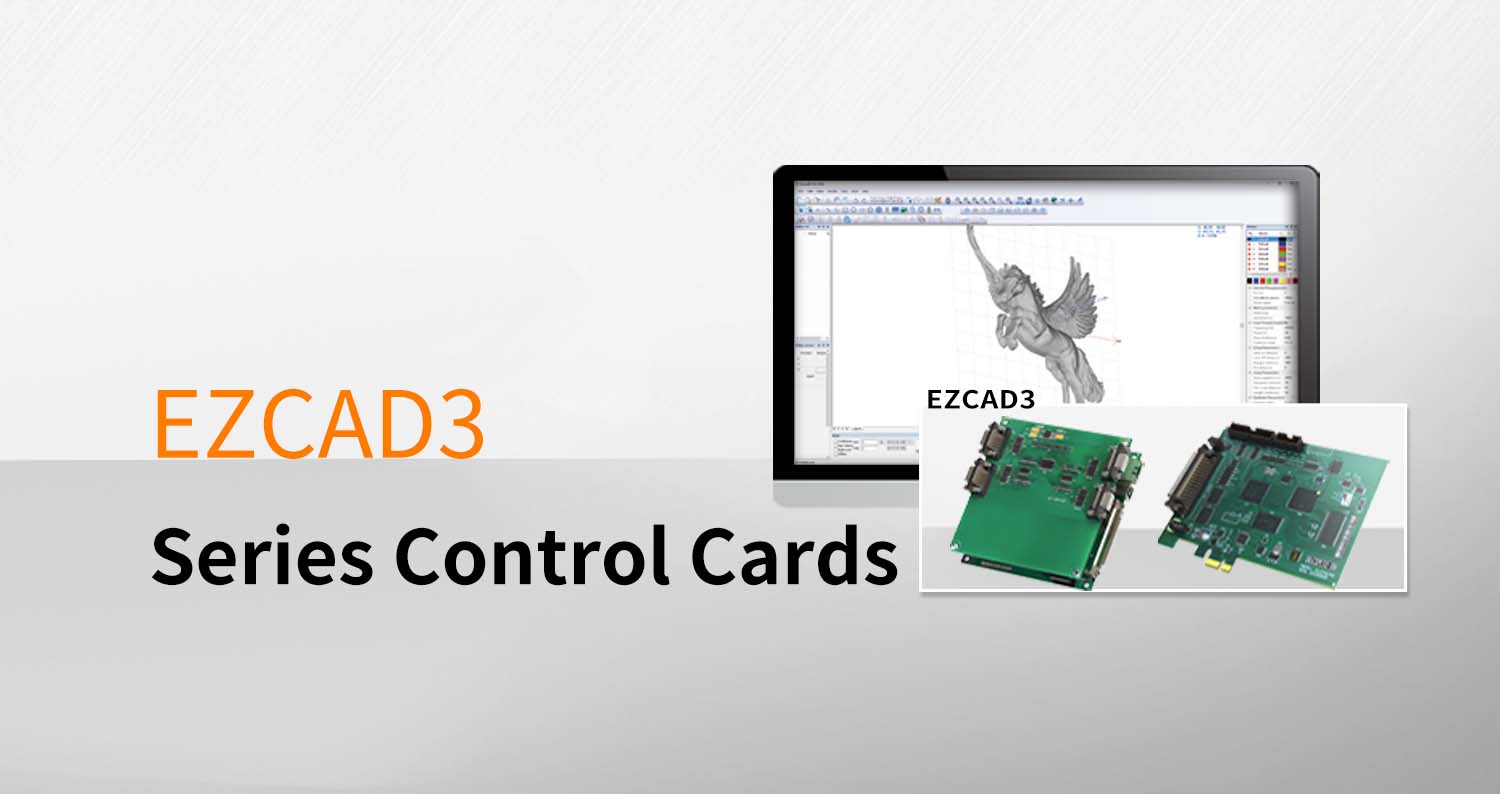
DLC2-V4 Laser Controller for EZCAD3 Laser and Galvo Systems
The DLC2-V4 Laser Controller is designed for industrial laser systems that need more than basic laser and galvo synchronization. With Gigabit Ethernet communication, expanded industrial I/O, encoder inputs, multi-card connectivity and motion-control expansion, it provides machine builders and system integrators with a practical control platform for more complex EZCAD3-based equipment.
Compared with selecting a controller only by laser type, DLC2-V4 is better evaluated around the complete machine architecture: laser source, galvo scanner, motion axes, external sensors, PLC signals, encoder requirements and the number of processing stations that need to be integrated.
The controller supports common fiber, CO2, YAG and UV laser configurations as well as mainstream galvo control protocols, making it suitable for OEM laser marking and other galvo-based processing systems where system expansion and automation are important.
When Should You Choose a DLC2-V4 Laser Controller?
The DLC2-V4 Laser Controller is most relevant when the laser machine needs to coordinate several hardware functions instead of simply sending marking data to a laser and a 2D galvo head.
Typical selection situations include:
- a machine using Ethernet communication between the industrial PC and laser controller;
- a marking station requiring more external sensor, trigger or actuator signals;
- an automated system requiring encoder feedback;
- equipment that needs several controllers connected within one system;
- projects requiring additional motion-axis control;
- 2D or 3D galvo applications requiring compatible controller expansion;
- OEM machines that may need additional laser or motion interfaces later.
If your project is a relatively simple laser marking machine with fewer automation signals, another DLC controller may be sufficient. The purpose of choosing V4 is not simply to use the newest board, but to reserve the control resources actually required by the machine.
For other controller options, see Laser Controller Series.
Gigabit Ethernet for Machine Integration
The DLC2-V4 uses a Gigabit Ethernet connection.
For industrial machine builders, the practical value of Ethernet is installation flexibility. The controller does not have to be positioned immediately beside the operating PC, which can simplify control-cabinet design and system wiring in production equipment.
Ethernet communication is particularly useful when the laser system is part of:
- an automated production cell;
- a larger assembly or traceability line;
- equipment with the industrial PC installed in a separate control cabinet;
- a system containing multiple laser stations;
- machinery where network-based architecture is preferred over a basic local USB connection.
Before ordering, confirm how the host computer, PLC, laser controller and other machine hardware will communicate. Selecting the communication architecture first avoids redesigning the control cabinet later.
Expanded I/O for Sensors, Triggers and Automation
A laser controller in an automated machine must communicate with more than the laser source and scan head.
The DLC2-V4 provides:
14 input channels
8 output channels
2 encoder input channels
These connections give machine designers more flexibility when integrating devices such as:
- part-presence sensors;
- start and stop triggers;
- fixture confirmation signals;
- safety-related machine interlocks;
- pneumatic or electrical actuators;
- conveyor-related signals;
- external alarms and status indicators;
- encoder-based production processes.
The exact connection method still depends on the electrical design of the complete machine. Send the signal requirements or wiring information before configuration if the project includes non-standard peripheral equipment.
Laser Source Compatibility
The DLC2-V4 Laser Controller supports common industrial laser types including:
Fiber laser
CO2 laser
YAG laser
UV laser
However, “laser compatibility” should never be confirmed only by wavelength.
Different laser sources can use different trigger, power-control and communication interfaces. Some machine configurations may therefore require the appropriate laser interface card.
JCZ provides expansion through different laser interface options so the controller can be configured around the actual laser source used in the machine.
When requesting a controller, provide:
laser manufacturer;
laser model;
laser type;
control-interface information if available.
This allows the interface requirement to be checked before the controller is installed.
Galvo Scanner Compatibility
The controller supports mainstream galvo scanner control protocols including:
XY2-100
SPI
RAYLASE
CANON
The DLC2-V4-MC4 configuration also supports Scanlab 2D/3D scanner control.
Galvo compatibility should be confirmed using the actual scan-head model and protocol rather than simply stating that the machine uses a “digital galvo.”
Important information to provide includes:
galvo scanner manufacturer and model;
2D or 3D scan-head configuration;
communication protocol;
scanner aperture where relevant to the optical system;
whether dynamic focusing is required.
JCZ offers 2D, 3D, dynamic-focus and welding-oriented galvo solutions that can be considered when designing the complete laser system.
Motion Control for Automated Laser Equipment
The DLC2-V4-MC4 configuration supports four-axis motion control with a maximum pulse frequency of 4 MHz.
This becomes important when a galvo alone cannot complete the required process.
Additional motion axes may be used for operations such as:
rotary positioning;
fixture movement;
part indexing;
Z-axis adjustment;
XY positioning;
feeding or transfer mechanisms.
This makes the DLC2-V4 Laser Controller particularly relevant to custom machines where laser processing must be synchronized with mechanical positioning.
Before selecting the motion configuration, specify:
number of controlled axes;
motor or drive type;
required pulse/direction interface;
motion sequence;
whether motion and laser processing must operate sequentially or as part of a coordinated workflow.
For projects requiring further motion expansion, DLC2-V4 can also be expanded with MX4 according to the machine configuration.
Multi-Card Control for Multi-Station Systems
DLC2-V4 supports connection of up to 32 controller cards.
This capability is more relevant to equipment manufacturers building multi-station or multi-head systems than to a conventional single-head marking machine.
Possible system architectures include:
multiple laser processing stations controlled from one production system;
parallel marking cells;
multi-head equipment;
production lines requiring centralized control of several laser stations.
The final architecture should be confirmed according to processing sequence, software control requirements and hardware synchronization rather than choosing the maximum number of cards by default.

DLC2-V4 vs DLC2-V3: Which Controller Fits Your Machine?
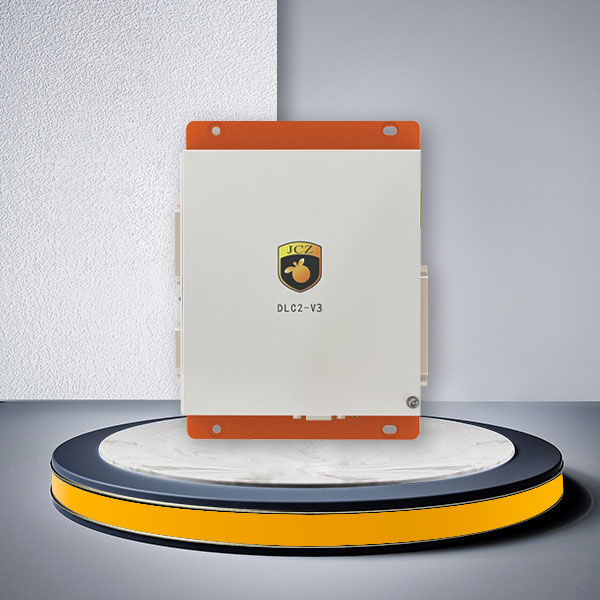
DLC2-V3 and DLC2-V4 are both part of the EZCAD3 DLC controller family, but they should not be selected only by generation number.
DLC2-V3 is suitable for many Ethernet-based laser and galvo systems that require industrial I/O, encoder input and production-line integration.
DLC2-V4 is the more relevant option when the project requires the V4 architecture, expanded input capacity, greater multi-card connection capability or DLC2-V4-MC4 motion-control functions.
Key differences to consider include:
- suitable for EZCAD3 Ethernet-based control systems;
- 10 input channels and 8 output channels;
- supports encoder inputs;
- supports multi-card connection;
- suitable for many standard automated laser marking systems.
DLC2-V4:
- Gigabit Ethernet communication;
- 14 input channels and 8 output channels;
- 2 encoder input channels;
- up to 32-card connection;
- DLC2-V4-MC4 supports four-axis motion control up to 4 MHz;
- expandable with MX4 and laser interface cards;
- suitable when more control resources or system expansion are required.
If V3 already satisfies all required laser, galvo, I/O and automation functions, changing to V4 solely because it is a later generation may provide little practical benefit.
DLC2-V4 vs DLC2-V2
DLC2-V2 is more appropriate when the machine architecture is based around USB control and does not require the same Ethernet-oriented system structure.
The DLC2-V4 Laser Controller should be considered when the project is being designed around network communication, larger automation requirements or more complex expansion.
This distinction is useful when developing a new machine because the communication method affects control-cabinet layout, PC placement and overall system architecture.
Where DLC2-V4 Fits in a Laser Machine
A complete EZCAD3 laser control system can contain several layers:
EZCAD3 software
→ DLC2-V4 Laser Controller
→ laser source
→ galvo scanner
→ motion axes
→ encoder and external I/O
→ sensors, fixtures and automation peripherals
The controller acts as the hardware coordination layer between these components.
For machine builders, controller selection therefore needs to happen before final electrical and mechanical design. Changing the controller after the I/O architecture, drive system and scanner interface have already been finalized can create unnecessary rework.
Typical Applications
Depending on the configured laser, galvo and motion hardware, DLC controllers can be used in industrial laser systems for processes including:
laser marking;
laser engraving;
3D surface processing;
galvo-based laser cutting;
galvo-based laser welding;
laser cleaning;
flying marking;
rotary marking;
XY-platform processing;
automated traceability systems.
The controller alone does not determine whether a machine can perform a particular laser process. Laser source, scan head, optics, motion hardware and EZCAD3 configuration must all support the required application.
FAQ
Does DLC2-V4 work with EZCAD3?
Yes. DLC2-V4 belongs to the DLC controller family used with EZCAD3. The complete system should still be configured according to the required laser, scanner, I/O and motion functions.
Can DLC2-V4 control fiber and UV lasers?
The controller supports common fiber, CO2, YAG and UV laser configurations. The required laser interface must be checked against the exact laser model before ordering.
Can DLC2-V4 control a 3D galvo scanner?
The DLC2-V4-MC4 configuration supports Scanlab 2D/3D scanner control. For another 3D scan-head model or protocol, provide the exact scanner information so compatibility can be confirmed.
How many I/O channels does DLC2-V4 provide?
The current DLC2-V4 specification provides 14 input channels and 8 output channels, together with two encoder inputs.
How many motion axes can DLC2-V4 control?
The DLC2-V4-MC4 configuration supports four-axis control and a maximum pulse frequency of 4 MHz.
Should I choose DLC2-V4 instead of DLC2-V3?
Choose according to the required control architecture. DLC2-V4 is more suitable when the system specifically needs its Gigabit Ethernet architecture, additional inputs, larger multi-card capacity or MC4 motion-control functions. DLC2-V3 remains suitable for many standard EZCAD3 Ethernet laser systems.
Can DLC2-V4 be used to replace an existing laser controller directly?
Not always. Before replacement, compare the laser interface, galvo protocol, I/O wiring, encoder signals, motion-axis requirements and software configuration. A controller with similar functions does not necessarily have identical wiring or system settings.
Build the Controller Around the Machine, Not the Other Way Around
The DLC2-V4 Laser Controller is most valuable in systems where the laser, galvo, motion axes and factory automation need to work as one coordinated platform.
For a standard marking machine, using every available interface may not be necessary. For an OEM system with multiple sensors, Ethernet communication, motion control, encoder input or future expansion requirements, choosing sufficient controller capacity at the design stage can simplify later integration.
Send JCZ your laser model, galvo model, I/O list and motion requirements. We can help determine whether DLC2-V4 is the appropriate controller and which interface or expansion configuration should be included before quotation.