| Configurations | |
| Connection Method | USB2.0 |
| Operating System | WIN7/WIN10/WIN11, 32/64-bit Systems |
| Galvo Scanner Control Protocol | Digital Signal, Can be Directly Connected to Commonly Used Digital Galvos Worldwide |
| Adjustable Pulse Width (MOPA) Laser | Supported |
| ReMark Signal | Repeat Marking of Cached Content |
| Number of Input Ports | 12 Channels |
| Number of Output Ports | 8 Channels TTL/OC |
| Compatible Lasers | Fiber Laser |
| Power Supply Method | External 5V, DC Power Supply |
| Built-in Encryption Chip | No Need for An External Dongle |
| Applicable Materials | Metal, Black Photosensitive Material |
| Configurations | |
| Connection Method | USB2.0 |
| Operating System | WIN7/WIN10/WIN11, 32/64-bit Systems |
| Galvo Scanner Control Protocol | Digital Signal, Can be Directly Connected to Commonly Used Digital Galvos Worldwide |
| ReMark Signal | Repeat Marking of Cached Content |
| Built-in Encryption Chip | No Need for An External Dongle |
| Number of Input Ports | 12 Channels |
| Number of Output Ports | 8 Channels TTL/OC |
| Compatible Lasers | CO2 Laser, YAG Laser, UV Laser |
| Power Supply Method | External 5V, DC Power Supply |
| Applicable Materials | Glass, Plastic, Wood, Rubber, Paper |
| Configurations | |
| Connection Method | USB2.0 |
| Operating System | WIN7/WIN10/WIN11, 32/64-bit Systems |
| Galvo Scanner Control Protocol | Digital Signal, Can be Directly Connected to Commonly Used Digital Galvos Worldwide |
| ReMark Signal | Repeat Marking of Cached Content |
| Built-in Encryption Chip | No Need for An External Dongle |
| Number of Input Ports | 12 Channels |
| Number of Output Ports | 8 Channels TTL/OC |
| Compatible Lasers | SPI Laser |
| Power Supply Method | External 5V, DC Power Supply |
| Applicable Materials | Metal, Black Photosensitive Material |
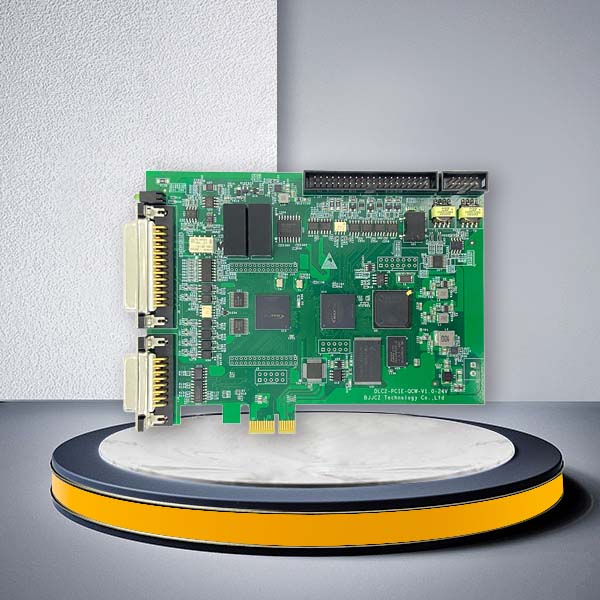
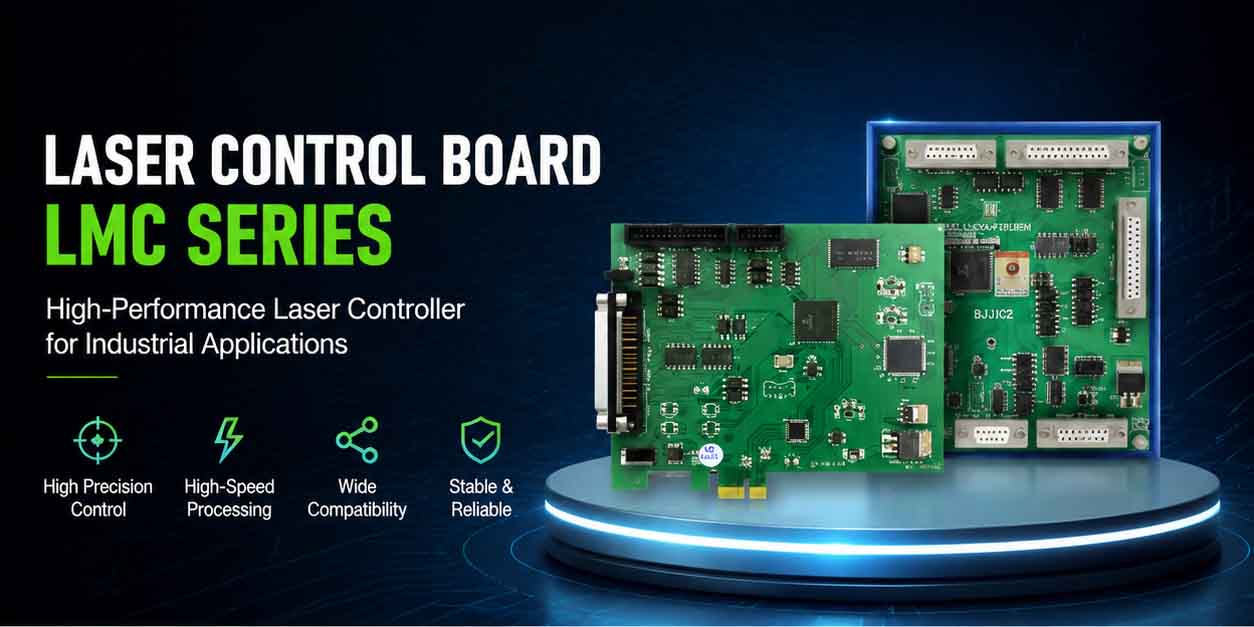
The JCZ LMCV4 Series Laser and XY2-100 Galvo Scanner Controllers are meticulously crafted for fiber optic, CO2, UV, and SPI laser marking and engraving machines. They seamlessly integrate with EZCAD2 software via USB, offering a streamlined and efficient solution for laser marking and engraving applications.
Choose the right LMCV4 configuration for your laser source:
- LMCV4-FIBER for Fiber laser systems
- LMCV4-DIGIT for CO₂, UV, YAG and Green laser systems
- LMCV4-SPI for SPI laser systems
The LMCV4 laser marking controller board works with compatible EZCAD2 software, digital XY2-100 galvo scanners, and selected laser source interfaces to support standard industrial laser marking and engraving applications.
Key LMCV4 Controller Capabilities
The published LMCV4 configuration includes USB2.0 communication, Windows 7/10/11 compatibility, support for 32-bit and 64-bit systems, digital galvo control, 12 input channels, 8 TTL/OC output channels, external 5V DC power, and an integrated encryption chip for compatible configurations.
USB-Based Machine Integration
The LMCV4 laser marking controller board connects to a computer through USB2.0 and is designed for EZCAD2-based laser marking workflows.
Digital Galvo Scanner Control
The board supports digital galvo scanner control for compatible XY2-100 galvo systems.
I/O for Machine Integration
Use available input and output channels for signals such as start marking, alarm, interlock, external trigger, laser error, sensor integration, rotary equipment, and selected automation requirements.
MOPA Support for Fiber Configuration
LMCV4-FIBER supports adjustable pulse-width MOPA laser configurations. Final compatibility must be confirmed according to the exact MOPA laser model and interface.
ReMark Signal Support
ReMark functionality can support repeat marking of cached content for selected applications.
What Is Included with the LMCV4 Controller Board?
The standard supply scope should be confirmed before order.
Please confirm whether your project requires:
- LMCV4 controller board
- Compatible EZCAD2 software information
- USB driver
- Product manual
- Wiring reference
- Connection cable or adapter cable
- External 5V power supply
- Breakout board or I/O accessory
- Rotary-axis connection support
- Galvo cable
- Laser-source control cable
- Technical setup guidance
The LMCV4 controller board is a hardware component. A complete laser marking machine also requires a compatible laser source, galvo scanner, lens, power supply, enclosure, and safety system.
Which LMCV4 Laser Marking Controller Board Do You Need?
Selecting the correct LMCV4 laser marking controller board starts with your laser source type.
| Model | Compatible Laser Source | Typical Materials | Recommended Use |
|---|---|---|---|
| LMCV4-FIBER | Fiber laser; supports adjustable pulse-width MOPA laser configurations | Metal, black photosensitive materials | Fiber laser marking, serial numbers, QR codes, Data Matrix codes, hardware and traceability marking |
| LMCV4-DIGIT | CO₂, UV, YAG and Green laser sources | Glass, plastic, wood, rubber, paper | Packaging, plastic marking, glass marking, non-metal marking and selected UV applications |
| LMCV4-SPI | SPI laser source | Metal, black photosensitive materials | SPI laser marking systems and industrial traceability applications |
Do not select a controller board based only on appearance. Confirm the laser source brand, laser interface, galvo model, connector type, required I/O, axis requirement, and existing machine configuration before ordering.
Built for Standard 2D Galvo Laser Marking Systems
The LMCV4 laser marking controller board is designed for standard 2D galvo laser marking and engraving systems.
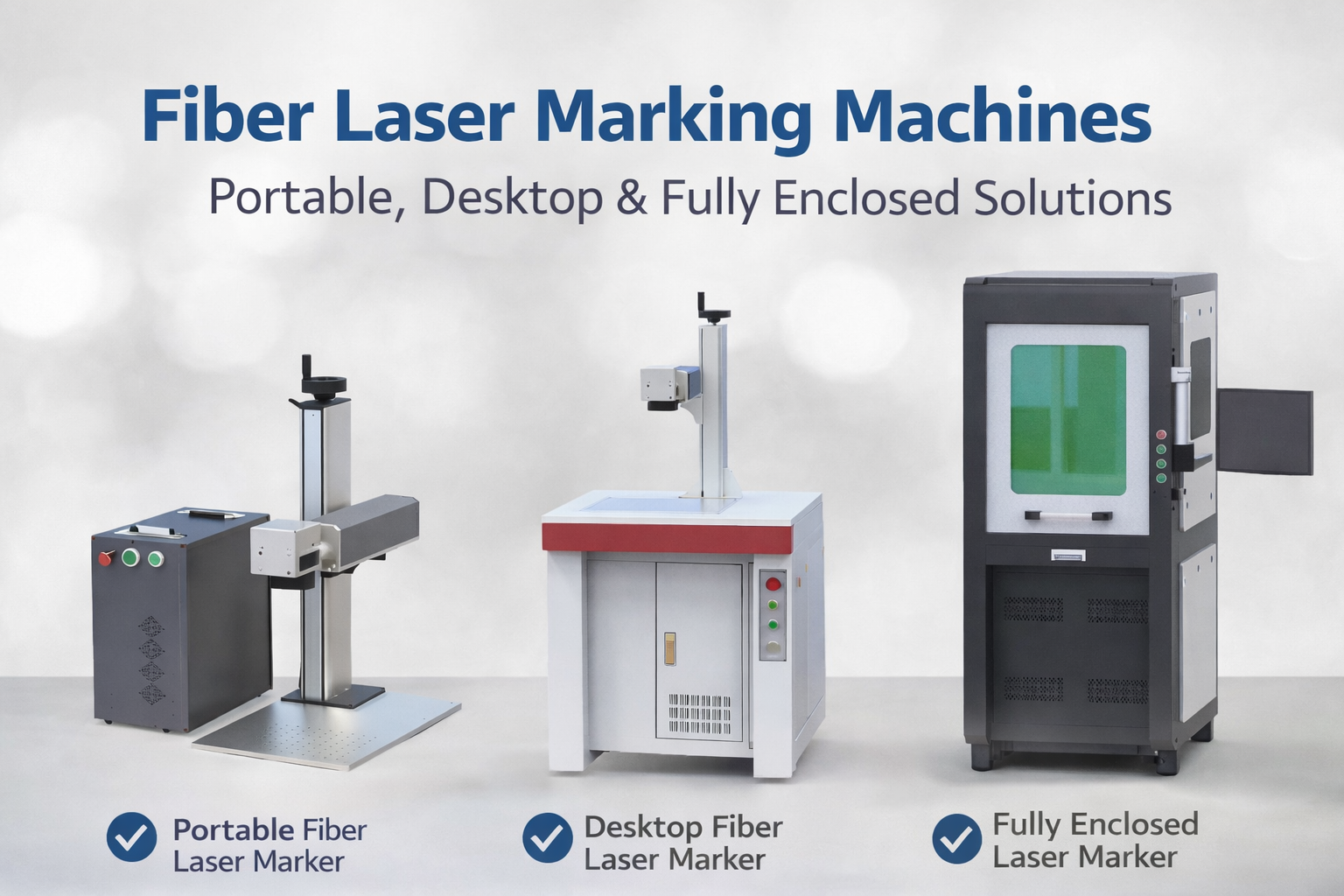
It can be used as part of a complete laser marking machine configuration that may include:
- Fiber, CO₂, UV, YAG, Green, or SPI laser source
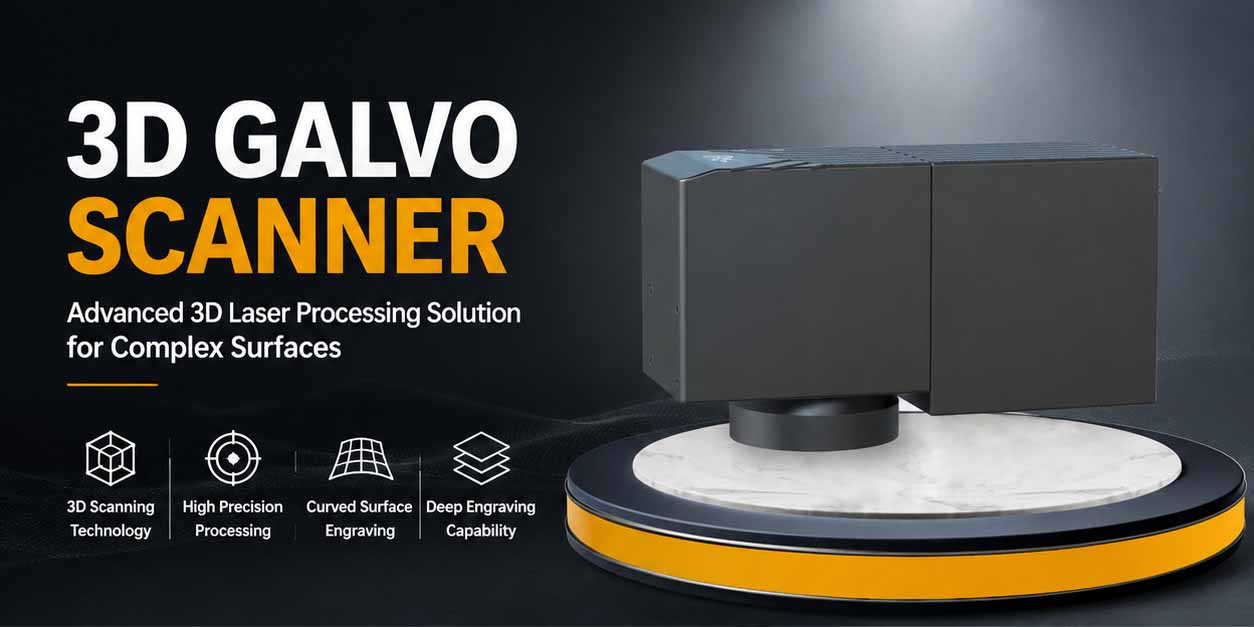
- Digital galvo scanner
- F-theta lens
- 5V DC power supply
- Industrial enclosure
- Rotary attachment or expansion axis
- I/O signal connection
- Compatible EZCAD2 software
- Safety interlock and emergency-stop design
The controller board is not a complete laser marking machine. It is the control component that connects compatible laser hardware, galvo hardware, I/O signals, and marking software.
Original JCZ Hardware and Software Configuration
LMCV4 controller boards are supplied for compatible laser marking system configurations.
EZCAD2 software is provided for use with compatible original JCZ controller hardware. It is not sold as standalone software.
For replacement and OEM projects, please confirm:
- Whether the existing board is original or third-party hardware
- Whether a new software configuration is required
- Whether the machine requires a new driver or controller setup
- Whether existing files, parameters, or machine settings need to be migrated
Please share your existing board photo and software information before purchasing a replacement controller.
Ordering, Delivery and Technical Support
For OEM, distributor, replacement, and project-based orders, please provide:
- Required LMCV4 model
- Quantity
- Destination country
- Existing machine configuration
- Required accessories
- Required delivery time
- Company type: OEM, distributor, system integrator, service company, or end user
Lead time, packaging, shipping method, warranty terms, and technical support scope should be confirmed with the sales team based on the exact controller model and order quantity.
FAQ
Q:Which LMCV4 controller should I choose?
A:Choose LMCV4-FIBER for Fiber laser systems, LMCV4-DIGIT for CO₂, UV, YAG, or Green laser systems, and LMCV4-SPI for SPI laser systems. Confirm your laser source and galvo model before ordering.
Q:Can I replace my old LMCV4 board directly?
A:Possibly, but replacement should not be based only on the board appearance. Please confirm your laser source model, galvo model, cable connection, I/O wiring, EZCAD2 version, and original board label.
Q:Does the LMCV4 laser marking controller board include a laser source?
A:No. The LMCV4 laser marking controller board is a control component. A complete marking machine also requires a compatible laser source, galvo scanner, lens, power supply, enclosure, and safety configuration.
Q:Does LMCV4 support MOPA lasers?
A:LMCV4-FIBER supports adjustable pulse-width MOPA laser configurations. Compatibility should be confirmed based on the exact MOPA source model and interface.
Q:Can I use LMCV4 for flying marking or encoder applications?
A:Some applications may require encoder, I/O, signal, and machine-integration review. Submit your conveyor speed, encoder type, product movement direction, and marking requirement before ordering.
Q:Is EZCAD2 software sold separately?
A:No. EZCAD2 software is supplied with compatible original JCZ controller hardware and is not sold as a standalone software product.
Q:Can LMCV4 work with Windows 11?
A:The current published specification lists Windows 7, Windows 10, and Windows 11 support for 32-bit and 64-bit systems. Driver and software version compatibility should still be confirmed for the specific machine configuration.
Confirm Your LMCV4 Configuration Before You Order
Send us your existing board photo, laser source model, galvo model, cable photos, and marking application.
Our engineering team will help identify the right LMCV4 laser marking controller board configuration for your replacement project, OEM machine, or laser-marking system.Request an LMCV4 Compatibility Review